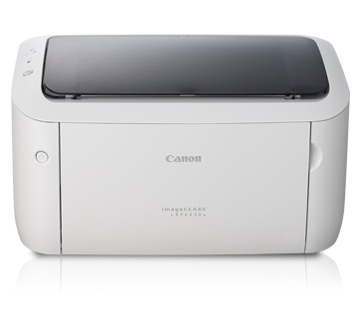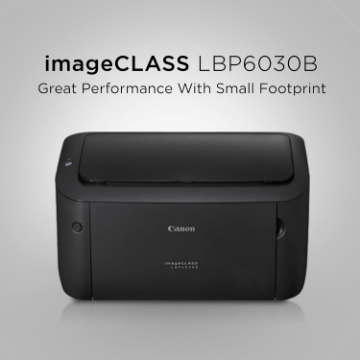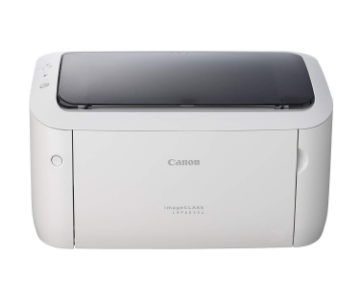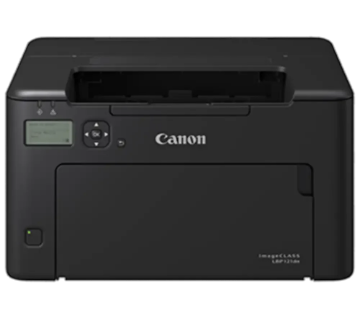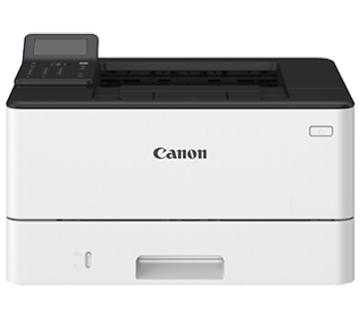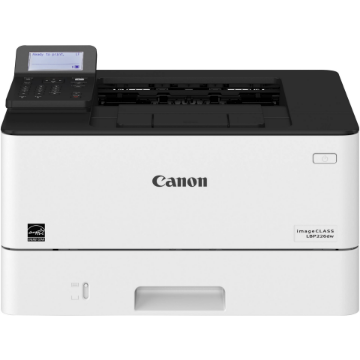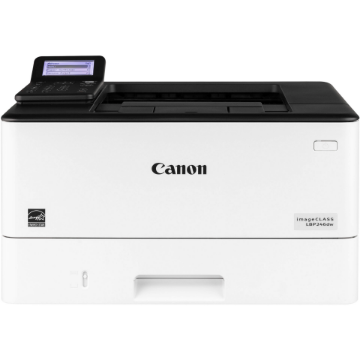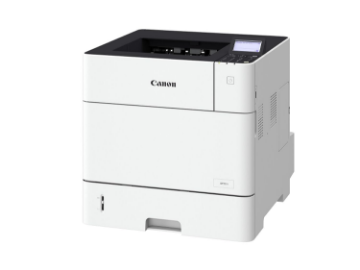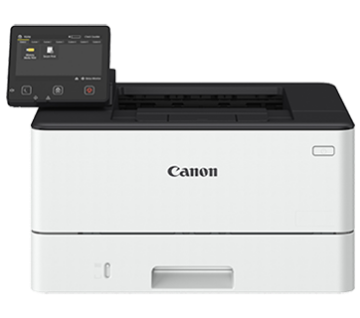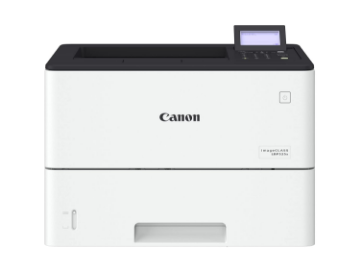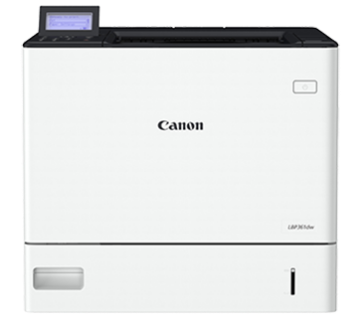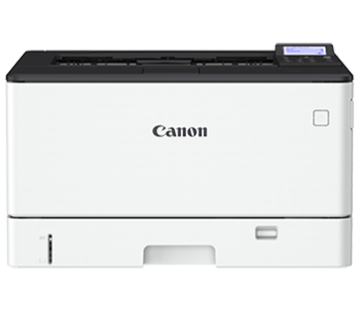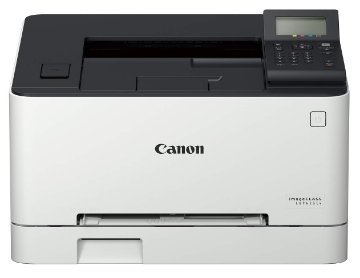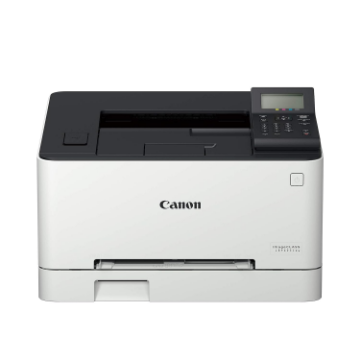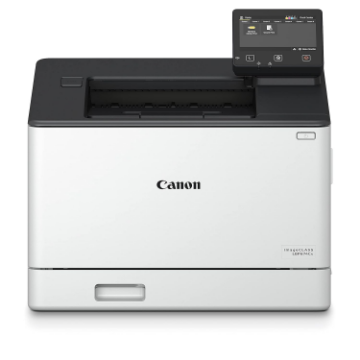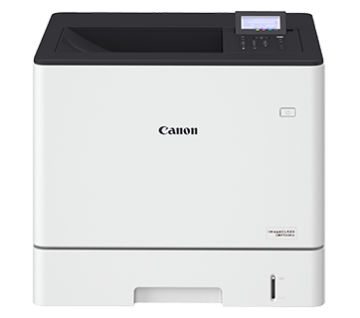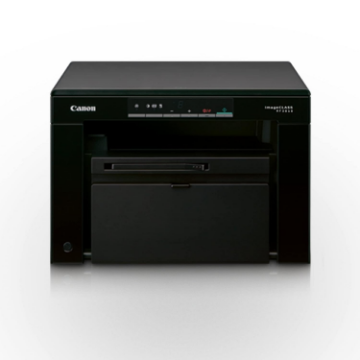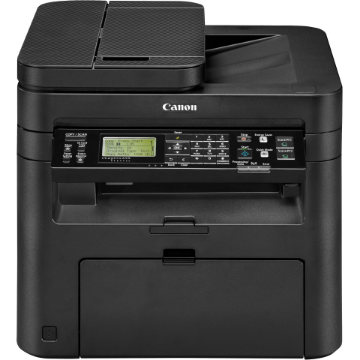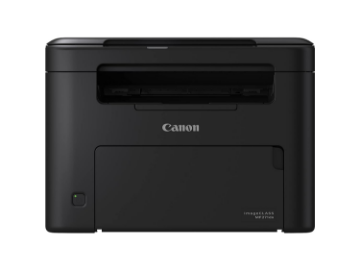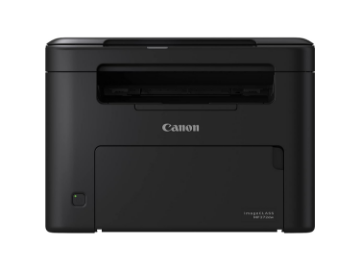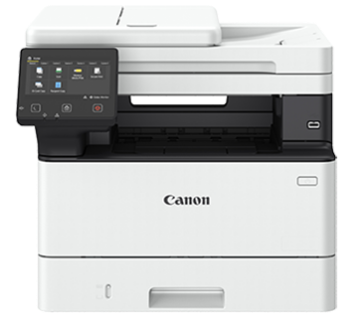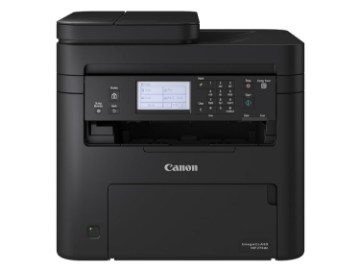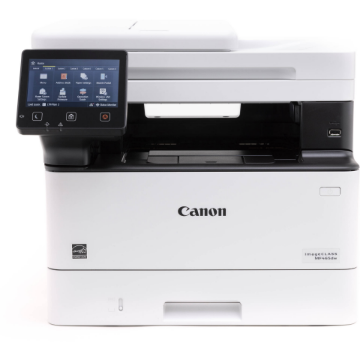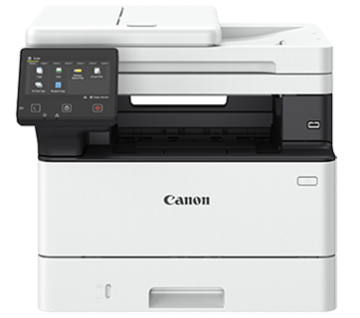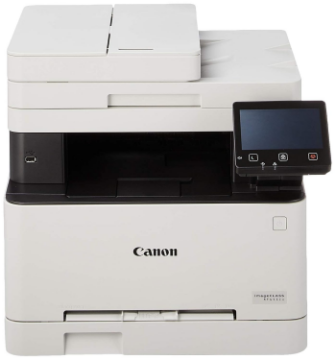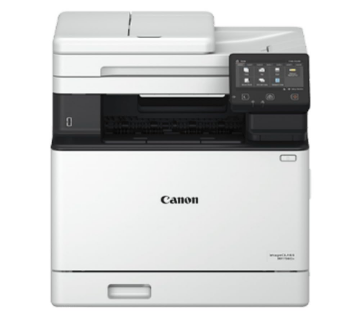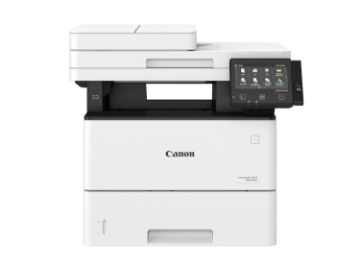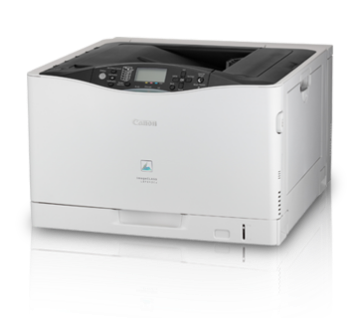


























































































































































































Print from nearly anywhere in your home or small office with the built-in Wi-Fi connectivity of the imageCLASS LBP6030w Monochrome Laser Printer from Canon. It offers a resolution of 600 x 600 dpi that uses Canon's laser printing technology to produce an equivalent to 2400 x 600 dpi for detailed documents. Also, the unit is quite fast with a print speed of 19 ppm and a first print out time of <8 seconds. Additionally, the wireless connectivity enables printing directly from a mobile device using the Canon Mobile Printing app.
A 150-sheet input tray handles documents from 3.0 x 7.4" up to 8.5 x 14" and it has a rated monthly duty cycle of 5,000 pages. In addition to the wireless connectivity, the printer does have a standard USB 2.0 connection.
- Energy Saver mode uses just 1.6 W of energy
- Secure network printing features
- Optional input trays allow for a maximum paper capacity of 800 pages
Features
Canon's proprietary technology On-Demand Fixing consume less power and warm up quickly compared to the conventional fusing roller designs, enabling a fast warm up time and quick first print.

With Canon’s latest mobile business solution, you can print documents, photos, web pages and emails all with just one app. Click here to find out more!
The Canon all-in-one toner cartridge 925 integrates the photosensitive drum, cleaning unit and toner reservoir in one compact package, saving costs and making cartridge replacements easy.
The printer can be configured to enter sleep mode and auto shutdown after it remains idle for a specified length of time, consuming less energy. With a low Energy Star Typical Electricity Consumption value of 0.48kWh/week, it is easy to be kind to the environment while saving cost.
With Canon UFR II LT print language, the printer takes full advantage of the PC's processing power. UFR II LT effectively removes the need for expensive memory upgrades on the printer.
The LBP6030w comes with the WPS button located on the printer. Set up a Wi-Fi connection for wireless printing, with just one-touch of the WPS button on the printer and router.