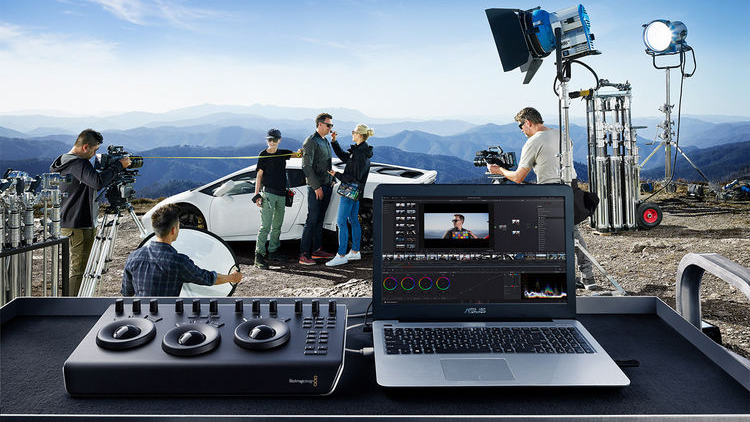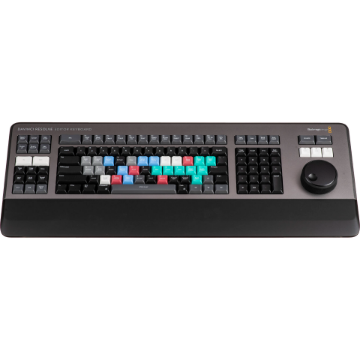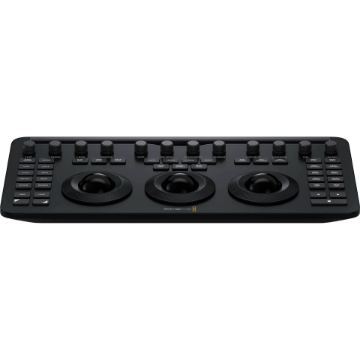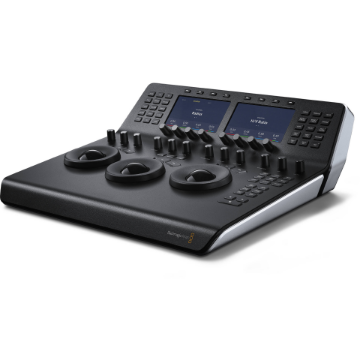




























































































































































































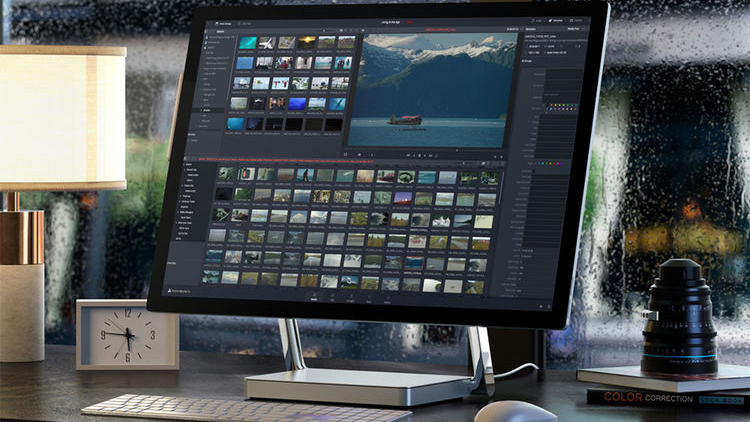
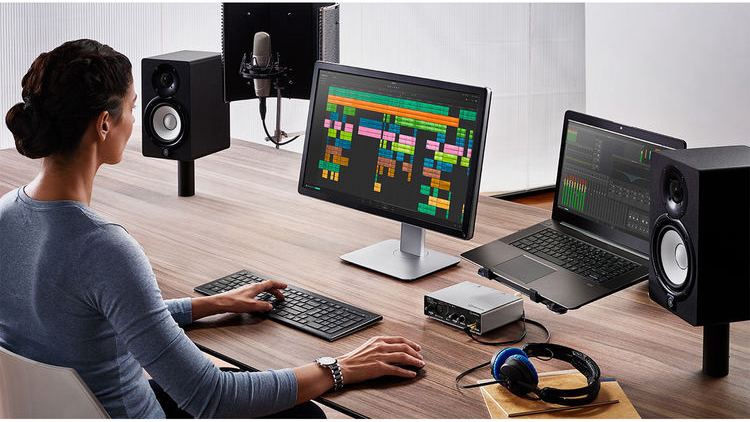
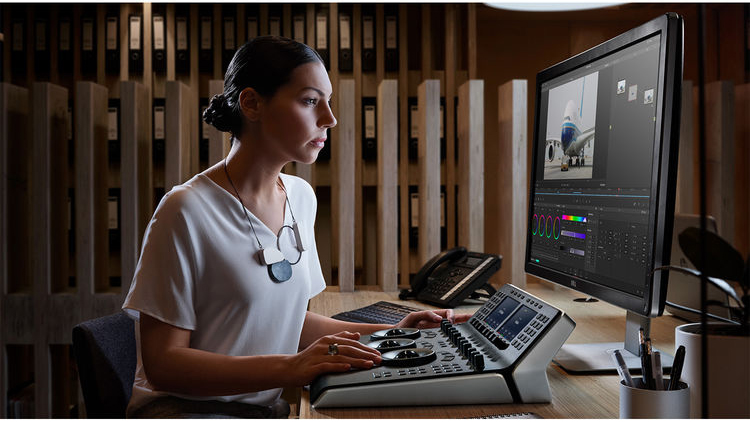
Blackmagic Design DaVinci Resolve Studio is an NLE that can be used for projects ranging from personal films to feature films and VFX. The Color page features new HDR grading tools, an AI-based magic mask for targeted grading, and a color warper. Fairlight provides a faster workflow with updated mouse and keyboard edit selection tools. Fairlight also has a next-generation audio engine and busing architecture with support for editing 2000 tracks in real time.
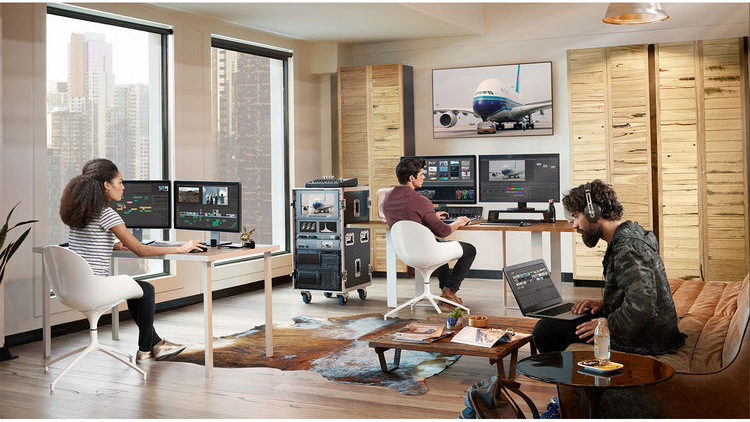
DaVinci Resolve offers a comprehensive editing experience by combining different editors in one platform, across different tabs at the bottom of the interface. Between these different tabs, you get full-featured advanced solutions for video editing, color correction, visual effects, motion graphics, and audio post-production. DaVinci Resolve is also built to work fast and efficiently and to handle large projects with collaboration. You can work with up to 8K footage and a wide variety of formats. Toolsets are available for advanced HDR editing, 3D stereoscopic workflows, social media content, and much more.
Your order provides you with an activation card by mail. The card has a code for downloading and running the software on up to two computers.
Note: The documentation provided with your order may possibly be for the previous version of Resolve Studio, but your download will still provide you with the most recent version.
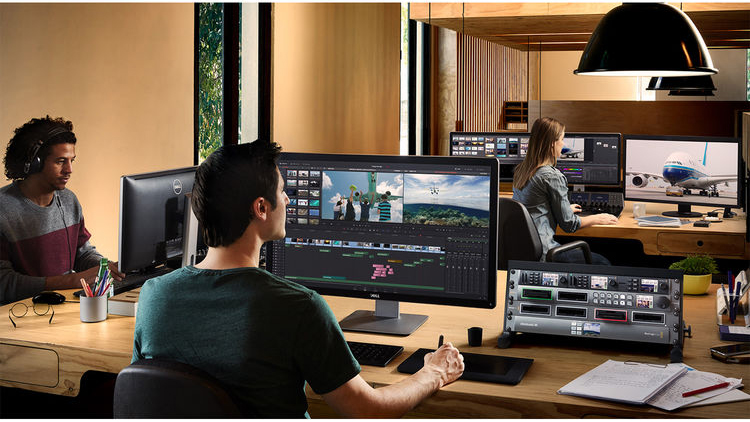
- Blackmagic Cloud to host and manage cloud-based project libraries.
- Collaborate securely over the internet using Blackmagic ID.
- Support for intelligent path mapping to relink files automatically.
- Vastly improved project library performance for network workflows.
- Improved project performance, especially when working on large projects.
- New Proxy Generator app for auto-creating proxies within watch folders.
- Ability to choose between prioritizing proxies or camera originals.
- Proxy files in subfolders are automatically assigned in the media pool.
- Stabilize Blackmagic Pocket Camera clips with camera gyro metadata.
New subtitle improvements, including:
- Support for timed text TTML, XML, and embedded MXF/IMF subtitles.
- Ability to view and import subtitles from media storage.
- Support for relinking subtitle clips from the media pool.
- Subtitle region support with multiple simultaneous captions per track.
- Set individual presets and text positions, and intuitively edit between regions.
- Add, rename, and manage regions from the timeline context menu.
- Ability to export TTML subtitles from the track header context menu.
- Ability to import, export, and embed multiple subtitle tracks as TTML.
- Support for reversing shape, iris, and wipe transitions on the edit page.
- Support for showing up to 25 simultaneous multicamera angles on the viewer.
- Edit Index now shows clip duration.
- Ability to navigate keyframes outside trimmed clip extents.
- Ability to navigate retime keyframes using hotkeys.
- Smart bin filter for disabled timelines.
- Render in place and open in Fusion actions can be assigned shortcuts.
- Reset Fusion composition now works on multiple clip selections.
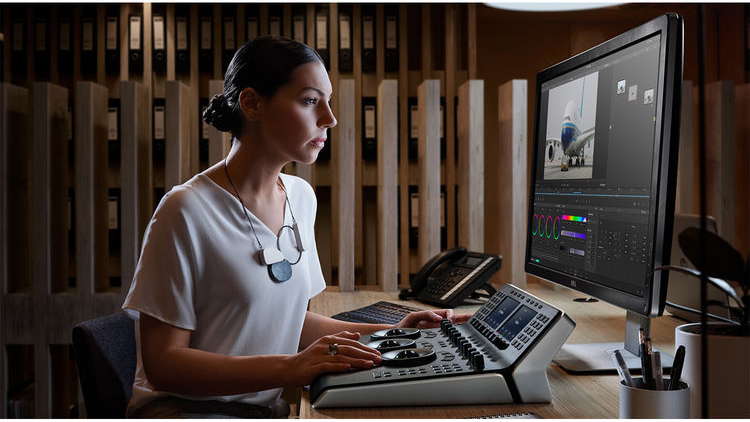
- New object mask capability in Magic Mask.
- Adjustment clips and Fusion generators can bypass color management.
- Support for syncing clip groups in remote grading sessions.
- Ability to trigger bidirectional tracking from advanced and mini panels.
- Support for matte finesse and 3D qualifier in advanced and mini panels.
- Dolby Vision highlight clipping support in advanced panels.
- Support for bypassing color outputs from advanced panels.
- Add key mixers with auto-connected key outs from advanced panels.
- Support for bidirectional tracking in advanced panels.
- Support for fast review playback mode in advanced panels.
- ACES support for Blackmagic Gen 5 camera formats.
- Support for the HDR Vivid standard.
- Reference gamut compression is enabled by default in ACES 1.3.
- New Resolve FX Depth Map to generate 3D depth-based keys in Studio.
- New Resolve FX Fast Noise.
- New Resolve FX Despill.
- New Resolve FX Surface Tracker for tracking warped surfaces in Studio.
- Improved Resolve FX Beauty with new ultra mode.
- Improved edge strength and filter controls in Resolve FX Edge Detection.
- Option to composite from a second input in Resolve FX Transform.
- New bokeh preset for Resolve FX Lens Reflections.
- Green-purple control for Resolve FX Chromatic Aberration.
- Sizing awareness option in Resolve FX lens flare and radial and zoom blurs.
- Ability to convert fixed bus projects to FlexBus in project settings.
- Ability to freely order tracks and buses in the mixer via the track index.
- Ability to nudge custom millisecond or sub-frame intervals in the timeline.
- Improved quality for time-stretched audio.
- Improved Dolby Atmos immersive mixing, including binaural monitoring.
- Native support for Dolby Atmos production for Linux and Apple silicon.
- Independent controls to enable automation and expose parameters.
- Improved behavior of automated tracks under VCA control.
- Improved meters with configurable decay, peak hold, and display modes.
- Ability to ctrl-alt click to remove gain and elastic wave keyframes.
- Ability to double-click a clip in the timeline to rename.
- Ability to set record clip name prefix at a per-track level.
- Support for renaming underlying tracks when renaming a linked group
- Equalizers with improved Q controls and mouse wheel inputs.
- Dynamics with enhanced metering, gain display, and enable controls.
- Dynamics with improved dry mix, soft knee, and metering in FlexBus.
- Improved plug-in management with replace and copy settings in the mixer.
- New built-in presets for equalizers and dynamics.
- Hold shift and double-click clips to extend the edit selection range.
- Support for applying audio gain on range selection.
- Improved waveform display accuracy under crossfades.
- Origination time metadata is now persisted when bouncing mix to track.
- Option to trim from unity on the Fairlight Desktop Console.
- Support for VCA and bus spill on the Fairlight Desktop Console.
- Support for using the Fairlight Desktop Console on Linux systems.
- Studio monitoring support for FlexBus on consoles.
- Fairlight console option to mute speakers on timeline load.
- Support for chasing timecode via Fairlight audio interfaces.
- Support for user views in the Fairlight Desktop Console.
- Improved mapping for audio effects on the Audio Editor panel.
- Ability to use alt + solo to invoke solo safe in the Audio Editor panel.
- Support for a new clear mutes action in the timeline menu.
- Enabling track mixer controls brings a window to focus if already open.
- Grid and list modes are persisted for patch, bus, and VCA assign.
- Multi-button mode selection in the inspector for multiple tools.
- Support for all modern and future Python 3 versions for scripting.
- Support for live previews when using the Text+ color picker.
- Multiple new composition blend modes.
- New expression animated Custom Poly modifier for masks and strokes.
- Faster GPU-accelerated paint tool with smoother strokes.
- Faster duplicate tool with additional blur, glow, and size controls.
- Improved fade-on and text ripple title performance.
- Improved performance for night vision, glitch, TV, and other effects.
- Support for Blackmagic RAW SDK 2.6.
- Support for video uploads to internet accounts using custom presets.
- Support for encoding mono and stereo MP3 audio.
- New HyperDeck export preset in the Quick Export and Deliver page.
- Ability to render individual clips with timeline effects.
- Ability to embed Blackmagic RAW metadata in QuickTime renders.
- Custom quality and profile media management options where available.
- Support for rendering Dolby Vision compatible H.265 clips.
- Support for decoding CMYK format TIFF files.
- Support for retaining reel name metadata in rendered EXRs.
- Support for record date and time metadata for JPEG stills.
- Alpha channel support in the IO Encode Plug-in SDK.
- Support for RED SDK 8.3.
- Support for the ARRI Alexa 35 camera.
- New 1440p YouTube preset.
- Render option to override ACES gamut compression for round trips.
- Main10 is now the default H.265 encoding profile on Mac.
- Support for 10-bit viewers on Windows and Linux in Studio.
- Stream video output to remote monitoring in Windows and Linux in Studio.
- Apple Neural Engine support for DaVinci Neural Engine on M1 and M1 Pro.
- Support for Korean localizations in DaVinci Resolve.
- PostgreSQL 13 is now bundled with Project Server.
- Support for desktop notifications for collaboration chat.
- User preference to import Finder tags as clip keywords on Mac.
- Support for importing and exporting Final Cut Pro v1.10 XMLs.
- Ability to unlink Dropbox comments and marker sync for timelines.
- Playback and render now prevent Mac systems from sleeping.
- Render jobs now show progress bars for uploads.
- Support for per-system project working paths in collaboration and cloud.
- Support for per-system render cache mode in collaboration and cloud.
- Support for setting current project settings as default.
- Drag and drop project archives to the project manager to restore.
- Scripting API support for creating Fusion compositions.
- Scripting API support for exporting project archives.
- Scripting API support to get and set timeline start timecode.
- Scripting API support to detect stale media bins and refresh them.
- Scripting API support for updating camera raw sidecar files.
- General performance and stability improvements.
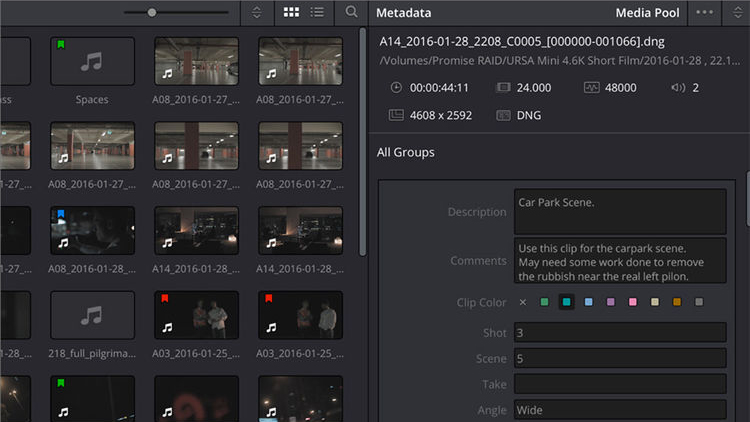
- Metadata view and clip sorting
- Trimming against audio waveforms
- Smart Reframe for social media
- Fast effects search and live preview
- Import ATEM Mini projects
- Updated clip inspector
- Proxy media workflows
- Easily sync multicamera clips
- Keying and compositing
- Render in place
- Source clip adjustments
- Share timelines and bins
- Improved editing with interlaced material
- Enhanced timeline organization
- Scene cut detection
Additional format support: decoding support for QuickTime PNG, uncompressed RGB 8-bit and YUV 10-bit AVI, and spanned Panasonic 8K SHV clips; improved support for GoPro CineForm, HTJ2K, and MP3 on Linux
Increased video metadata support: support for frame-based metadata from Blackmagic RAW, ARRI, RED, and Sony camera files, along with decoding and rendering per frame EXR metadata; improved metadata support for Sony MXF, IMF MCA audio, non-HDR DCP export, and HDR tags in DCP workflows
Advanced noise reduction
Pre-Installation Notes
- PostgreSQL 9.0 is the minimum supported version.
- PostgreSQL 13 is the recommended version.
- 10-bit viewers on Windows and Linux need a capable graphics card and display.
- macOS 11 Big Sur
- 8GB of system memory, 16GB when using Fusion
- Blackmagic Design Desktop Video version 12.0 or later
- Integrated GPU or discrete GPU with at least 2GB of VRAM
- GPU that supports Metal or OpenCL 1.2
- Windows 10 Creators Update
- 16GB of system memory, 32GB when using Fusion
- Blackmagic Design Desktop Video 10.4.1 or later
- Integrated GPU or discrete GPU with at least 2GB of VRAM
- GPU that supports OpenCL 1.2 or CUDA 11
- NVIDIA/AMD/Intel GPU Driver version–as required by your GPU
- CentOS 7.3
- 32GB of system memory
- Blackmagic Design Desktop Video 10.4.1 or later
- Discrete GPU with at least 2GB of VRAM
- GPU that supports OpenCL 1.2 or CUDA 11
- NVIDIA/AMD Driver version–as required by your GPU