






















































































STANDARD EMI STARTS AT ₹ 3,183 PER MONTH

Close
You have no items in your shopping cart.

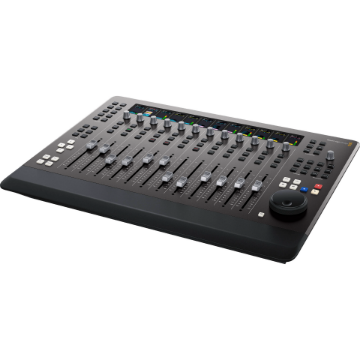
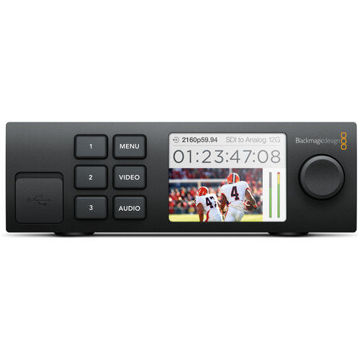
Blackmagic Design DaVinci Resolve Micro Color Panel

+ -

Blackmagic Design DaVinci Resolve Micro Color Panel


Blackmagic Design DaVinci Resolve Micro Color Panel

Blackmagic Design DaVinci Resolve Micro Color Panel

See More from Brand: BlackMagic Design
4 New Offers Available. Tap to View.
Contact us for any questions.

Offer Price: ₹ 56,144 (Pay using IMPS/NEFT mode at Checkout)

Tag your order on Instagram & get a ₹300 Zomato Money Voucher

Make an unboxing video on YouTube & get a ₹1000 Zomato Money Voucher

Buy Now Pay Later using ICICI PayLater, HDFC FlexiPay, Zest Money

Try our Gear Rentals. Earn ₹500 Store Credit for your first Rental

Incl. taxes & GST invoice for input credit
₹ 57,290
₹ 61,336
    This Item Earns 573 Cashback Points
    4 New Offers Available. Tap to View.
    Contact us for any questions.

    Offer Price: ₹ 56,144 (Pay using IMPS/NEFT mode at Checkout)

    Tag your order on Instagram & get a ₹300 Zomato Money Voucher

    Make an unboxing video on YouTube & get a ₹1000 Zomato Money Voucher

    Buy Now Pay Later using ICICI PayLater, HDFC FlexiPay, Zest Money

    Try our Gear Rentals. Earn ₹500 Store Credit for your first Rental

    Availability: Temporarily Out of Stock
    + -

    Blackmagic Design DaVinci Resolve Micro Color Panel

    For DaVinci Resolve Software | 3 High-Resolution Trackballs | Precision Machined Control Knobs | Navigation and Transport Keys
      easy return policy at imastudent   Easy
      Return
      fastest delivery at imastudent   Fast
      Delivery
      payment protection   Payment
      Protection
      Check For Delivery
      new product logo image
      BRAND NEW ITEM
      invoice image
      Our GST Invoice
      1 year warranty logo image
      1 YEAR WARRANTY
      AfterSales Support

      • Introducing Product Rentals. Now rent your favourite gear from us.
      • Save money by renting before buying expensive gear.
      • Visit RENTALS.IMASTUDENT.COM to start renting your first gear.
      • Not all products can be rented but we can try to rent every product you ask for. So don't hesitate to contact us if you want to rent a special product.

      • Most orders ship same day or next unless specifically mentioned.
      • Questions regarding the shipment, call us toll-free at 1800-258-3138
      • Our Phone support is can be busy. Contact us using chat or e-mail
      • We offer 1 or 2 day shipping available for 30+ cities

      • We offer 7-day return & replacement policy on all physical products.
      • Manufacturer warranty can be availed post 7 days.
      • We offer easy no-hassle return pickup options.
      • We Only Sell Brand Authorized Products. So, We Take 100% Original Guarantee of Our Products.

      • Found it cheaper elsewhere? We offer Price Match Policy with most online retailers.
      • Contact us to do price matching with additional discounts.
      • Price Match cannot be offered during Sales Events or Special Seller Offers.

      Question & Answer
      Don't see the answer you're looking for?
      4 New Offers Available. Tap to View.
      Contact us for any questions.

      Offer Price: ₹ 56,144 (Pay using IMPS/NEFT mode at Checkout)

      Tag your order on Instagram & get a ₹300 Zomato Money Voucher

      Make an unboxing video on YouTube & get a ₹1000 Zomato Money Voucher

      Buy Now Pay Later using ICICI PayLater, HDFC FlexiPay, Zest Money

      Try our Gear Rentals. Earn ₹500 Store Credit for your first Rental

      + -

      Blackmagic Design DaVinci Resolve Micro Color Panel

      Blackmagic Design DV/RES/AAAPNLMIC/EN Overview

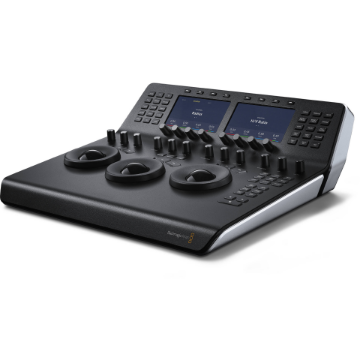
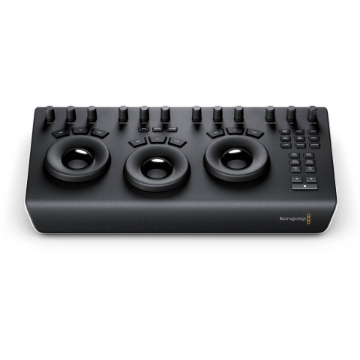
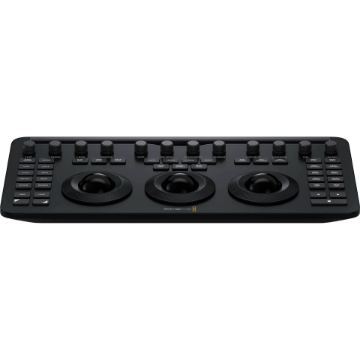
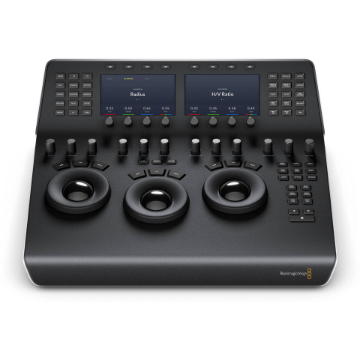
      Designed to work in tandem with your Apple iPad Pro, the DaVinci Resolve Micro Color Panel from Blackmagic Design provides the same level of professional color control as other panels but with a beginner-friendly interface. The panel provides more color and a faster workflow to DaVinci Resolve Studio software than working just with a keyboard and mouse. It consists of three high-resolution trackballs, 12 control knobs, and several buttons to adjust parameters like Y lift, Y gamma, Y gain, and contrast.

      The controls of the panel are in similar places as the controls of the advanced versions. You can even adjust the power window shape, size, and position, softness, or resize the input image. The Micro Color Panel is not much larger than a standard keyboard and features a slot to mount your iPad Pro and use the tablet as your software display. Connect to your iPad or personal computer via Bluetooth or USB-C connection. The panel runs on an internal battery or USB-C power.

      Primary Adjustment Controls

      Control knobs are grouped into four sets of three knobs.

      Luminance
      • Y Lift control: Adjust the contrast of the image in the darker areas, specifically in the Y (luminance) channel only. This adjustment allows changing the black point without changing saturation.
      • Y Gamma control: Adjust the contrast of the image in the mid-tone areas, specifically in the Y (luminance) channel only. This control helps add depth and extra vibrancy to shots.
      • Y Gain control: Adjust the contrast of the image in the highlight areas, specifically in the Y (luminance) channel only. This adjustment allows you to change the highlights without changing saturation.
      Contrast
      • Contrast Control: Increase contrast to make the blacks darker and the whites brighter, or decrease contrast to do the opposite.
      • Pivot: Change the center of tonality about which dark and bright parts of the image are stretched or narrowed during a contrast adjustment.
      • Mid-Tone Detail: Affect the contrast of regions of the image with high edge detail to increase or decrease the perception of image sharpness and definition. Often used for softening facial features, making it popular for beauty shots.
      Detail
      • Color Boost Control: Raise the saturation in regions of the image with low saturation while leaving properly saturated areas alone. Also known as a vibrance operation, this is useful for adding color without oversaturating the image.
      • Shadow Control: Selectively lighten or darken shadow detail without affecting your image's mid-tones.
      • Highlight Control: Enable retrieving blown-out highlight detail in high dynamic range media by lowering this parameter. This allows you to achieve a smooth blend between the retrieved highlights and unadjusted mid-tones for a natural-looking image.
      Saturation
      • Increases or decreases overall image saturation. You can turn your color image into a grayscale image with this control.
      • Hue Control: Rotate all hues of the image around 360° of the color wheel. The default setting is 50, which retains the original distribution of hues.
      • Luminance Mix Control: Control the balance between the YRGB adjustments and Y-only adjustments made using the Y channel lift, gamma, and gain controls.
      More From Same Category

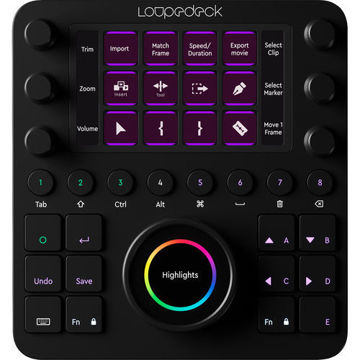
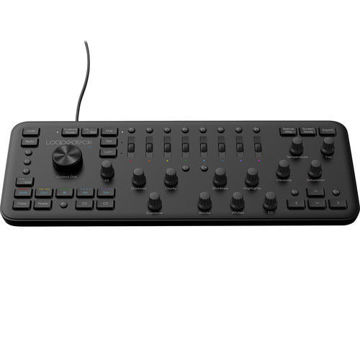
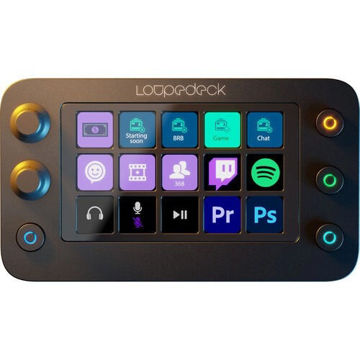
      Loupedeck Creative Tool

      ₹ 47,990 ₹ 45,590

      Loupedeck Live S

      Pricing N/A Yet

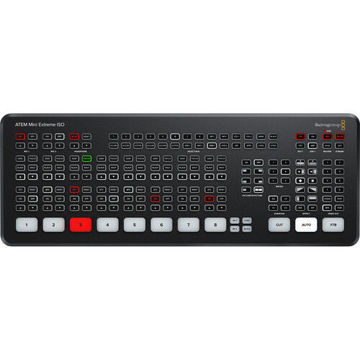
      Blackmagic Design ATEM Mini Extreme

      ₹ 1,29,664 ₹ 1,21,490
      Customers who bought this item also bought

      Blackmagic Design DaVinci Resolve Micro Color Panel

      For DaVinci Resolve Software | 3 High-Resolution Trackballs | Precision Machined Control Knobs | Navigation and Transport Keys
      ₹ 57,290 ₹ 61,336
      incl. of GST invoice for input credit
      Blackmagic Design DaVinci Resolve Studio Software (Digital Key)

      Over 100 New Features & 200 Improvements | 8K Editing & Color Correction | Advanced HDR Editing | AI-Based Magic Mask for Targeted Grading | E-mail Delivery in 12-24 Hours | 1-Key for 2 Devices
      ₹ 35,094 ₹ 37,736
      Frequent Searches