












































































































































STANDARD EMI STARTS AT ₹ 2,925 PER MONTH

Close
You have no items in your shopping cart.

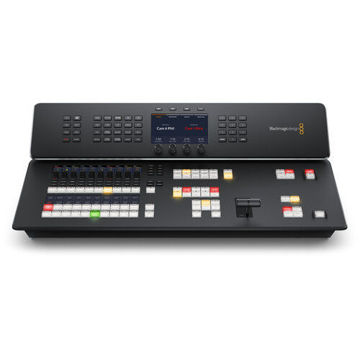
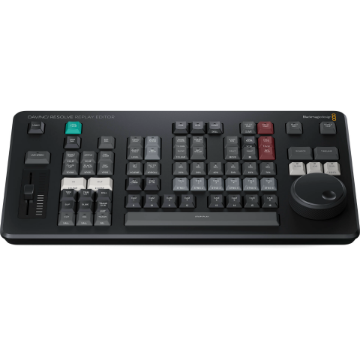
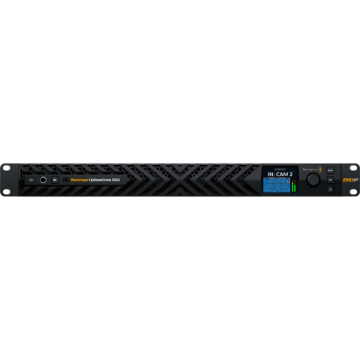
Blackmagic Design DaVinci Resolve Replay Editor

+ -

Blackmagic Design DaVinci Resolve Replay Editor


Blackmagic Design DaVinci Resolve Replay Editor

Blackmagic Design DaVinci Resolve Replay Editor

See More from Brand: BlackMagic Design
4 New Offers Available. Tap to View.
Contact us for any questions.

Offer Price: ₹ 51,600 (Pay using IMPS/NEFT mode at Checkout)

Tag your order on Instagram & get a ₹300 Zomato Money Voucher

Make an unboxing video on YouTube & get a ₹1000 Zomato Money Voucher

Buy Now Pay Later using ICICI PayLater, HDFC FlexiPay, Zest Money

Try our Gear Rentals. Earn ₹500 Store Credit for your first Rental

Incl. taxes & GST invoice for input credit
₹ 52,653
₹ 56,616
    This Item Earns 527 Cashback Points
    4 New Offers Available. Tap to View.
    Contact us for any questions.

    Offer Price: ₹ 51,600 (Pay using IMPS/NEFT mode at Checkout)

    Tag your order on Instagram & get a ₹300 Zomato Money Voucher

    Make an unboxing video on YouTube & get a ₹1000 Zomato Money Voucher

    Buy Now Pay Later using ICICI PayLater, HDFC FlexiPay, Zest Money

    Try our Gear Rentals. Earn ₹500 Store Credit for your first Rental

    Availability: On Backorder, Ships in 20 days.
    + -

    Blackmagic Design DaVinci Resolve Replay Editor

    Switch from Input View to Playback Media | Review Other Camera Angles | Point-of-Interest Button | Upload to Social Media
    easy return policy at imastudent   Easy
    Return
    fastest delivery at imastudent   Fast
    Delivery
    payment protection   Payment
    Protection
    Check For Delivery
    new product logo image
    BRAND NEW ITEM
    invoice image
    Our GST Invoice
    1 year warranty logo image
    1 YEAR WARRANTY
    AfterSales Support

    • Introducing Product Rentals. Now rent your favourite gear from us.
    • Save money by renting before buying expensive gear.
    • Visit RENTALS.IMASTUDENT.COM to start renting your first gear.
    • Not all products can be rented but we can try to rent every product you ask for. So don't hesitate to contact us if you want to rent a special product.

    • Most orders ship same day or next unless specifically mentioned.
    • Questions regarding the shipment, call us toll-free at 1800-258-3138
    • Our Phone support is can be busy. Contact us using chat or e-mail
    • We offer 1 or 2 day shipping available for 30+ cities

    • We offer 7-day return & replacement policy on all physical products.
    • Manufacturer warranty can be availed post 7 days.
    • We offer easy no-hassle return pickup options.
    • We Only Sell Brand Authorized Products. So, We Take 100% Original Guarantee of Our Products.

    • Found it cheaper elsewhere? We offer Price Match Policy with most online retailers.
    • Contact us to do price matching with additional discounts.
    • Price Match cannot be offered during Sales Events or Special Seller Offers.

    Question & Answer
    Don't see the answer you're looking for?
    4 New Offers Available. Tap to View.
    Contact us for any questions.

    Offer Price: ₹ 51,600 (Pay using IMPS/NEFT mode at Checkout)

    Tag your order on Instagram & get a ₹300 Zomato Money Voucher

    Make an unboxing video on YouTube & get a ₹1000 Zomato Money Voucher

    Buy Now Pay Later using ICICI PayLater, HDFC FlexiPay, Zest Money

    Try our Gear Rentals. Earn ₹500 Store Credit for your first Rental

    + -

    Blackmagic Design DaVinci Resolve Replay Editor

    Blackmagic Design DaVinci Resolve Replay Overview

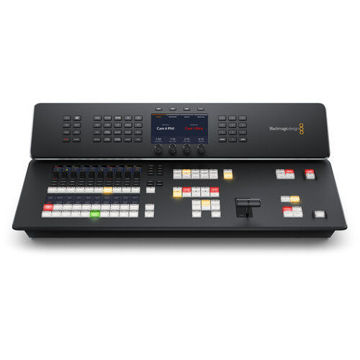
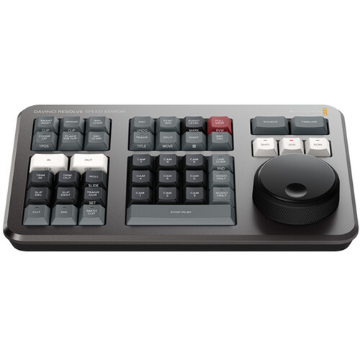
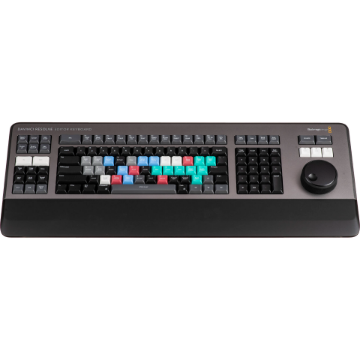
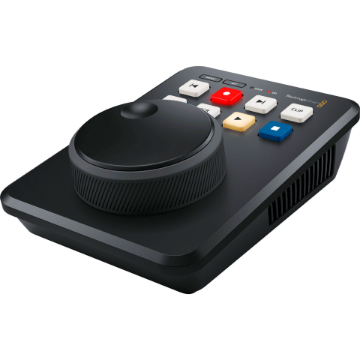
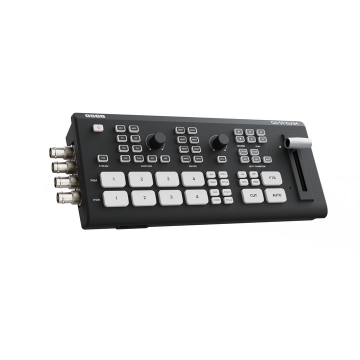
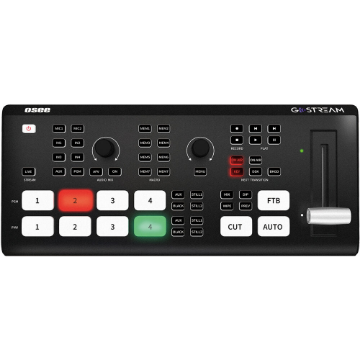
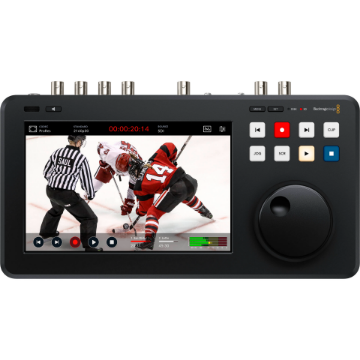
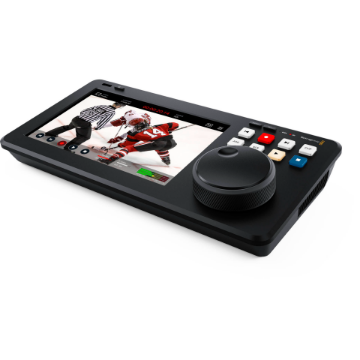
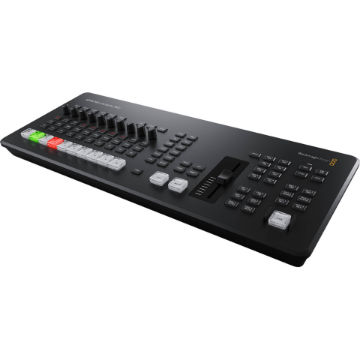
    The Blackmagic Design DaVinci Resolve Replay Editor combines features for both replay and multicam editing in a single hardware control panel for live sports and news-cutting applications. Multiple keys toggle between inputs, set Point-of-Interests, and enable an auto stinger, among other functions. The panel connects to your preexisting network via Bluetooth 5.1 LE technology. A large internal battery keeps the panel going for long production days and can be turned on and off with an onboard switch. Charge the battery or use a separately available power supply via the USB-C port.

    View Live Input

    Change the viewer to a direct input from video hardware such as a switcher multiview.

    Set Point-of-Interest

    To mark an event during your broadcast, press the POI button or the space bar when your desired input is selected. This will set the POI time from the input timecode, switch to the source view, and cue the POI.

    Go to End

    Press "Go to End" if you get distracted while editing your selected clip and miss an event. This takes you to the end of the recently recorded media and allows you to scroll back and see what happened.

    Find the Best Angle

    DaVinci Resolve can play all of your camera angles simultaneously into a multiview configuration so you can use your Replay Editor and find the best angle for your replay.

    Auto Stinger

    Enable an auto stinger before you start a replay to automatically roll a stinger before or after rolling your clip. You can select different stingers using the title keys.

    Set Transitions

    When rolling a replay, use the cut and dissolve buttons to select the type of transition you want. Each time you select a new camera you will see your transition of choice.

    Start Replay

    The run button starts a replay and enables the key channel output so the switcher will display the playback and start the auto stinger. It also starts logging when adding the replay to the timeline.

    Set Playback Speed

    Execute live speed changes with the slider control to slow playback speed on both the viewer and the timeline. When you slow all the way to stop the search dial lets you move around the paused area.

    Switch Between Cameras

    Use the camera buttons to cut between up to 16 sources when playing to air. The viewer will continue to show a multiview and the selected camera will output to the video output.

    Sequence Shots

    If you press a time key and a cam button while playing to air, DaVinci Resolve will jump playback to the selected time before the POI.

    Stop Replay

    The dump button stops replay and adds the shots to the timeline if one is selected. It can also run the auto stinger.

    New Timelines

    The new timeline key will save the current timeline and open a new one with a similar name. This allows you to efficiently create a new timeline for each replay clip.
    More From Same Category

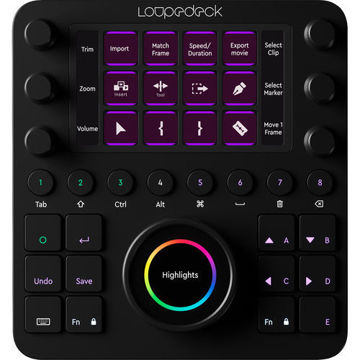
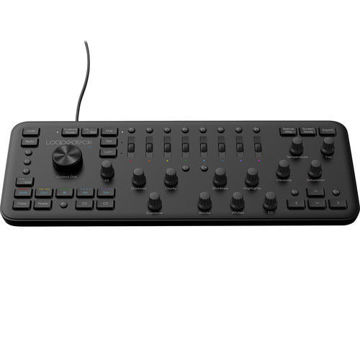
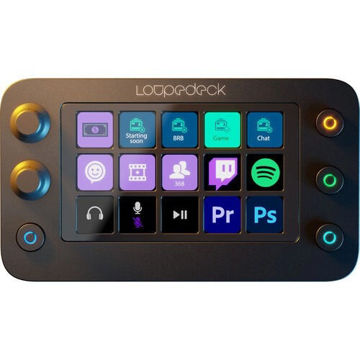
    Loupedeck Creative Tool

    ₹ 47,990 ₹ 45,590

    Loupedeck Live S

    Pricing N/A Yet

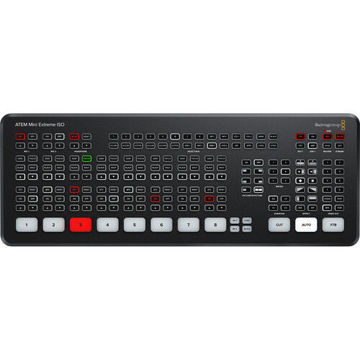
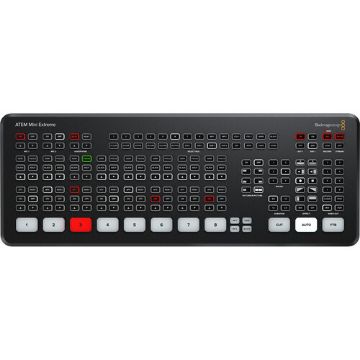
    Blackmagic Design ATEM Mini Extreme

    ₹ 1,29,664 ₹ 1,21,490
    Customers who bought this item also bought

    Blackmagic Design DaVinci Resolve Replay Editor

    Switch from Input View to Playback Media | Review Other Camera Angles | Point-of-Interest Button | Upload to Social Media
    ₹ 52,653 ₹ 56,616
    incl. of GST invoice for input credit