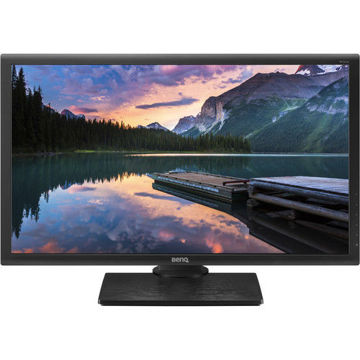









































































































































































BenQ Video Post-Production Monitor with Rec.709, DCI-P3 |PV270
Accurate Colors You Can Count On
Designed to meet high demands of imaging professionals, BenQ PV270 Technicolor Color Certified to ensure reliable digital color rendering on screen. Uncompromising Rec. 709, Adobe RGB, and DCI-P3 color performance and powerful calibration tools make the PV270 ideal for video post-production.
Reliable Color Throughout Production Workflow
PV270's comprehensive and rigorous color management ensures consistent color reproduction throughout the video post-production process. From rough cut, effects addition, color correction, and composition to output, color rendition remains precisely accurate for results that perfectly match your intentions.
With four times the resolution of Full HD displays, 2K QHD resolution delivers extraordinary clarity of fine details and textures for visually intensive work with the most perceptible quality in graphics, designs, and photos that human eyes can see.
AQCOLOR :True Colors Right Before You
Devoted to meet the latest professional color standard, BenQ has developed AQCOLOR technology to uphold the concept: “Accurate Reproduction". BenQ has invited a color expert to lead the team, and also actively participated in ICC (International Color Consortium) and ISO (International Standard Organization) to establish color-related standards and implementation.
Rec.709 and DCI-P3 Color Gamut
The PV270 provides 100% coverage of the Rec. 709 and 96% of the DCI-P3 standards, ensuring output for high-definition television and digital cinema matches the colors you have defined. The PV270 also provides 99% coverage of the Adobe RGB color space designed to encompass most of the colors producible for graphic art professionals.
14-Bit 3D LUT and Delta E ≤ 1.5
The 14-bit 3D Look Up Table (LUT) improves RGB color blending accuracy, resulting in impeccable color reproduction. Having Delta E≤2 in both Adobe RGB and sRGB color spaces gives you the truest and most representative view of the original image.
Hardware Calibration Produces Consistent Quality
Hardware calibration allows you to adjust the image processing chip in the monitor without changing the graphics card output data. It keeps images consistent with its original copies without being affected by graphic settings.
* Shading Hood (SH240) is an optional accessory
Palette Master Element Calibration Software
With the use of Palette Master Element and a calibrator, you can tune and maintain the color performance of the monitor at its most optimal state.
* Supported Platforms: Win7 or above, Mac OS 10.6.8 or above
* Supported Calibrators: X-Rite i1 Display Pro / i1 Pro / i1 Pro 2 & Datacolor Spyder 4 / Spyder 5
Brightness Uniformity
Achieved via delicate processes utilizing high precision apparatus to meticulously fine-tune hundreds of sub-regions on the entire screen, BenQ Brightness Uniformity offers perfectly authentic and consistent viewing experiences.
Backlight Stability Sensor
Advanced luminance control quickly achieves ideal brightness levels when powered on and maintains consistency during operating sessions over the display's lifetime.
Professionally Factory Calibrated for Exacting Color Accuracy
Each BenQ Photographer Monitor is individually factory-calibrated upon production to assure precise Delta-E and Gamma performance. Achieving an average Delta E≤2 in both Adobe RGB & sRGB color spaces, calibration results are validated against industry color standards to deliver the truest and most representative view of original content.
*Calibration eliminates slight color performance variations between individual panels of the same model. Therefore, the calibration data of each report will vary slightly from reports from other displays of the same model.
CalMAN VERIFIED Certification
BenQ’s PV270 monitors have obtained the certification of CalMAN VERIFIED, a verification program which has the display’s setting to an accurate industry-approved standard, ensuring that users are enjoying the industry-standard level performance.
Work Efficiently and Comfortably with Intuitive Design
GamutDuo
GamutDuo enables you to view content simultaneously in different color spaces side-by-side for comparison. Switch to PIP/PBP mode to enable GamutDuo.
*How to use GamutDuo function to view contents in different color spaces side-by-side
Color Display Clone
Color Display Clone eliminates guesswork to achieve accurate colors across multiple locations. A built-in color temperature sensor automatically adjusts the picture to ambient light conditions, ensuring color is rendered consistently to your target values.
*Requires Windows OS in Calibration mode only.
Ergonomic Design
Customize your workstation for the perfect user environment with an extensive range of height, tilt, pivot, stroke and swivel monitor adjustments, so you can enjoy viewing pictures in their full context.
Comprehensive Video Format Support
Video Format SupportPV270 supports 72Hz refresh rate for 24p film content to be displayed at native cadence without pulldown which can distort playback of the source video.
*Only supported via HDMI
Caring for Your Eyes
Industry-Leading Eye-Care TechnologyBenQ exclusive eye-care technologies reduce eye fatigue for user comfort, enhanced productivity, and workplace safety during extended use.
More From Same Category
Asus 28" 4K UHD TN Gaming Monitor PB287Q

Asus 24" FHD TN 3D 144Hz Gaming Monitors VG248QE
Asus 21.5" FHD Gaming Monitors VP228H
Asus 21.5" FHD IPS Gaming Monitors VZ229H

Asus MB168B 15.6" HD Portable Gaming Monitor
Asus 25" FHD IPS Gaming Monitors MX259H
Asus 24" FHD IPS Gaming Monitors PA248Q
Asus 27" WQHD IPS Gaming Monitors PA27AC
Asus 32" UHD IPS Gaming Monitors PA329Q
Asus 29" UW-FHD IPS Gaming Monitors PB298Q
Asus 27" WQHD IPS Gaming Monitor ROG SWIFT PG279Q
Asus 27" WQHD TN Curved Nvidia Gaming Monitors PG27VQ
Asus ROG Swift 34" Curved Nvidia UWQHD IPS Gaming Monitors PG348Q
Asus 32" FHD VA Gaming Monitors VA326H
Asus 16" WXGA Gaming Monitors VT168H
Asus 24" FHD IPS Gaming Monitors VZ249H
Philips 21.5 inch Full HD Monitor - 223V7QHAB/94
Philips 21.5 inch Full HD IPS LCD Monitor - 223V7QHAW/94
Philips 21.5 inch FHD LCD Monitor - 226E9QHAB/94
Philips 24 inch Full HD IPS Ultra-Wide LCD Monitor - 246E9QJAB/94
Philips 27 inch LCD Monitor with Ultra Wide-Color - 276E9QJAB/94
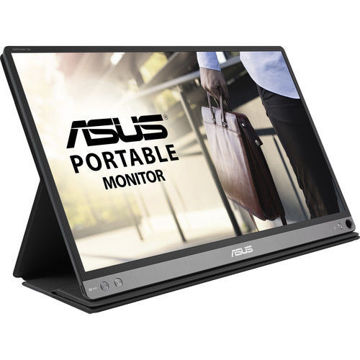
ASUS ZenScreen GO 15.6" 16:9 Portable IPS Monitor - MB16AP

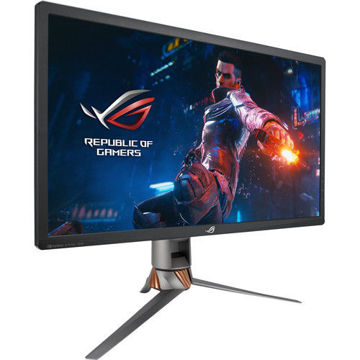
ASUS ROG Swift PG27UQ 27" 16:9 4K UHD IPS Gaming Monitor
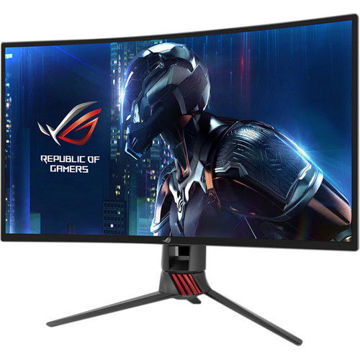
ASUS XG27VQ 27" 16:9 Curved LCD Gaming Monitor
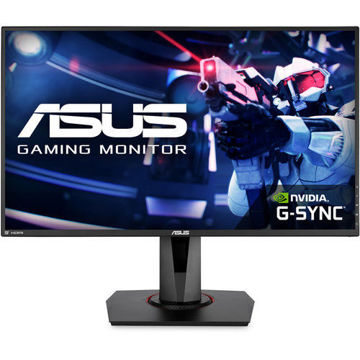
ASUS 27" 16:9 165 Hz Adaptive-Sync TN Gaming Monitor - VG278QR
ASUS 27" 16:9 IPS Monitor - VZ279HE
BenQ 24 inch IPS Monitor - GW2480T
BenQ 27 inch HDR FreeSync IPS Monitor - EW2780
Benq 27 inch LED Monitor - GW2780
BenQ 24 inch IPS Monitor - GW2480
ASUS 23.8" ROG Strix 16:9 240Hz FreeSync Gaming Monitor - XG248Q
AOC 22B1HS 21.5" 16:9 IPS Monitor
AOC LCD Gaming monitor E970Swn5 - 18.5" Wide
ASUS ProArt Display PA278QV 27" 16:9 Adaptive-Sync IPS Monitor
MSI Cubi 5 10M-238IN Mini Desktop Computer

MSI Cubi 5 10M-235IN Mini Desktop Computer
MSI Cubi 5 10M-236IN Mini Desktop Computer
MSI Cubi 5 10M-237IN Mini Desktop Computer
ASUS TUF Gaming VG28UQL1A Gaming Monitor
PHILIPS 49 inch Curved SuperWide Dual QHD LCD Display - 499P9H1/75
PHILIPS 32 inches QHD LCD Monitor - 325E8/94
PHILIPS 27 inch 4K UHD IPS Computer Monitor - 276E8VJSB/94
PHILIPS 18.5 inch Smart Control LCD Monitor - 193V5LSB2/94
PHILIPS 21.5 inch FHD LED Monitor - 221S8LHSB/94
Philips 22 inch FHD LCD Monitor - 222V8LA/94
PHILIPS 27 inch FHD LCD Monitor - 271V8/94
ASUS ROG Strix GL10 (6 Core 10th Gen Intel Core i5) - G10CE-51040F004T
ASUS ROG Strix GL10 (6 Core AMD Ryzen 5-3600X) - G10DK-53600X016T
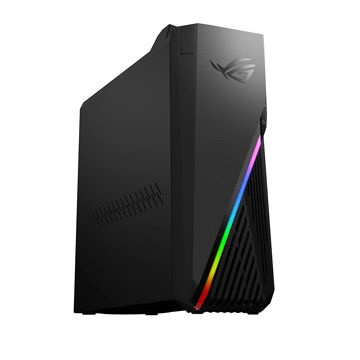
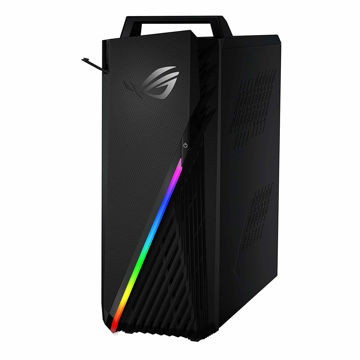
ASUS ROG Strix Desktop AMD RYZEN 7 - G15DH-IN050T
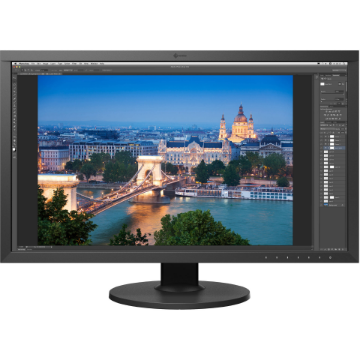
EIZO ColorEdge CS2731 27" 16:9 Wide Gamut IPS Monitor
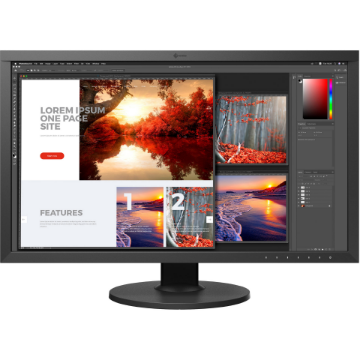
EIZO ColorEdge CS2740 27" 16:9 Wide Gamut 4K IPS Monitor

EIZO ColorEdge CG2420 24" 16:10 Hardware Calibration IPS Monitor
EIZO ColorEdge CG2700S 27" HDR Monitor
EIZO ColorEdge CG2700X 27" 4K HDR Monitor
EIZO ColorEdge CG319X 4K 31.1" Hardware Calibration IPS Monitor
EIZO ColorEdge PROMINENCE CG3146 31.1" HDR Reference Monitor
EIZO ColorEdge Hood for CG2730 & CS2730 Widescreen Monitors (Black)
EIZO ColorEdge CH2400 Monitor Hood
EIZO ColorEdge EX4 Calibration Sensor
EIZO FlexScan EV2456 24.1" 16:10 IPS Monitor
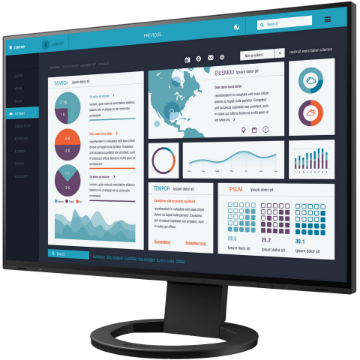
EIZO FlexScan EV2495FX-BK 24.1" IPS Monitor with FlexStand
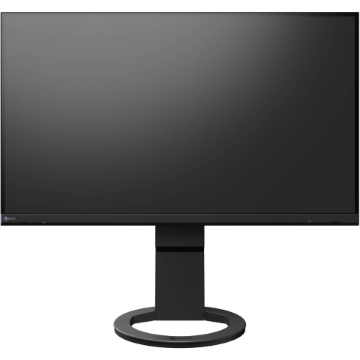
EIZO FlexScan EV2760 27" IPS Monitor with FlexStand
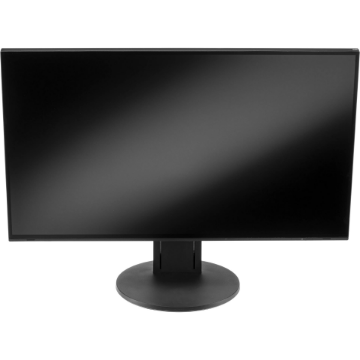
EIZO FlexScan EV2785 27" 4K IPS Monitor
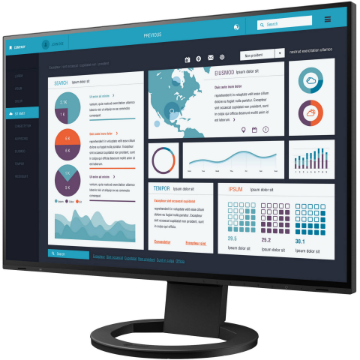
EIZO FlexScan EV2795FX-BK 27" IPS Monitor with FlexStand
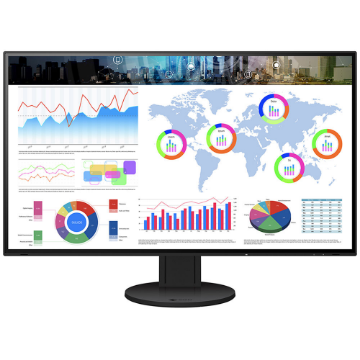
EIZO FlexScan EV3285 31.5" 4K IPS Monitor
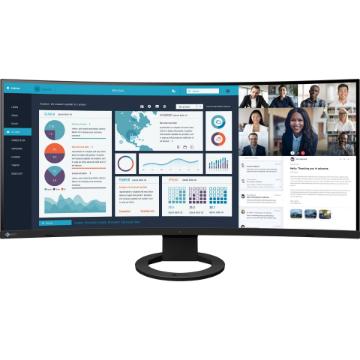
EIZO FlexScan EV3895FX-BK 37.5" Ultrawide Curved IPS Monitor
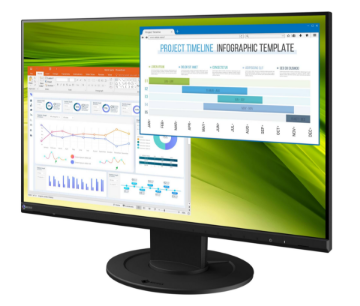
EIZO FlexScan EV2360 22.5" Color LCD Monitor
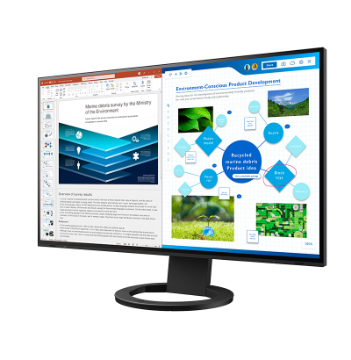
EIZO FlexScan EV2781 27" Color LCD Monitor
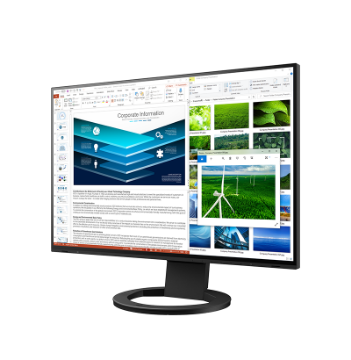
EIZO FlexScan EV2485 24.1" Color LCD Monitor
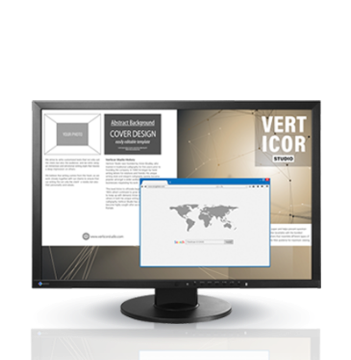
EIZO FlexScan EV2430 24.1" Color LCD Monitor
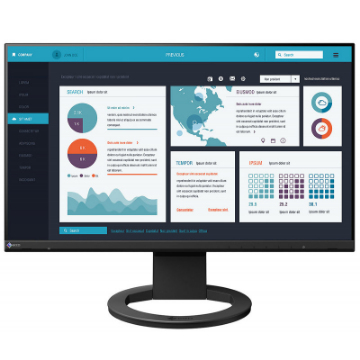
EIZO FlexScan EV2490 23.8" Color LCD Monitor
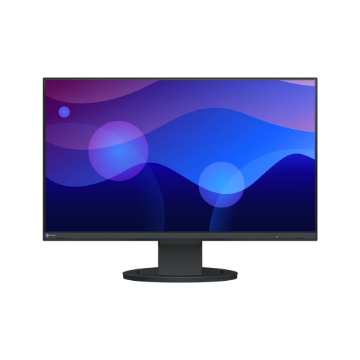
EIZO FlexScan EV2480 23.8" Color LCD Monitor
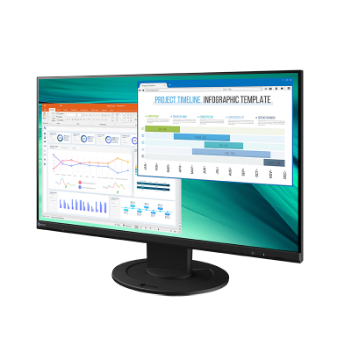
EIZO FlexScan EV2460 23.8" Color LCD Monitor
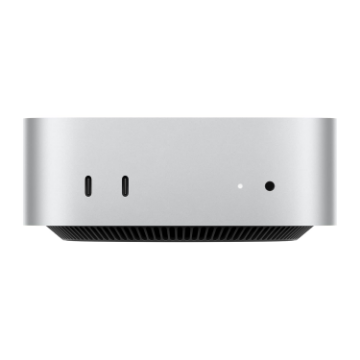
Apple Mac mini with M4 Chip (24GB RAM, 512GB SSD)
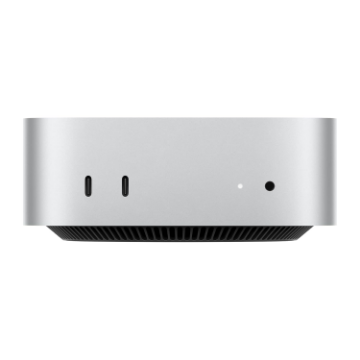
Apple Mac mini with M4 Chip (16GB RAM, 256GB SSD)
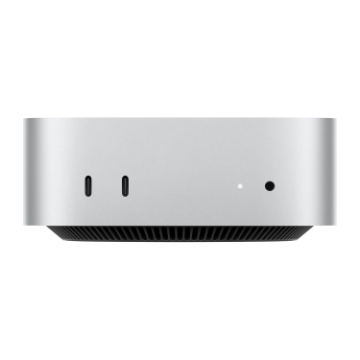
Apple Mac mini with M4 Chip (16GB RAM, 512GB SSD)
Apple Mac mini with M4 Pro Chip
Apple Mac Studio with M3 Ultra
Apple Mac Studio with M4 Max
EIZO ColorEdge CS2400S 24.1" Monitor
EIZO FlexScan EV2410R 24.1" Monitor
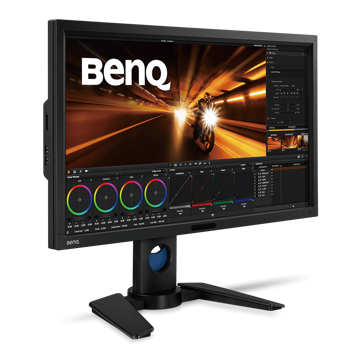
BenQ 27 inch Video Post-Production Monitor - PV270
ASUS R0G Spatha Wired/Wireless Mouse
ASUS ROG Sheath Gaming Mouse Pad (Black/Red)
BenQ 27 inch HDR FreeSync 144Hz IPS Gaming Monitor - EX2780Q
BenQ 27 inch HDR FreeSync IPS Monitor - EW2780
Benq 27 inch LED Monitor - GW2780
BenQ 27 inch Photographer HDR IPS Monitor - SW270C