








































































































































































EIZO FlexScan EV2781 Overview
Streamlined Connection with USB Type-C
The monitor is equipped with a USB Type-C® connection that allows users to display video, playback audio, transmit USB signals, and supply power to connected devices. This convenient multi-purpose connectivity makes it faster and easier to connect a laptop when moving between workstations or when working away from the office.
- Guide to Efficient Telecommuting with a Laptop and Monitor
- Read how an external monitor helps improve efficiency
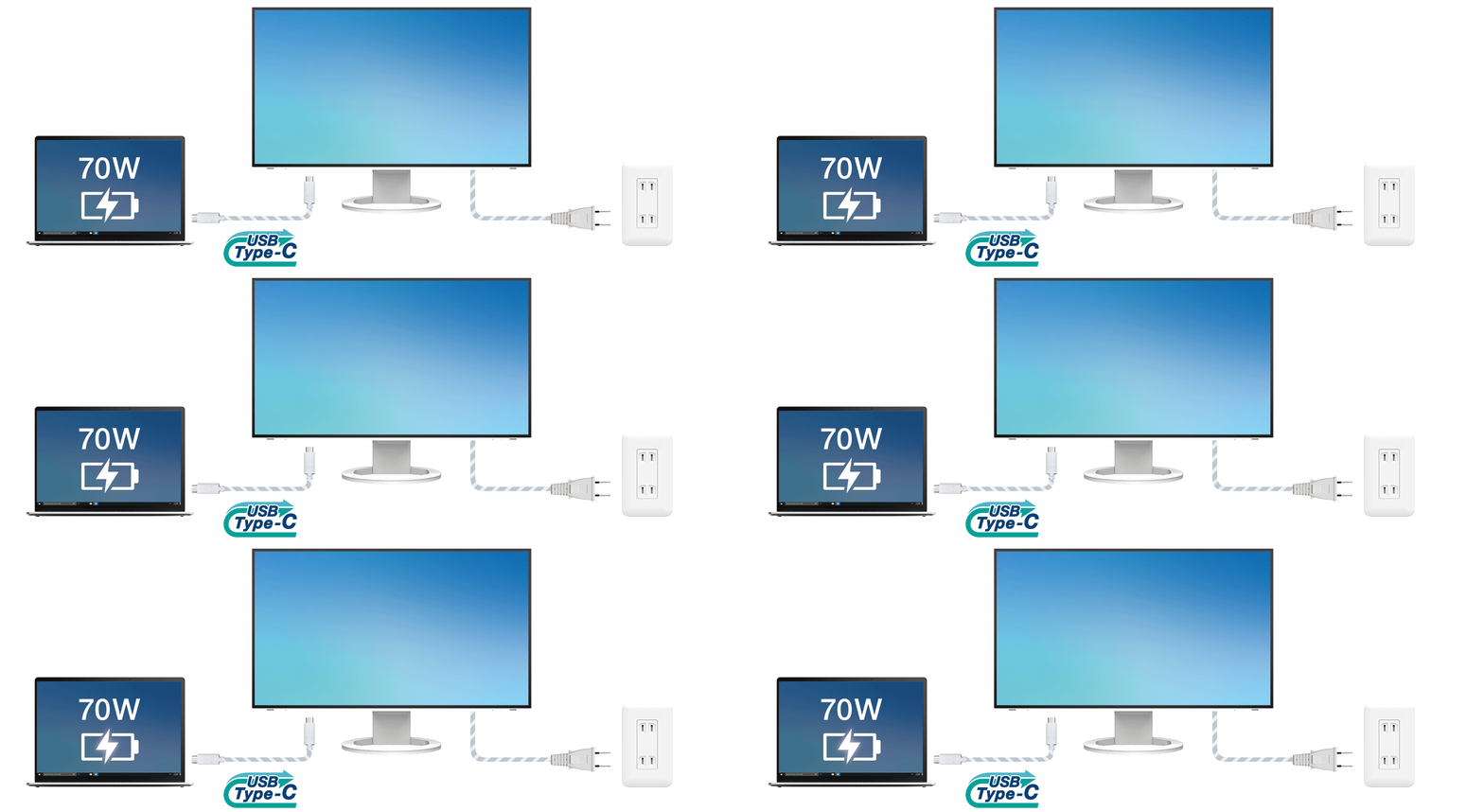
70 Watt Power Delivery
The 70 watt power delivery via USB Type-C reliably charges small desktop PCs and laptops. This eliminates the need for a laptop's bulky power supply unit, freeing up space in your bag and on the desk.
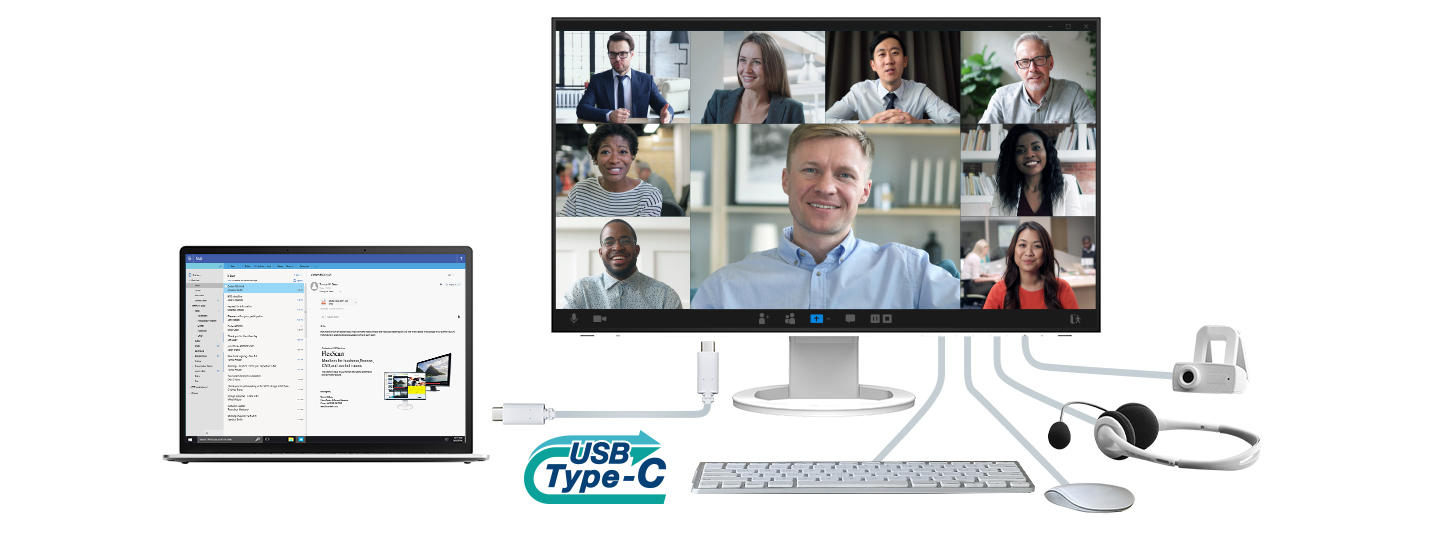
Directly Connect Peripherals
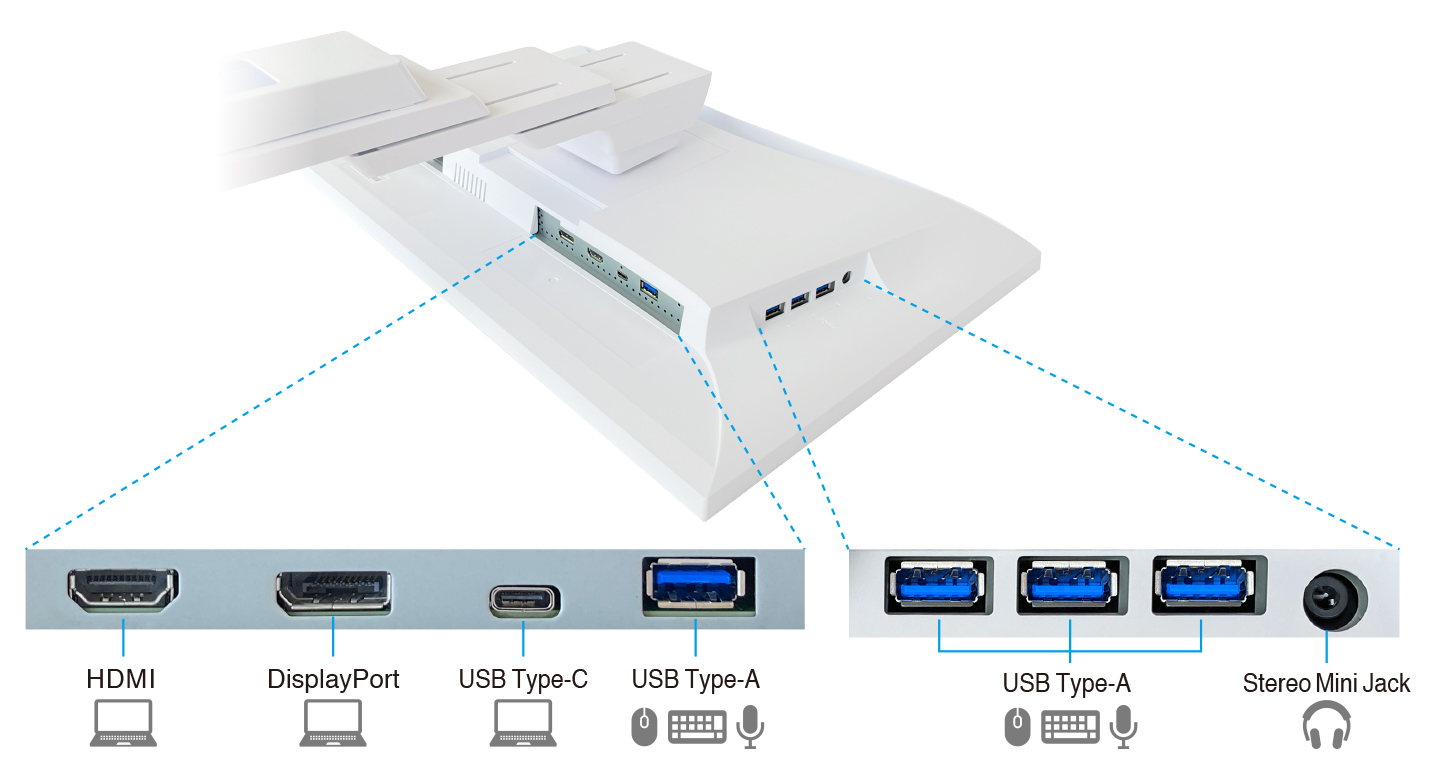
While many modern laptops are designed to be thin and more portable, they often have limited connectivity options for peripherals. Connecting to the monitor via USB Type-C gives access to a hub with four USB Type-A ports for easily connecting an external keyboard, mouse, or web camera.

A Better Working Experience
Workstyles are becoming more diverse with trends in open-plan offices, where employees do not have fixed desk assignments and use the workspace areas interchangeably, BYOD (bring your own device) meeting rooms where participants connect their own laptops, and telecommuting or working from home. The monitor offers features to enhance productivity in these environments, as well as provide comfort and convenience.
High Resolution for Efficient Multi-Tasking
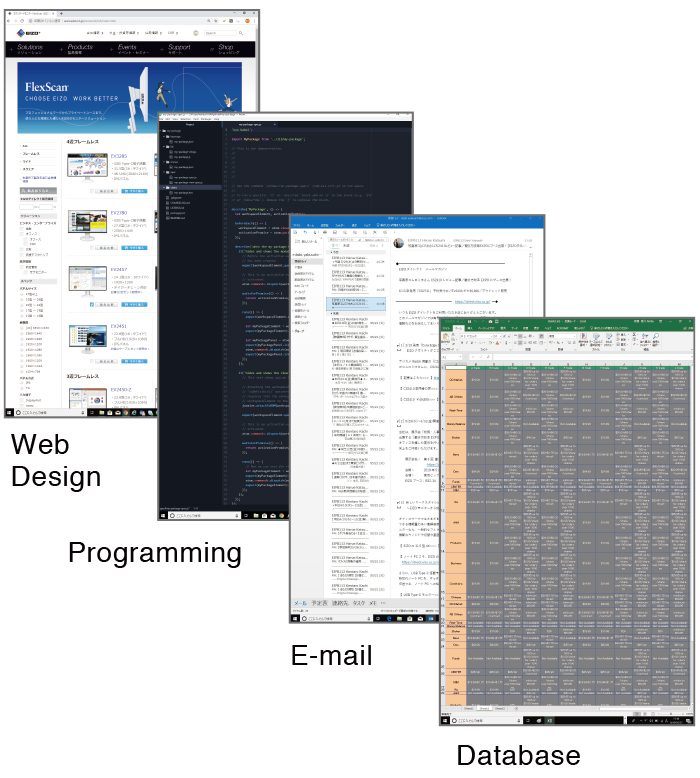
| With its 27-inch WQHD (2560 x 1440 pixel) resolution, the EV2781 offers 1.8 times more space than conventional Full HD (1920 x 1080 pixel) monitors. You can easily display multiple windows on the screen for efficient multi-tasking. | 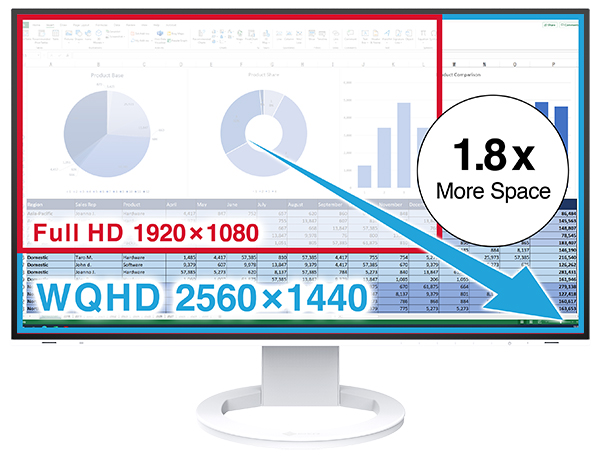 |
Make the Most of Your Meetings
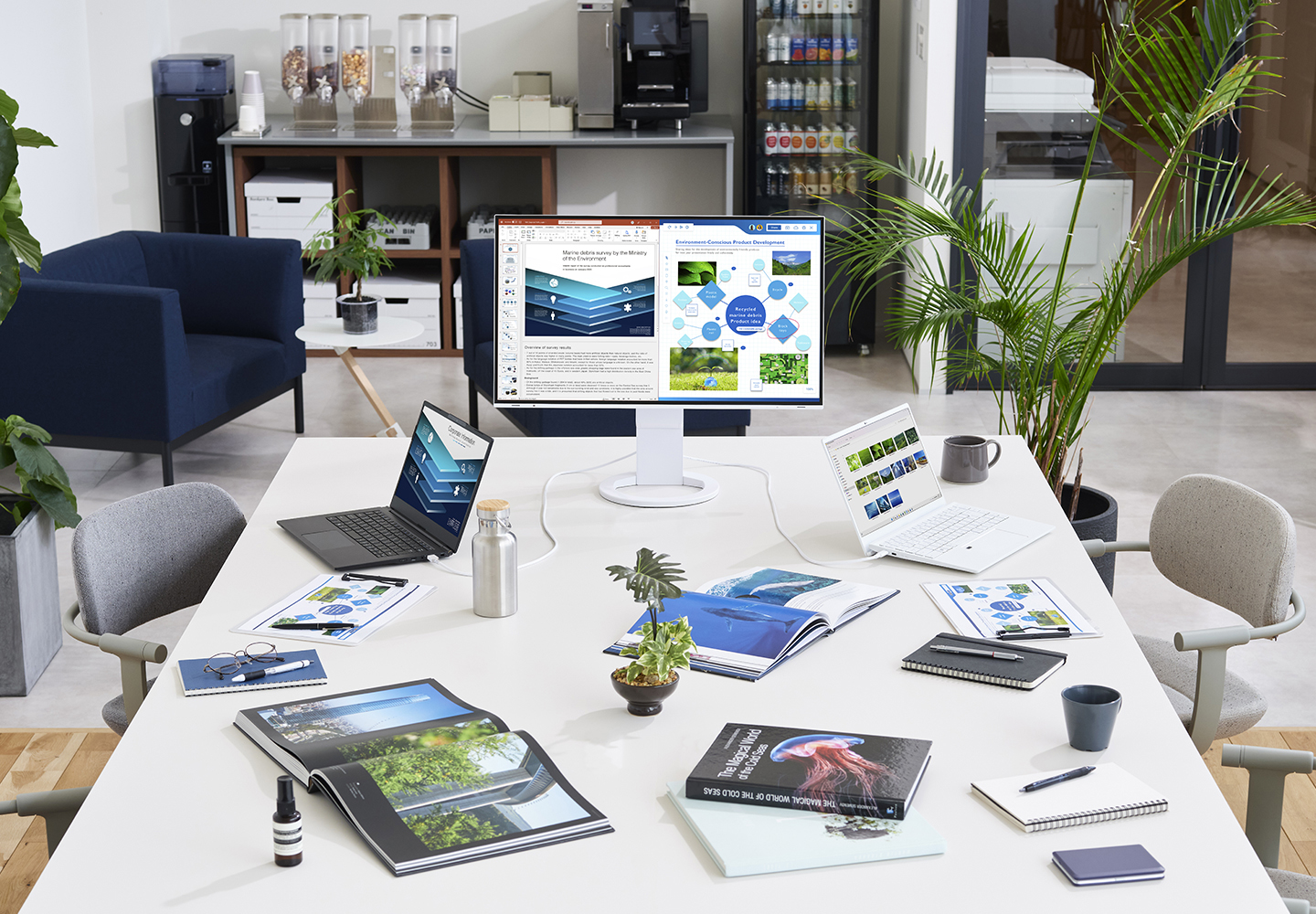
The monitor’s Picture-by-Picture (PbyP) capability helps to streamline your presentations and save valuable meeting time by removing the need to switch input sources. This convenient function makes it possible to compare data with a coworker side-by-side, as well as share information from multiple sources during presentations.
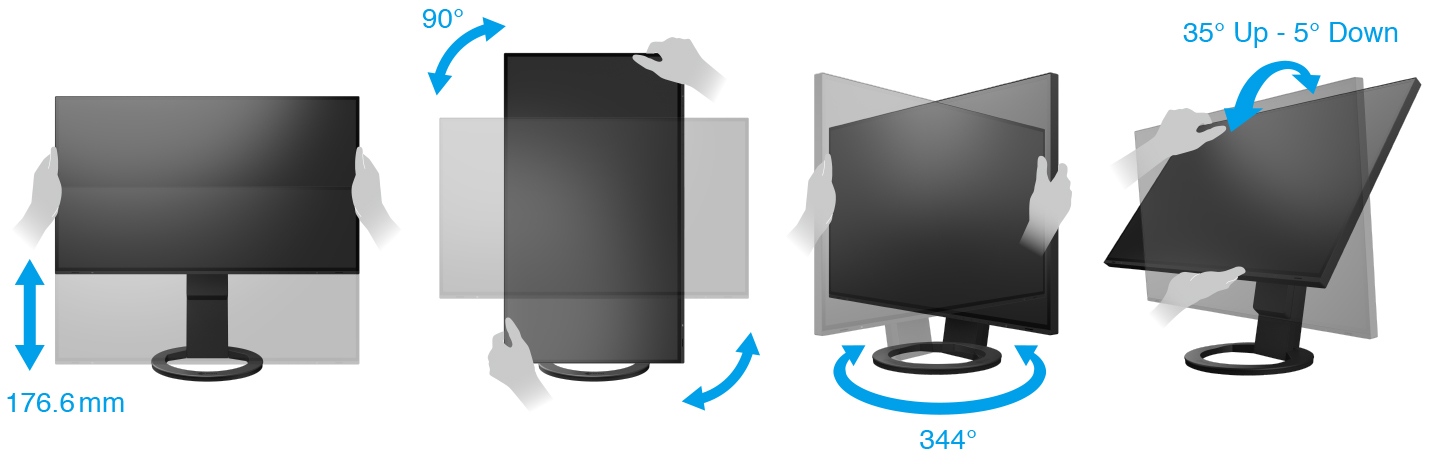
Versatile Stand for Optimal Positioning
The stand has a wide adjustment range, featuring height adjustment, tilt and swivel. This allows you to set the monitor to the perfect position, whether sitting or standing at your desk.
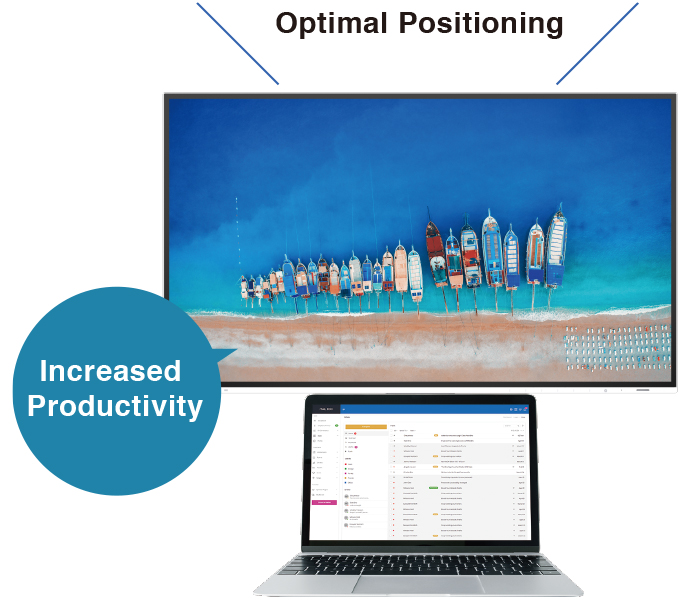
Comfortably Fits in Modest Workspaces
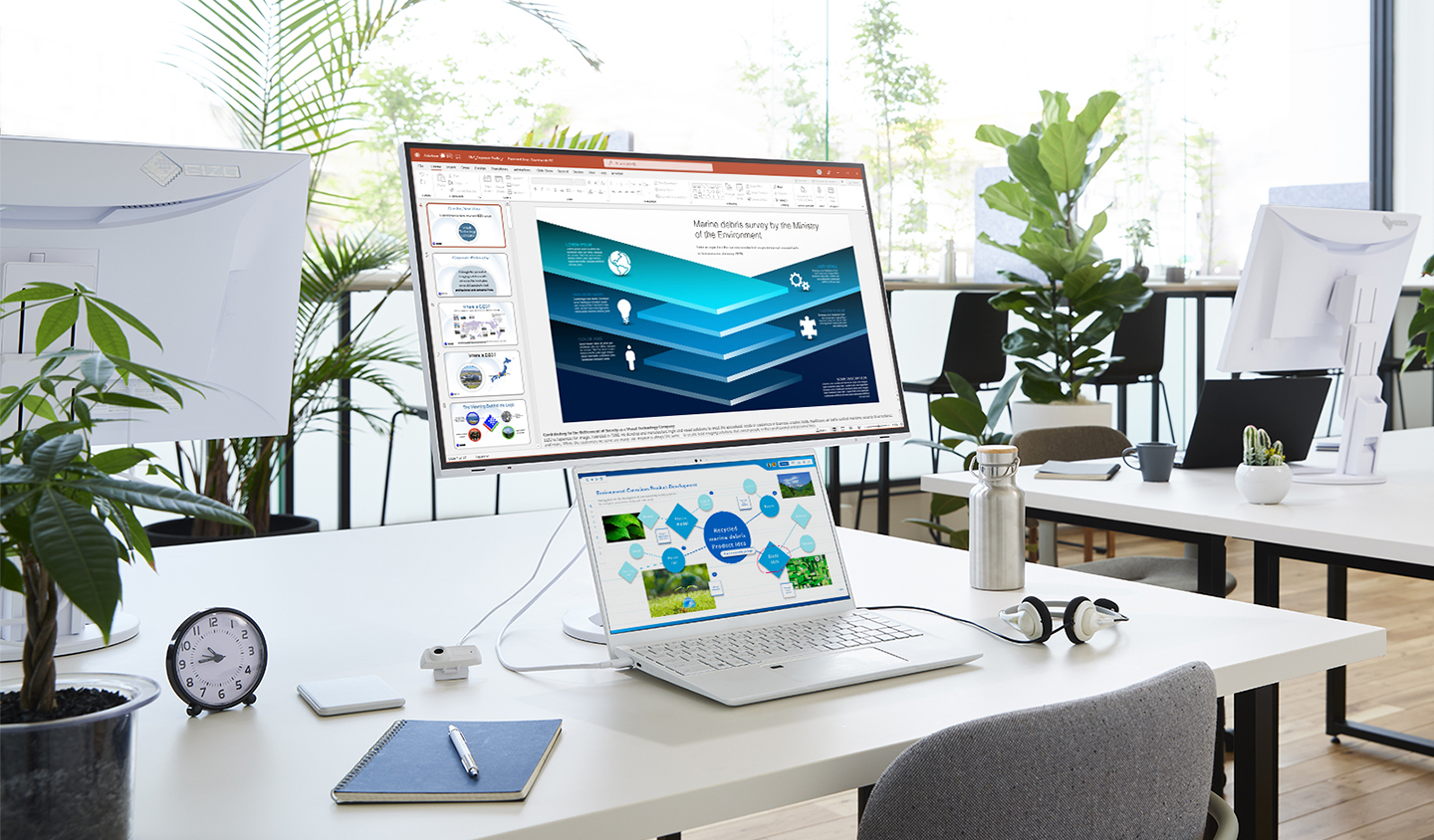
A laptop can fit comfortably under the monitor with the stand set to its maximum height of 176.6 mm. This allows you to take advantage of a compact, multi-screen configuration without taking up valuable desk space.
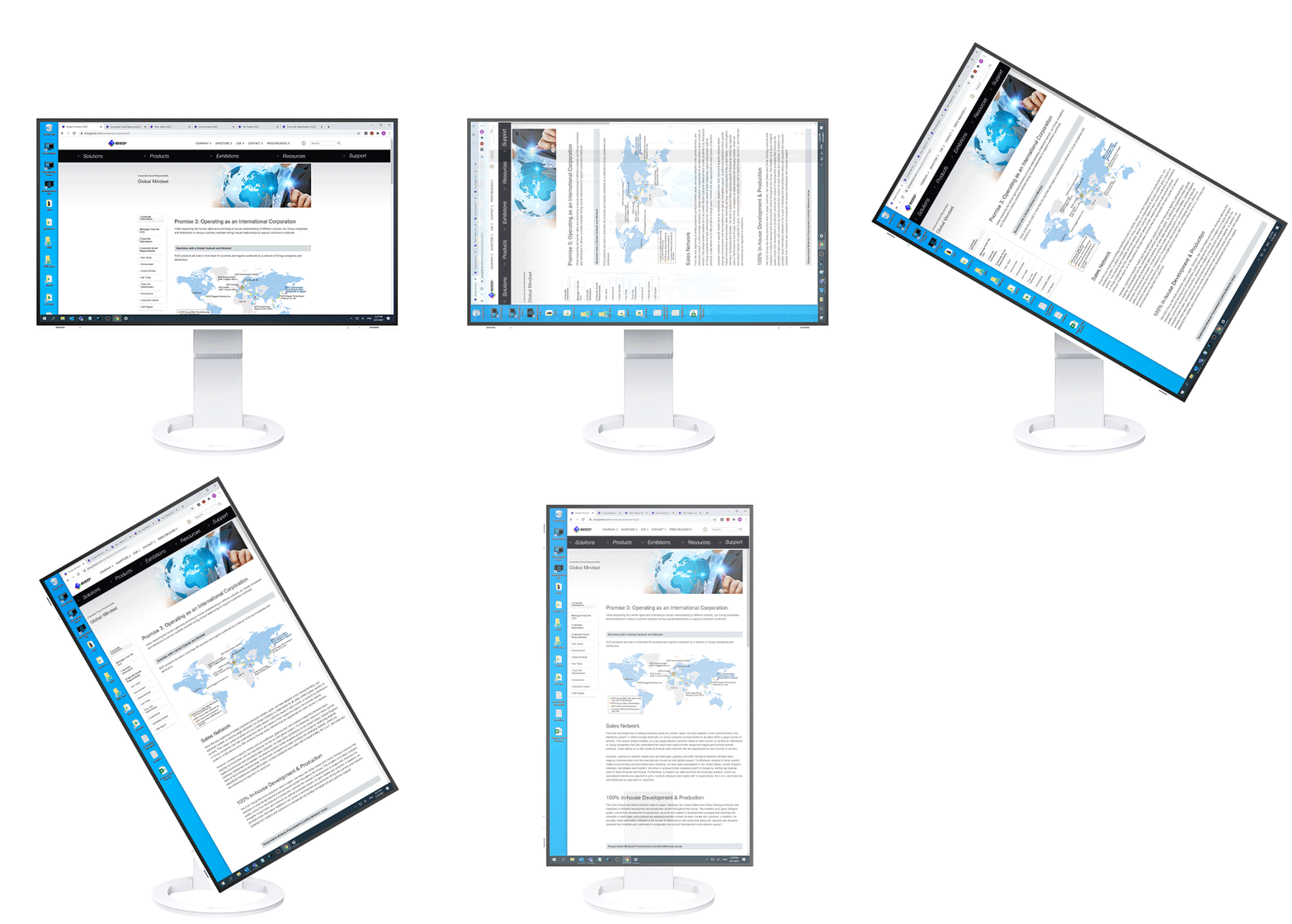
Portrait Mode for Vertical Viewing
The versatile stand allows you to rotate the monitor to portrait mode for reading long text documents or vertically optimized webpages and applications.
 |  |
Connectivity and Flexibility
The monitor is equipped with USB Type-C, DisplayPort, and HDMI® video inputs. This is useful in hotdesking environments or shared workspaces where a range of devices are frequently connected.
Streamlined Mouse Operation
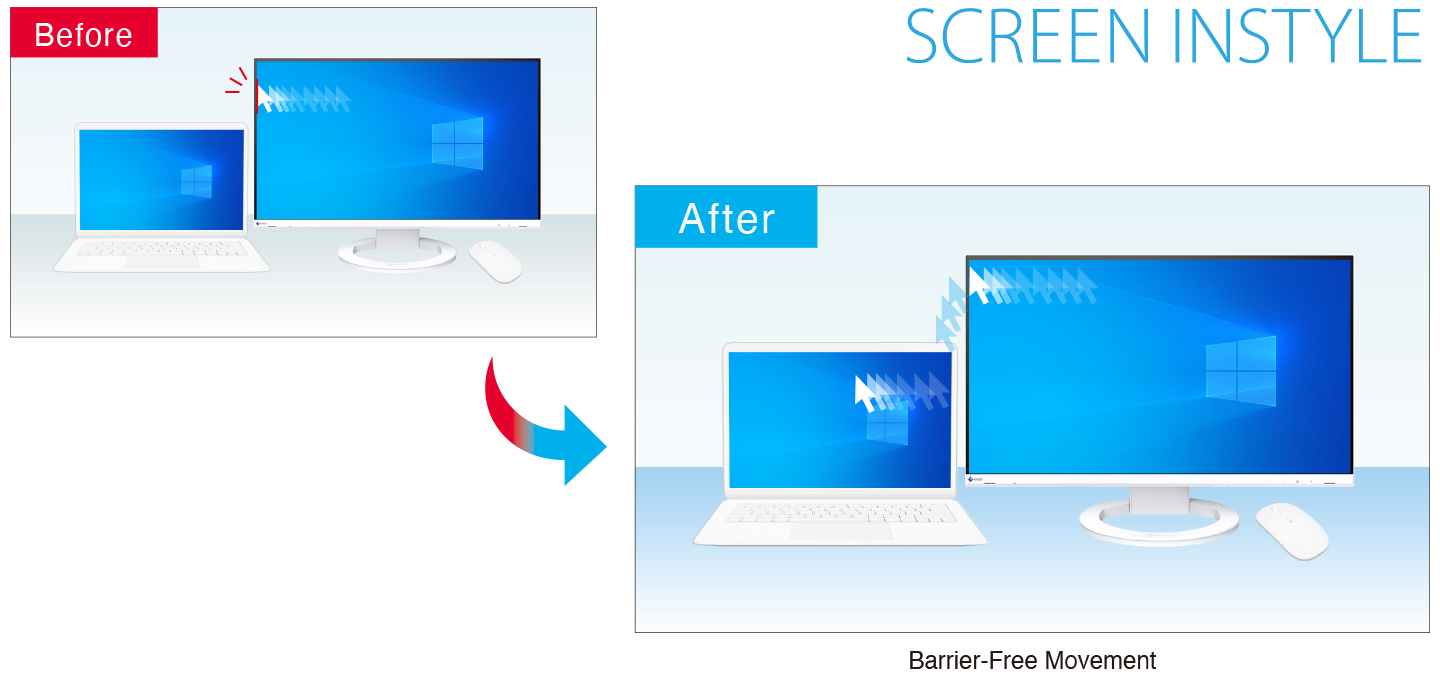
The Mouse Point Utility function of EIZO's free Screen InStyle software provides an easy-to-see visual indicator that helps you quickly locate the cursor. It also allows you to move the cursor freely between monitors without the barrier typical of conventional multi-monitor setups.
One-Touch Multi-Monitor Management
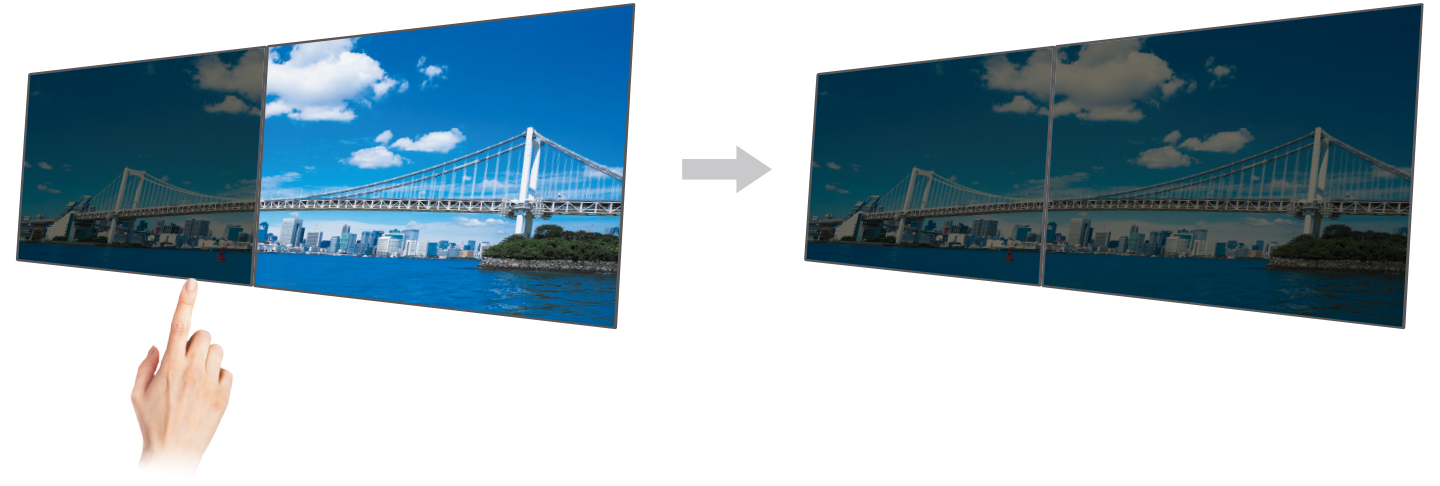
| With Screen InStyle, you can control multiple connected monitors with a single touch. Powering on/off or changing the color mode of any one monitor will automatically carry out the same action on all connected monitors, saving you the hassle of needing to do so on each monitor individually. |  Monitor Control Utility Monitor Control Utility |
Aesthetically Pleasing Design
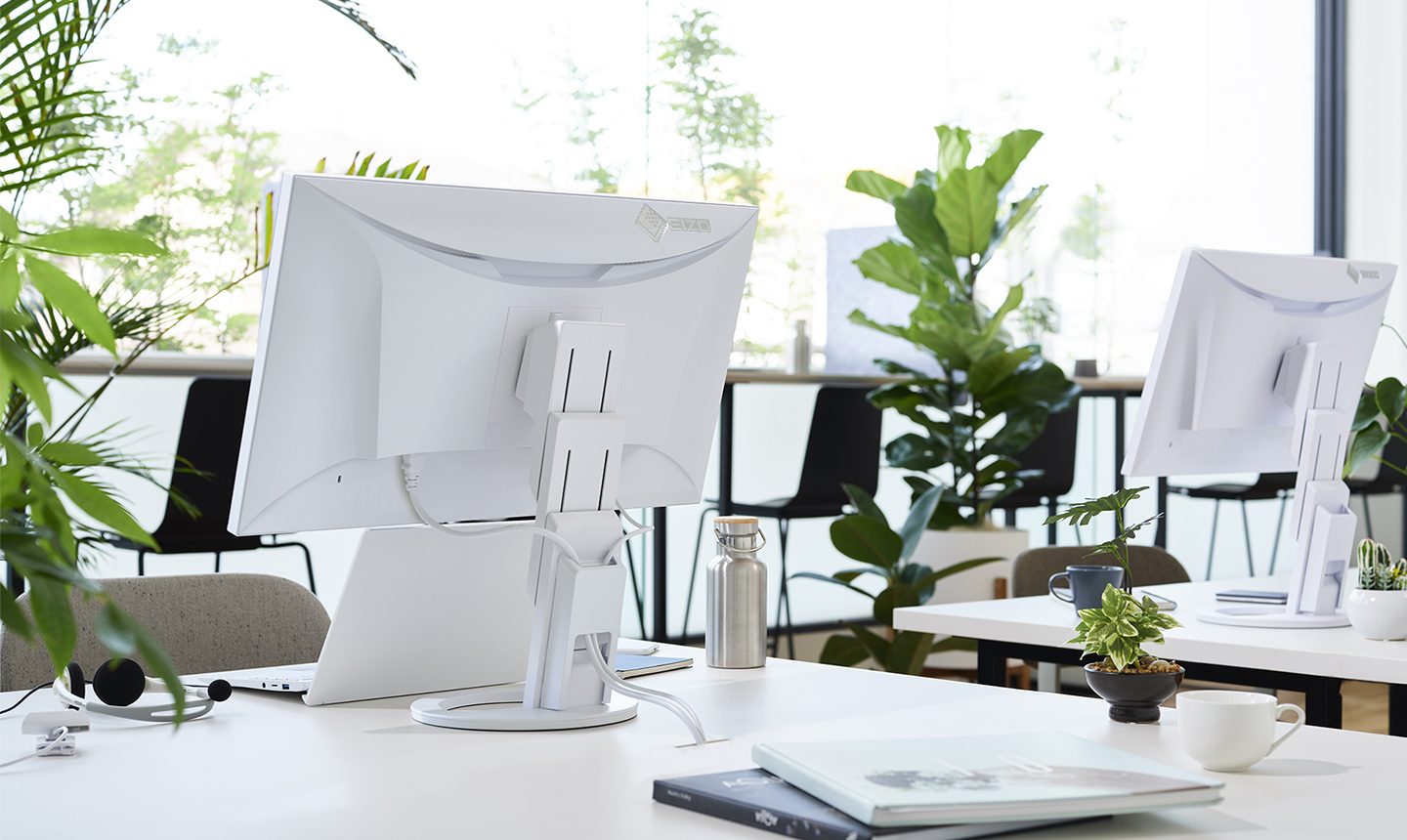
A monitor's aesthetic can go a long way in creating a more comfortable atmosphere. The monitor's minimalistic design and its ergonomic functions allow it to fit naturally in your work environment, whether you are at home or in the office.
Bezels that are Barely There
The monitor implements a virtually frameless design for a minimalistic aesthetic that is pleasing in any environment.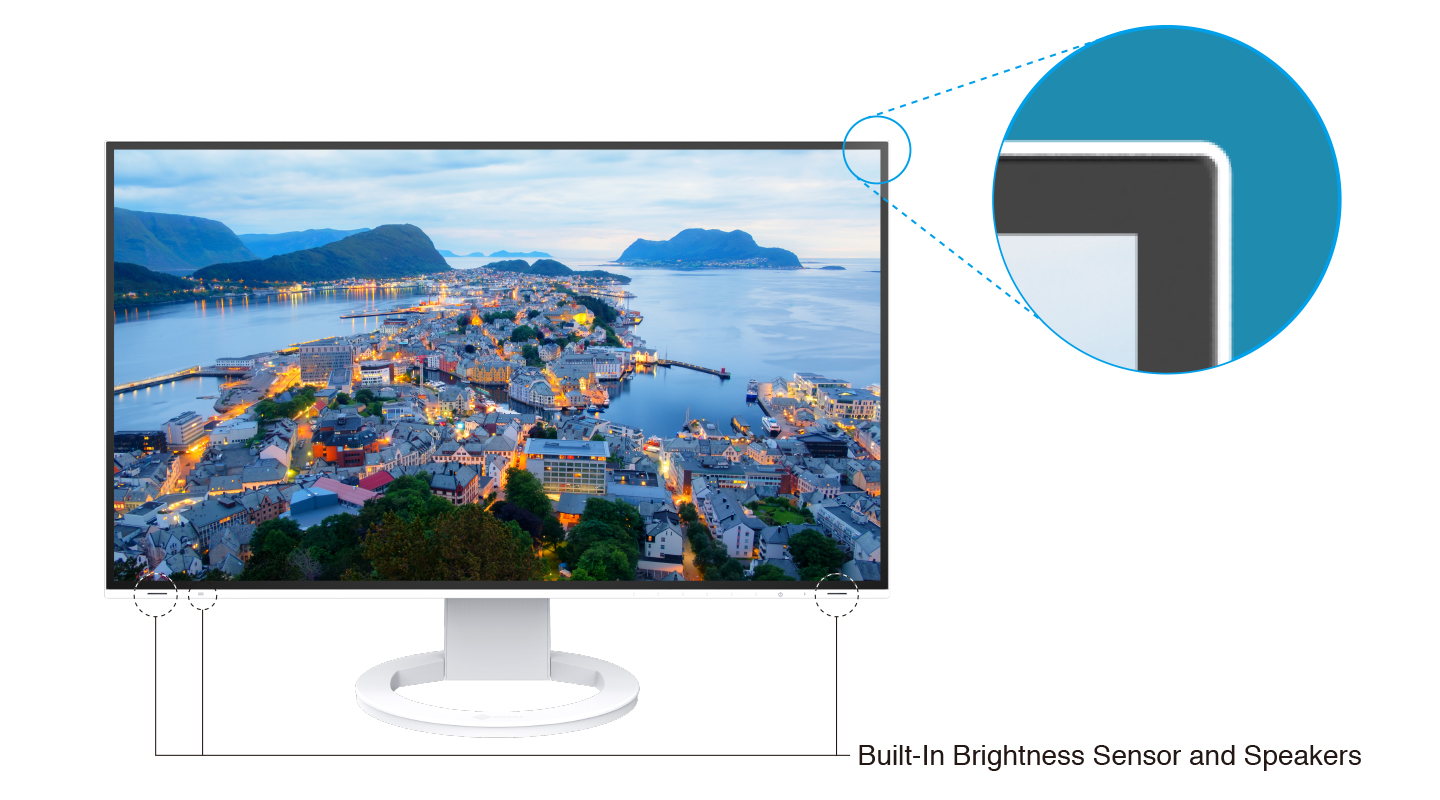
Color Coordination
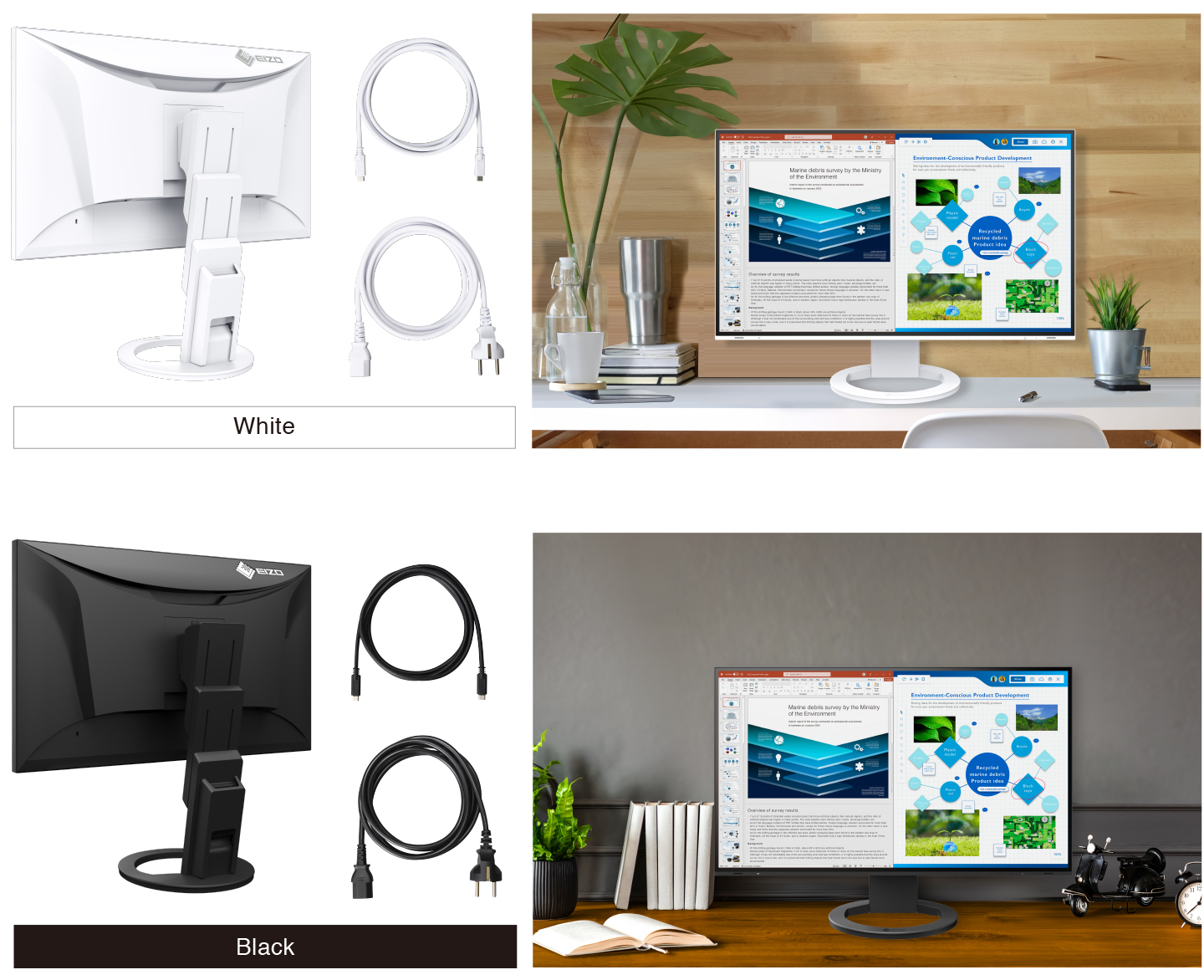
In addition to sleek black, the cabinet is available in white for a color option that keeps your workspace feeling bright. Furthermore, EIZO provides white cables to match the cabinet for full color coordination.

Scan the QR code using your smartphone or tablet
to see how EIZO fits into your environment with augmented reality.- Supported Models:
- iPhone 6s or later, iPad (5th generation or later)
ARCore supported Android devices - Supported Browsers:
- Safari, Chrome
Free Up Your Workspace with a Stand Bracket
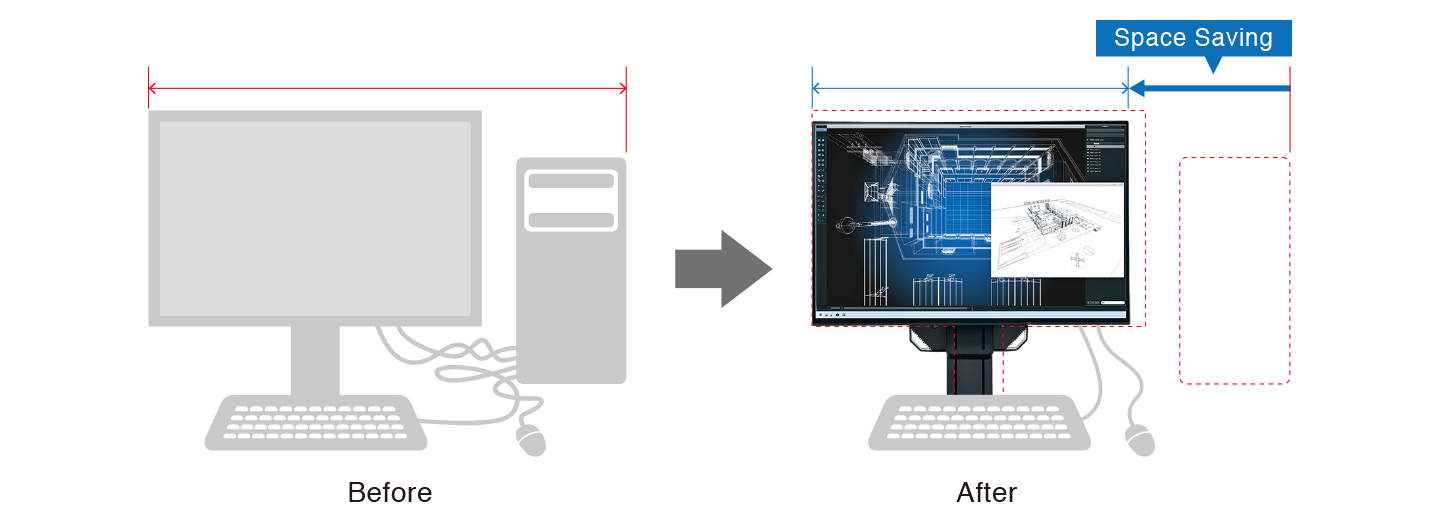
| The PCSK-03 is a VESA-compliant bracket for easily mounting a client terminal such as a thin client or mini PC to the back of the monitor. The space the client terminal previously occupied is now freed up so you can make better use of your desktop. You can adjust the monitor's stand freely even with the client terminal attached. | 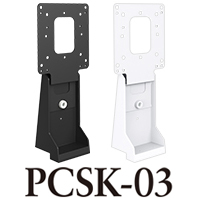 |
Say Goodbye to Tired Eyes
The monitor is equipped with functions to help users concentrate on work by keeping their eyes comfortable throughout the day.

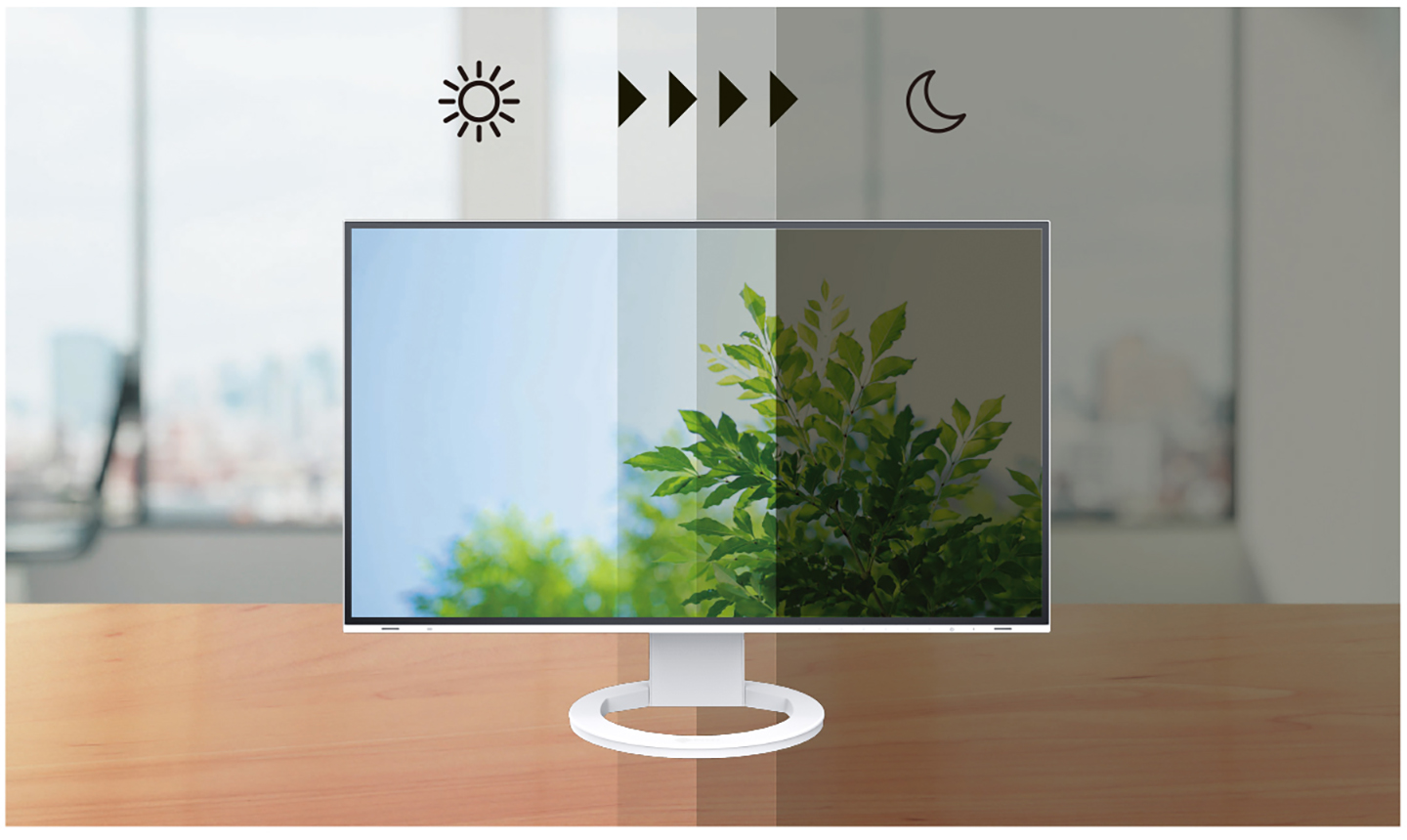
Auto Brightness Control
To prevent eye fatigue, a brightness sensor called Auto EcoView detects the changes in the ambient brightness that occurs throughout the day and automatically adjusts the screen to the ideal brightness level.
Clear View from All Angles
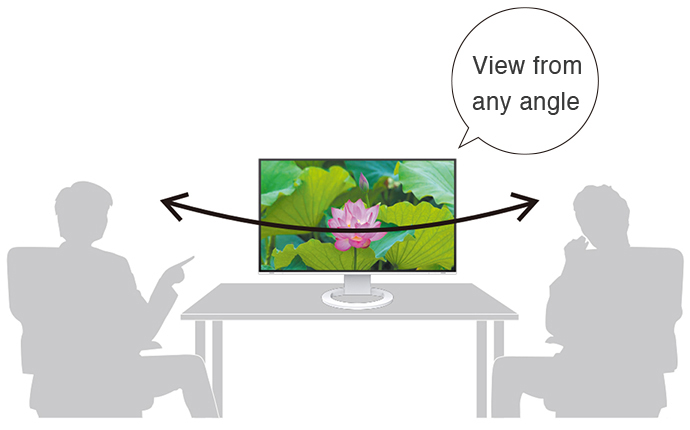
The monitor uses an LED-backlit IPS (in-plane switching) LCD panel with 178° viewing angle that minimizes color shift and contrast changes when viewing the screen at an angle. This means that two people sitting at the one computer can easily see the screen with high image quality.
Reduce Blue Light by 80%
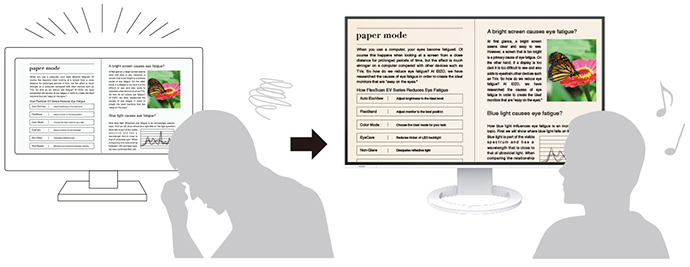
Printing work-related documents is becoming less common due to the increase in home offices, telecommuting, and stricter security measures. Paper Mode reduces the amount of blue light emitted by the monitor, helping to prevent eye fatigue when reading digital documents. When used in conjunction with the Auto EcoView dimming function, blue light is reduced by as much as 80%.
Flicker-Free Viewing
Due to the way brightness is controlled on LED backlights, a small number of people perceive flicker on their screen which causes eye fatigue. The monitor utilizes a hybrid solution to regulate brightness and make flicker unperceivable without any drawbacks like compromising color stability – even on low brightness settings.
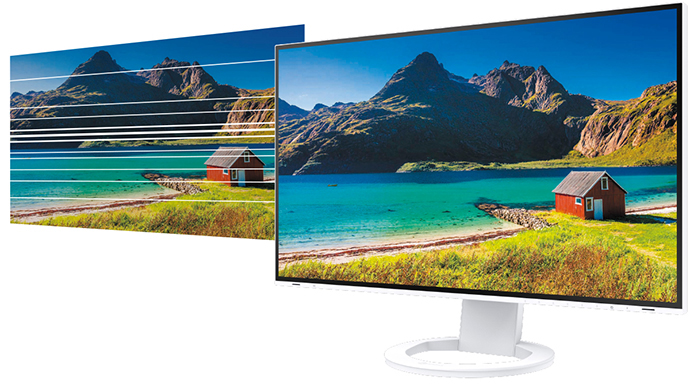
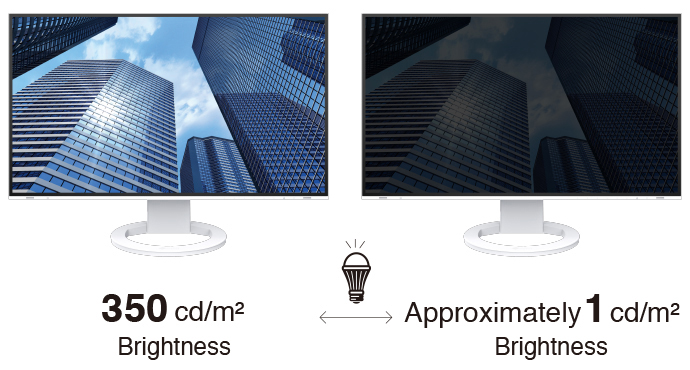
Minimum Brightness of 1 cd/m2
In a dimly-lit work environment, a monitor with low brightness settings is more comfortable to use. With its LED backlight, the monitor is adjustable to approximately 1 cd/m² which is less than 1% of the maximum.
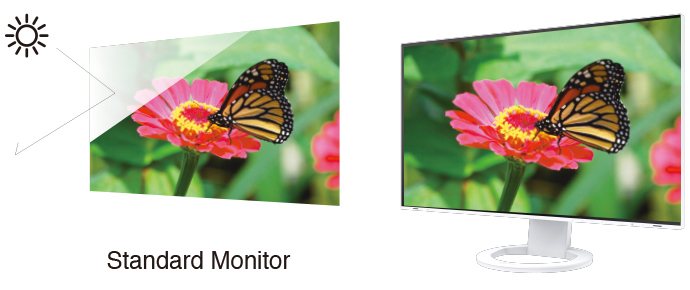
Glare Reduction
The panel is treated with an anti-glare coating to reduce screen reflections caused by ambient lightning. This makes the screen easier to see and helps reduce eye fatigue.
Certified for Eye CareFlexScan monitors are certified by TÜV Rheinland to have low blue light and be flicker-free. | 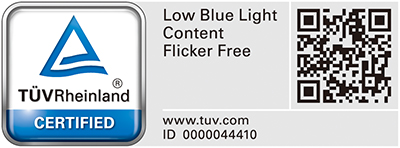 |
Commitment to Quality
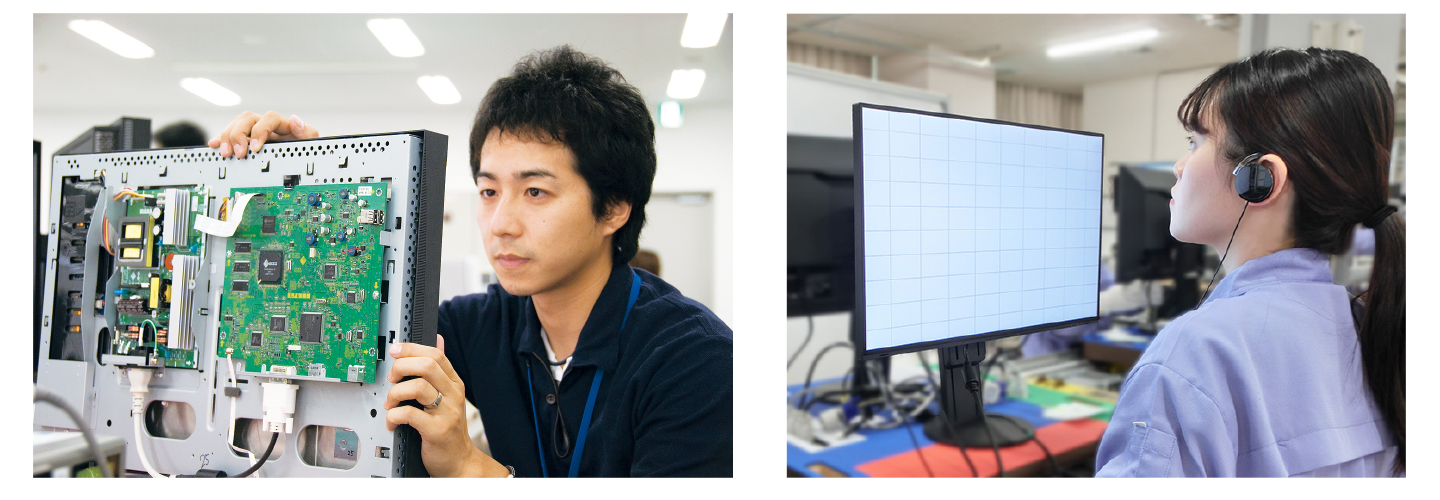
EIZO manufacturers its products at its own facilities to allow close control over production quality and ensure each monitor is built to last.

Integrated Approach
Each FlexScan monitor is developed, manufactured, and quality-control tested in-house at EIZO's own factory to ensure every product is built to last.
Exceptional Image Reproduction
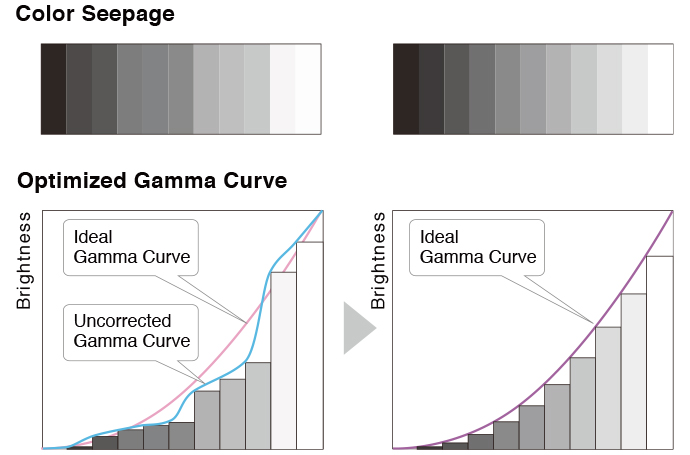
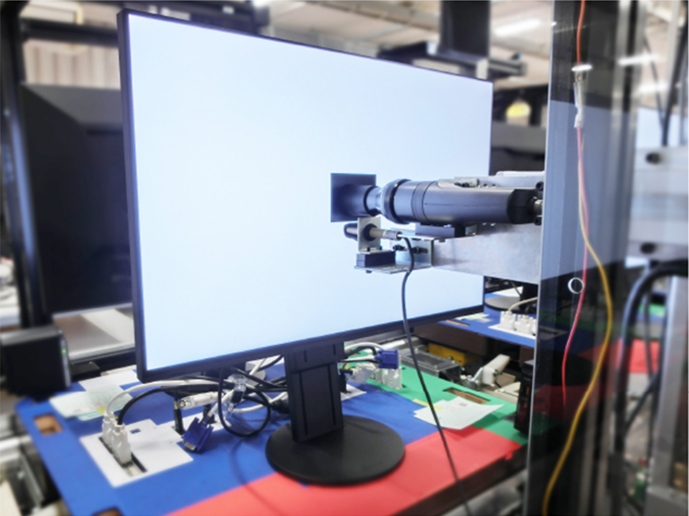
The monitor converts the data from an 8-bit input signal and selects the optimal gradations for smooth image display. Furthermore, each monitor is individually measured and adjusted at the factory prior to shipping for exceptional image quality out of the box.
 |  |
Zero Bright PixelsEIZO guarantees its FlexScan monitors will be free from bright sub-pixels for six months from the date of purchase.See our Bright Pixel Policy for details. |  |
Care for the Environment and You
Achieving a sustainable society where we do no harm to the environment nor waste precious resources is an important initiative for businesses and communities. FlexScan Sustainable Monitors are at the forefront of EIZO's efforts to contribute to this sustainable future.

Conserve to Preserve
EV2781 is made of more than 60% recycled plastic. This cuts down on the amount of plastic waste going into the environment, conserves resources, and promotes reuse of materials for preserving our natural ecosystems. | 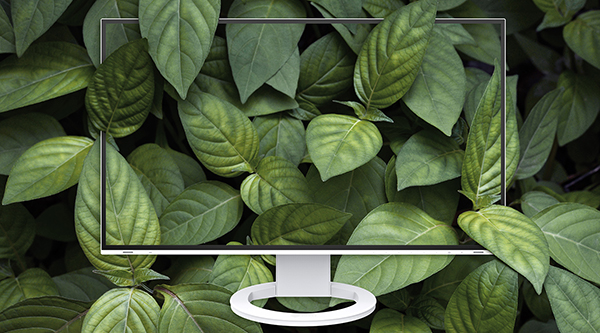 |
Cushioning Environmental Impact
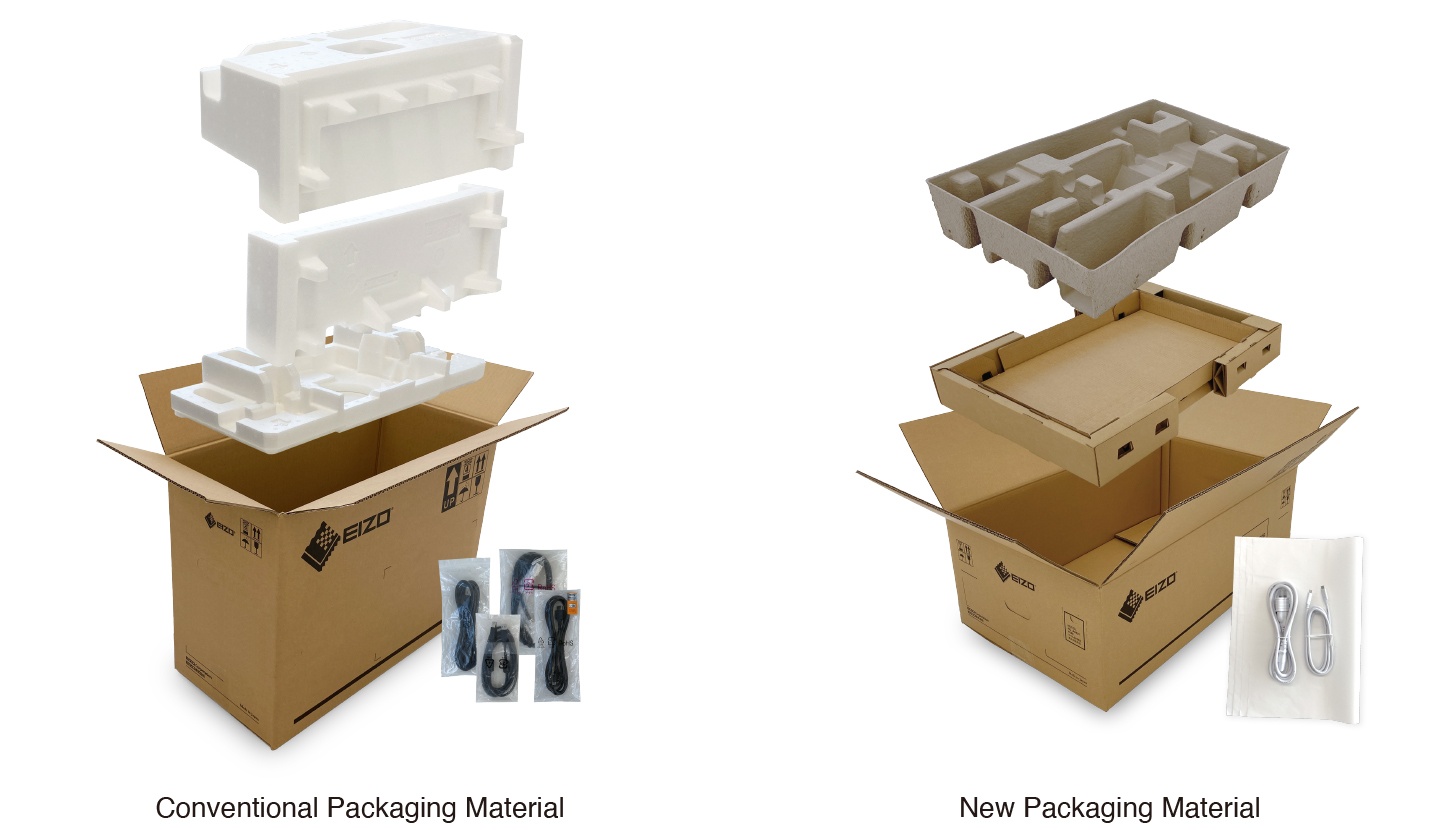
| FlexScan Sustainable Monitors are moving away from using plastic and styrofoam in the packaging to reduce environmental impact. The monitors are safely packed using molded pulp, which is made from recycled cardboard and newspaper, and cables are wrapped in paper instead of plastic bags. |  |
Collective Environmental Consciousness
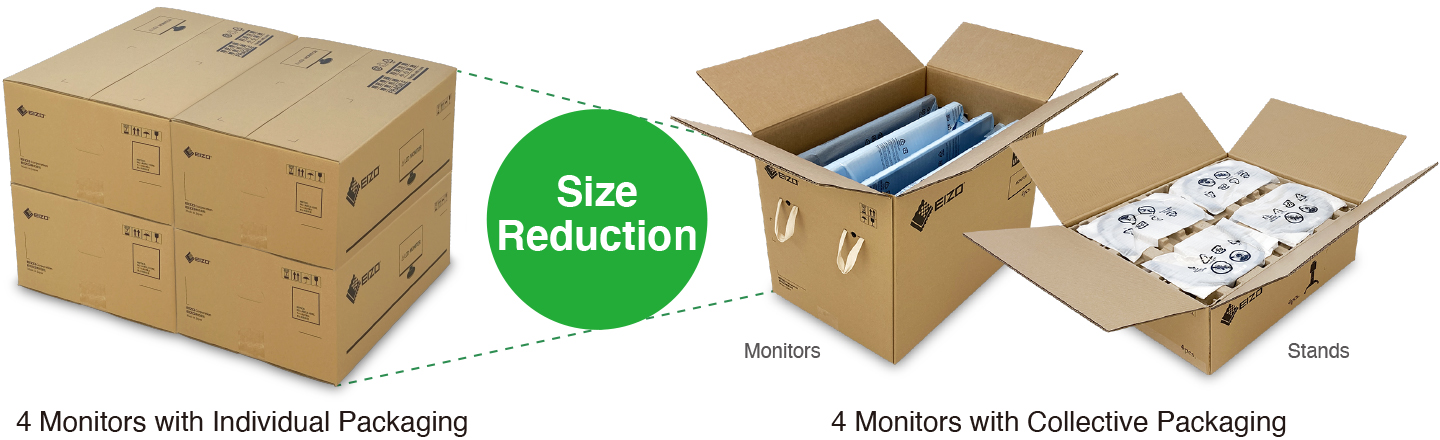
EIZO offers corporate customers a collective packaging option, where four monitors are packaged in a single box and four monitor stands are packaged separately, also in a single box. This reduces the total packaging materials used, improves loading efficiency during shipping, and streamlines unpacking and installation time.
Effortlessly Save on Power Consumption
The Auto EcoView function automatically adjusts the screen’s brightness according to changes in the ambient lighting. The EcoView Optimizer 2 function fine-tunes the balance between brightness and gain according to the content displayed on the screen. These proprietary EcoView technologies cut power consumption by as much as 50%* compared to displaying at maximum brightness.
*Typical power consumption when not using USB power delivery.

More From Same Category
Asus 28" 4K UHD TN Gaming Monitor PB287Q

Asus 24" FHD TN 3D 144Hz Gaming Monitors VG248QE
Asus 21.5" FHD Gaming Monitors VP228H
Asus 21.5" FHD IPS Gaming Monitors VZ229H

Asus MB168B 15.6" HD Portable Gaming Monitor
Asus 25" FHD IPS Gaming Monitors MX259H
Asus 24" FHD IPS Gaming Monitors PA248Q
Asus 27" WQHD IPS Gaming Monitors PA27AC
Asus 32" UHD IPS Gaming Monitors PA329Q
Asus 29" UW-FHD IPS Gaming Monitors PB298Q
Asus 27" WQHD IPS Gaming Monitor ROG SWIFT PG279Q
Asus 27" WQHD TN Curved Nvidia Gaming Monitors PG27VQ
Asus ROG Swift 34" Curved Nvidia UWQHD IPS Gaming Monitors PG348Q
Asus 32" FHD VA Gaming Monitors VA326H
Asus 16" WXGA Gaming Monitors VT168H
Asus 24" FHD IPS Gaming Monitors VZ249H
Philips 21.5 inch Full HD Monitor - 223V7QHAB/94
Philips 21.5 inch Full HD IPS LCD Monitor - 223V7QHAW/94
Philips 21.5 inch FHD LCD Monitor - 226E9QHAB/94
Philips 24 inch Full HD IPS Ultra-Wide LCD Monitor - 246E9QJAB/94
Philips 27 inch LCD Monitor with Ultra Wide-Color - 276E9QJAB/94
ASUS ZenScreen GO 15.6" 16:9 Portable IPS Monitor - MB16AP

ASUS ROG Swift PG27UQ 27" 16:9 4K UHD IPS Gaming Monitor
ASUS XG27VQ 27" 16:9 Curved LCD Gaming Monitor
ASUS 27" 16:9 165 Hz Adaptive-Sync TN Gaming Monitor - VG278QR
ASUS 27" 16:9 IPS Monitor - VZ279HE
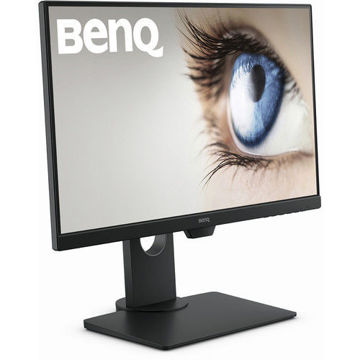
BenQ 24 inch IPS Monitor - GW2480T
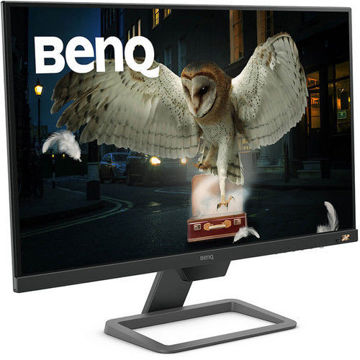
BenQ 27 inch HDR FreeSync IPS Monitor - EW2780
Benq 27 inch LED Monitor - GW2780
BenQ 24 inch IPS Monitor - GW2480
ASUS 23.8" ROG Strix 16:9 240Hz FreeSync Gaming Monitor - XG248Q
AOC 22B1HS 21.5" 16:9 IPS Monitor
AOC LCD Gaming monitor E970Swn5 - 18.5" Wide
ASUS ProArt Display PA278QV 27" 16:9 Adaptive-Sync IPS Monitor
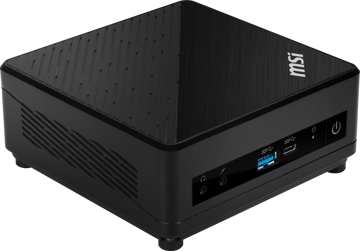
MSI Cubi 5 10M-238IN Mini Desktop Computer

MSI Cubi 5 10M-235IN Mini Desktop Computer
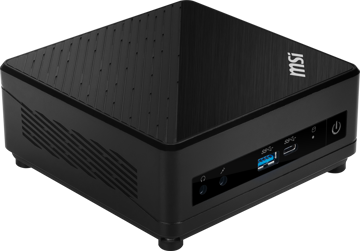
MSI Cubi 5 10M-236IN Mini Desktop Computer
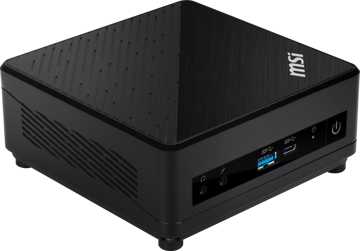
MSI Cubi 5 10M-237IN Mini Desktop Computer
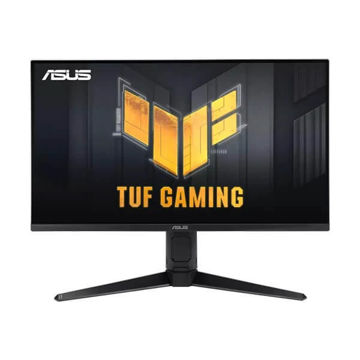
ASUS TUF Gaming VG28UQL1A Gaming Monitor
PHILIPS 49 inch Curved SuperWide Dual QHD LCD Display - 499P9H1/75
PHILIPS 32 inches QHD LCD Monitor - 325E8/94
PHILIPS 27 inch 4K UHD IPS Computer Monitor - 276E8VJSB/94
PHILIPS 18.5 inch Smart Control LCD Monitor - 193V5LSB2/94
PHILIPS 21.5 inch FHD LED Monitor - 221S8LHSB/94
Philips 22 inch FHD LCD Monitor - 222V8LA/94
PHILIPS 27 inch FHD LCD Monitor - 271V8/94
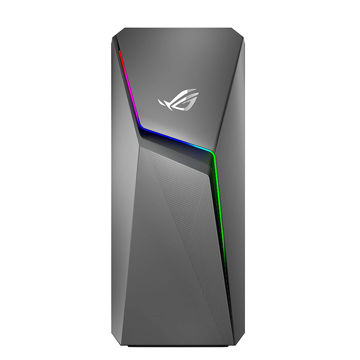
ASUS ROG Strix GL10 (6 Core 10th Gen Intel Core i5) - G10CE-51040F004T
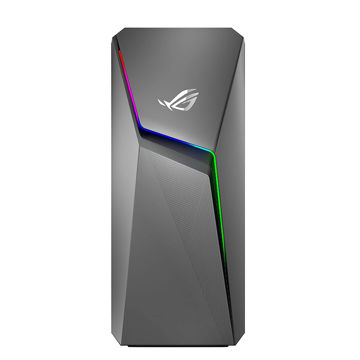
ASUS ROG Strix GL10 (6 Core AMD Ryzen 5-3600X) - G10DK-53600X016T
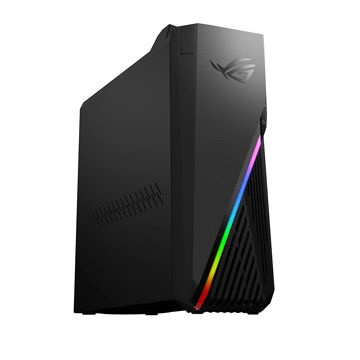
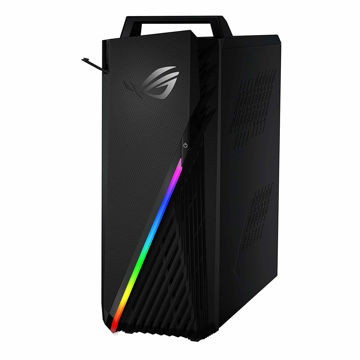
ASUS ROG Strix Desktop AMD RYZEN 7 - G15DH-IN050T
EIZO ColorEdge CS2731 27" 16:9 Wide Gamut IPS Monitor
EIZO ColorEdge CS2740 27" 16:9 Wide Gamut 4K IPS Monitor

EIZO ColorEdge CG2420 24" 16:10 Hardware Calibration IPS Monitor
EIZO ColorEdge CG2700S 27" HDR Monitor
EIZO ColorEdge CG2700X 27" 4K HDR Monitor
EIZO ColorEdge CG319X 4K 31.1" Hardware Calibration IPS Monitor
EIZO ColorEdge PROMINENCE CG3146 31.1" HDR Reference Monitor
EIZO ColorEdge Hood for CG2730 & CS2730 Widescreen Monitors (Black)
EIZO ColorEdge CH2400 Monitor Hood
EIZO ColorEdge EX4 Calibration Sensor
EIZO FlexScan EV2456 24.1" 16:10 IPS Monitor
EIZO FlexScan EV2495FX-BK 24.1" IPS Monitor with FlexStand
EIZO FlexScan EV2760 27" IPS Monitor with FlexStand
EIZO FlexScan EV2785 27" 4K IPS Monitor
EIZO FlexScan EV2795FX-BK 27" IPS Monitor with FlexStand
EIZO FlexScan EV3285 31.5" 4K IPS Monitor
EIZO FlexScan EV3895FX-BK 37.5" Ultrawide Curved IPS Monitor
EIZO FlexScan EV2360 22.5" Color LCD Monitor
EIZO FlexScan EV2781 27" Color LCD Monitor
EIZO FlexScan EV2485 24.1" Color LCD Monitor
EIZO FlexScan EV2430 24.1" Color LCD Monitor
EIZO FlexScan EV2490 23.8" Color LCD Monitor
EIZO FlexScan EV2480 23.8" Color LCD Monitor
EIZO FlexScan EV2460 23.8" Color LCD Monitor
Apple Mac mini with M4 Chip (24GB RAM, 512GB SSD)
Apple Mac mini with M4 Chip (16GB RAM, 256GB SSD)
Apple Mac mini with M4 Chip (16GB RAM, 512GB SSD)
Apple Mac mini with M4 Pro Chip
Apple Mac Studio with M3 Ultra
Apple Mac Studio with M4 Max
EIZO ColorEdge CS2400S 24.1" Monitor
EIZO FlexScan EV2410R 24.1" Monitor
EIZO FlexScan EV2781 27" Color LCD Monitor

ZEISS Cleaning Fluid
EIZO FlexScan EV3895FX-BK 37.5" Ultrawide Curved IPS Monitor
EIZO FlexScan EV3285 31.5" 4K IPS Monitor
EIZO FlexScan EV2795FX-BK 27" IPS Monitor with FlexStand
EIZO FlexScan EV2785 27" 4K IPS Monitor