





















































































































































EIZO FlexScan EV2490 Overview
Streamlined Connection with USB Type-C
The monitor is equipped with a USB Type-C® connection that allows you display video, playback audio, transmit USB signals, supply power to connected PCs, and even transmit a network signal. This convenient multi-purpose connectivity makes it faster and easier to connect your laptop when moving between workstations or working away from the office.
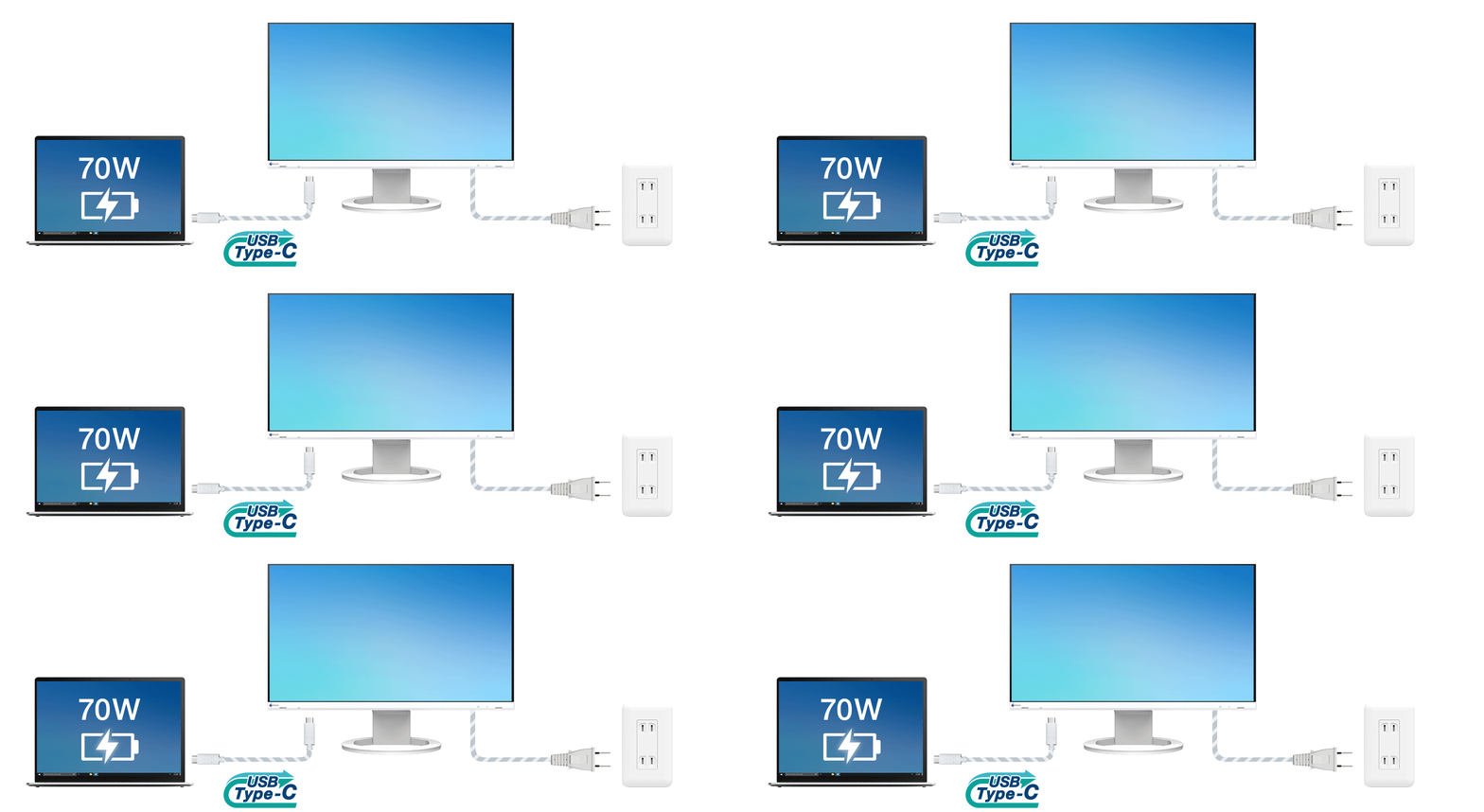
70 Watt Power Delivery
The 70 watt power delivery via USB Type-C reliably charges small desktop PCs or laptops. This eliminates the need for a laptop's bulky power supply unit, freeing up space in your bag and on the desk.
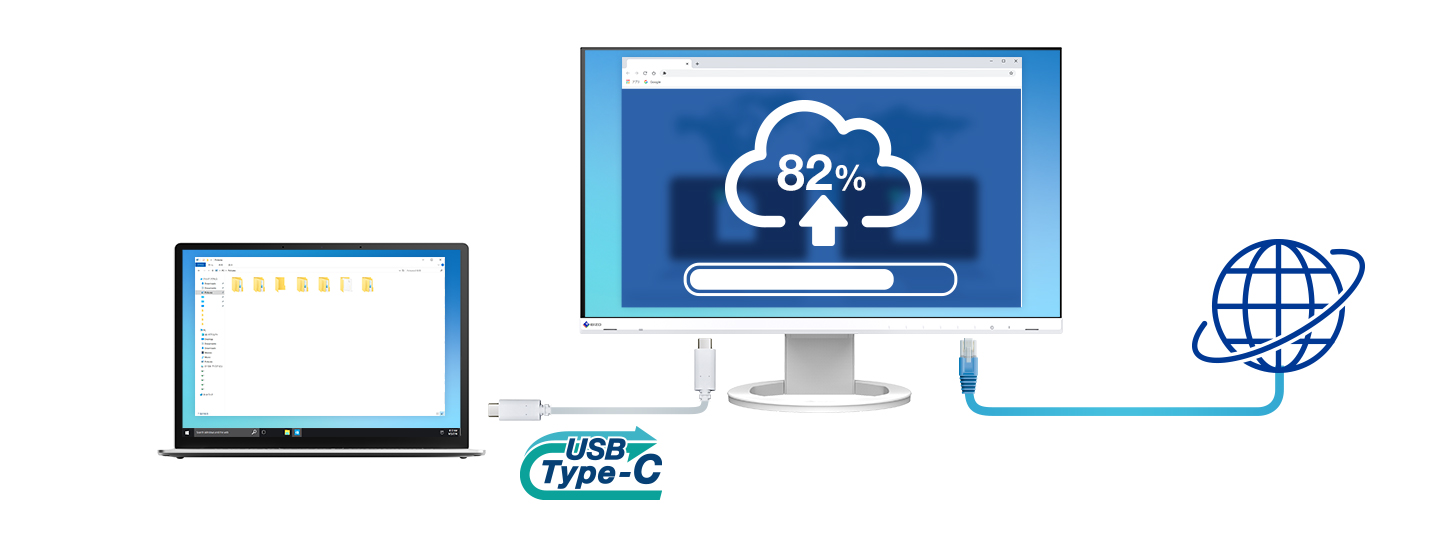
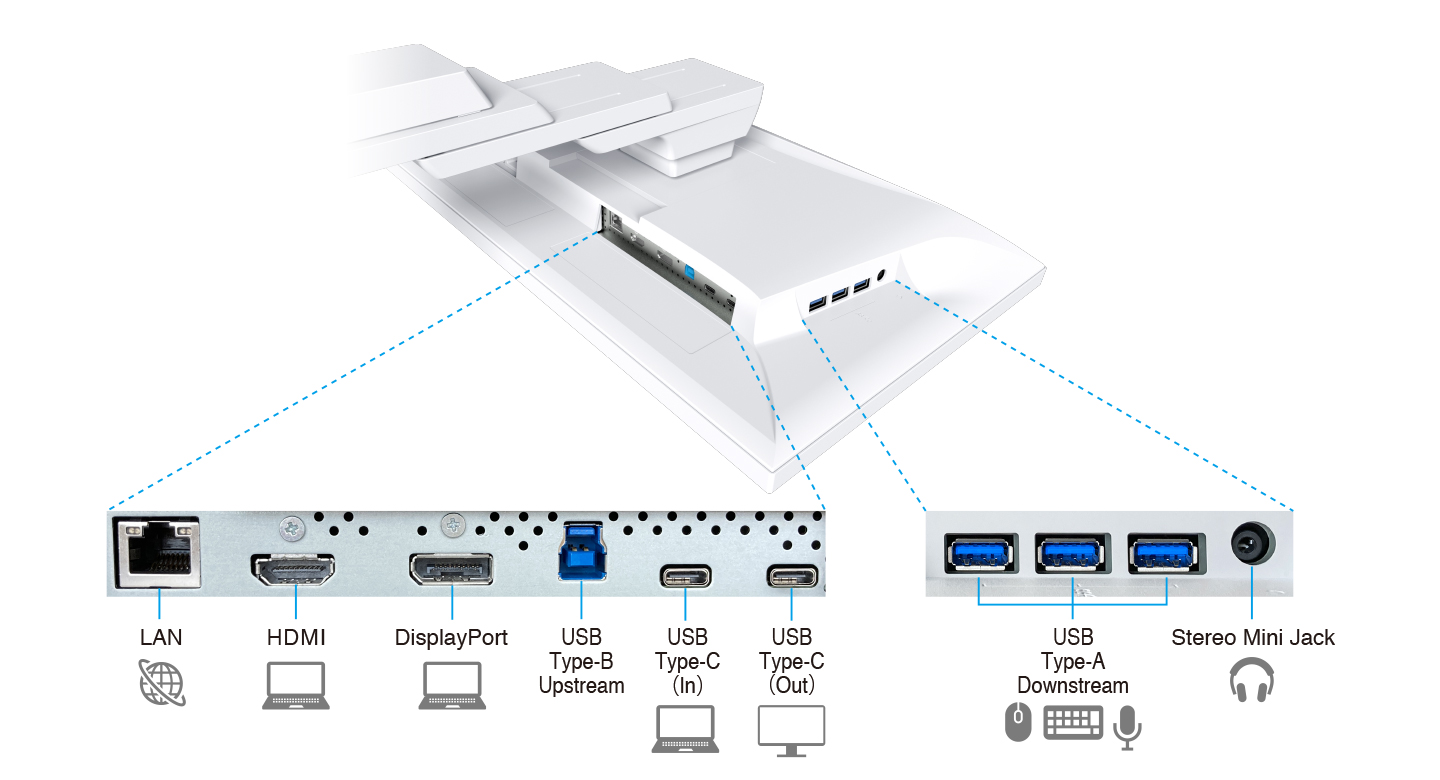
Stable Network ConnectionWhile many modern laptops are not equipped with a dedicated LAN port, the monitor has one directly built in for a stable wired connection. Connecting any laptop via USB Type-C allows access to the network through the monitor. This allows you to conduct online conference calls or data transfers reliably and at high speed. |  |
EIZO MAC Address Clone Utility software temporarily assigns the MAC address of a connected PC to the monitor, granting network access to authenticated devices, and preventing network access from unauthenticated devices.
Directly Connect Peripherals
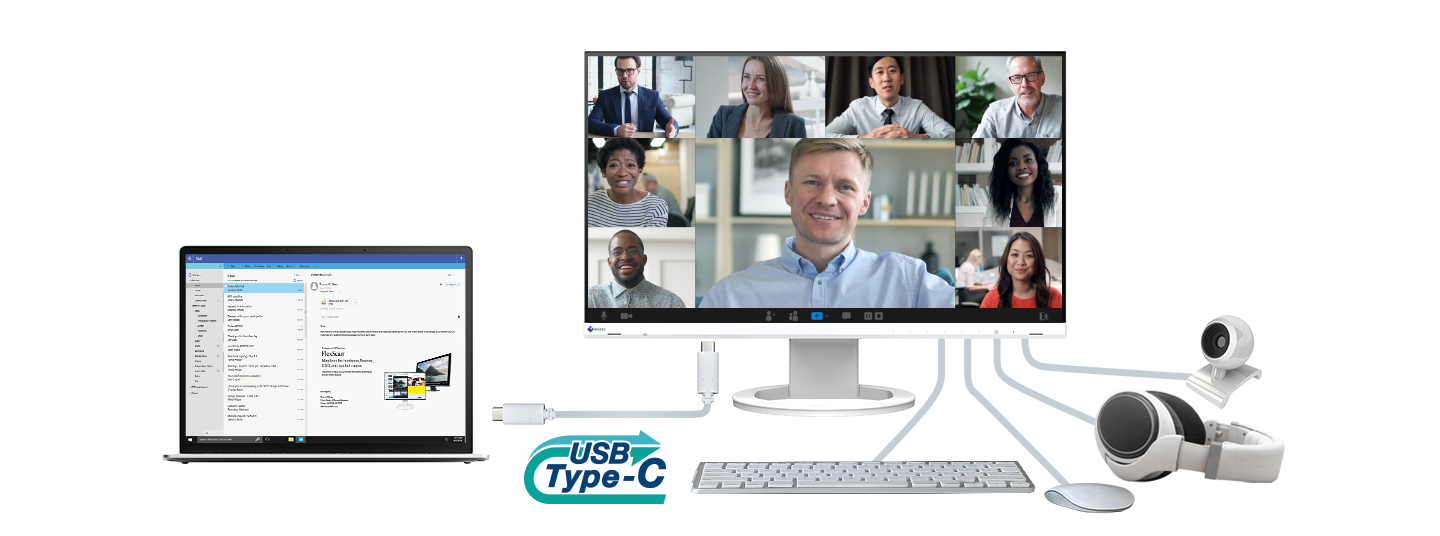
While many modern laptops are designed to be thin and more portable, they often have limited connectivity options for peripherals. Connecting to the monitor via USB Type-C gives access to a hub with three USB Type-A and one USB Type-C ports for easily connecting an external keyboard, mouse, or web camera.
The USB Type-C port cannot be used as a USB hub when used for daisy chain connection.
Efficient Multi-Screen Setup
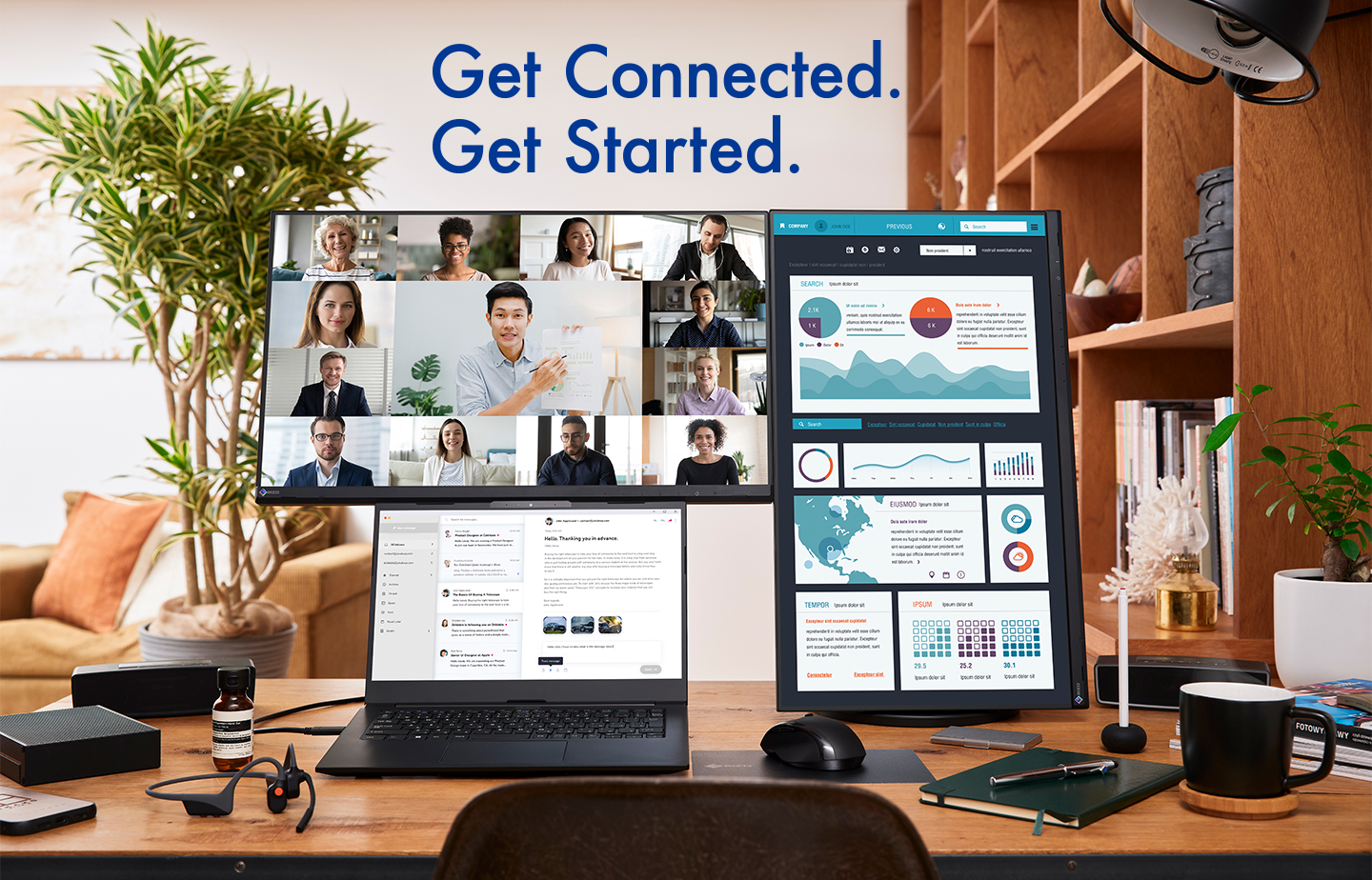
The monitor's USB Type-C connection supports daisy chaining for easily connecting multiple monitors from a single video signal output. This allows you to effortlessly connect up to four screens.
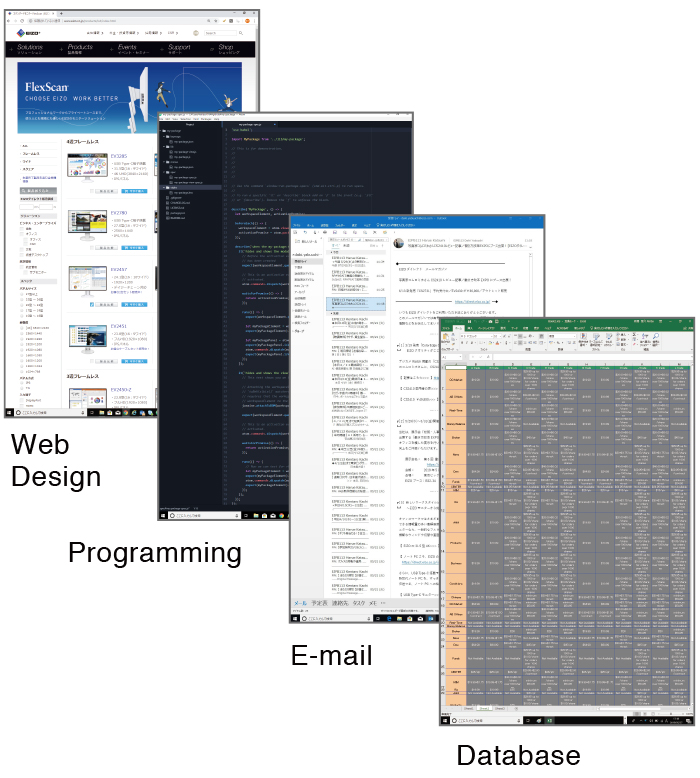
When using multiple applications, such as Outlook, Excel, or web conference on a laptop with a small screen, the windows overlap, often requiring you to switch between them. With multiple monitors, you can have large enough screen to display multiple applications simultaneously, allowing you to boost work efficiency.
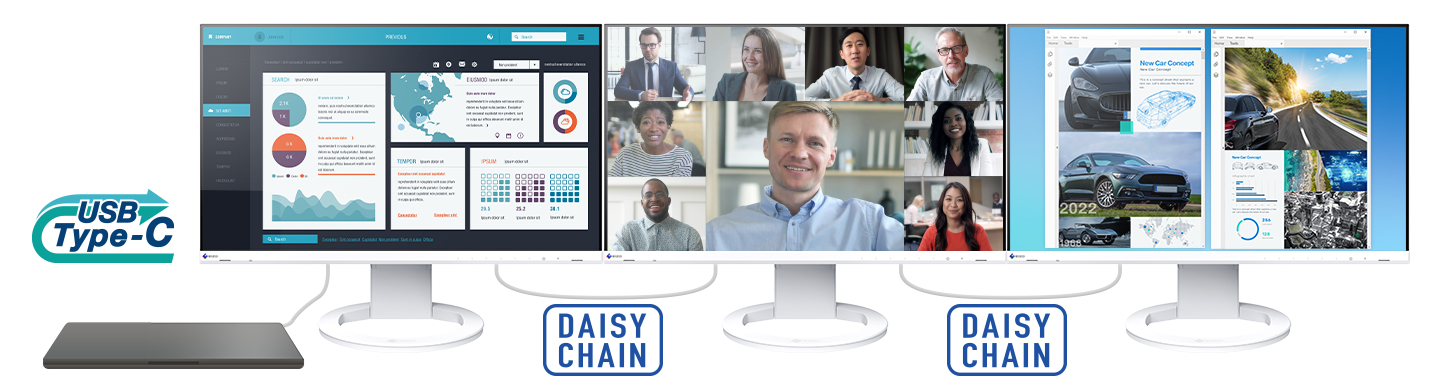
 What do I need to know about Daisy Chaining?
Learn how to connect monitors in a daisy chain in this easy guide. It covers the basics of daisy chain technology and how to set up your monitors for a clean and efficient environment.
Rest Assured with Compatibility Testing 
EIZO tests its monitors with modern PCs on the market to ensure they can support a daisy chain environment. See more on our compatibility page.
Convenient Connection and Comfortable to Use
The monitor makes connection to a PC convenient and includes various features and functions for working more comfortably.
Multiple Connectivity and Flexibility
The monitor is equipped with USB Type-C, DisplayPort, and HDMI® video inputs for flexible connection. It is convenient for use in offices that have a free address system, where employees do not have fixed seats and can freely use any available seat to work, or in open spaces where participants can bring their own laptops to meetings.
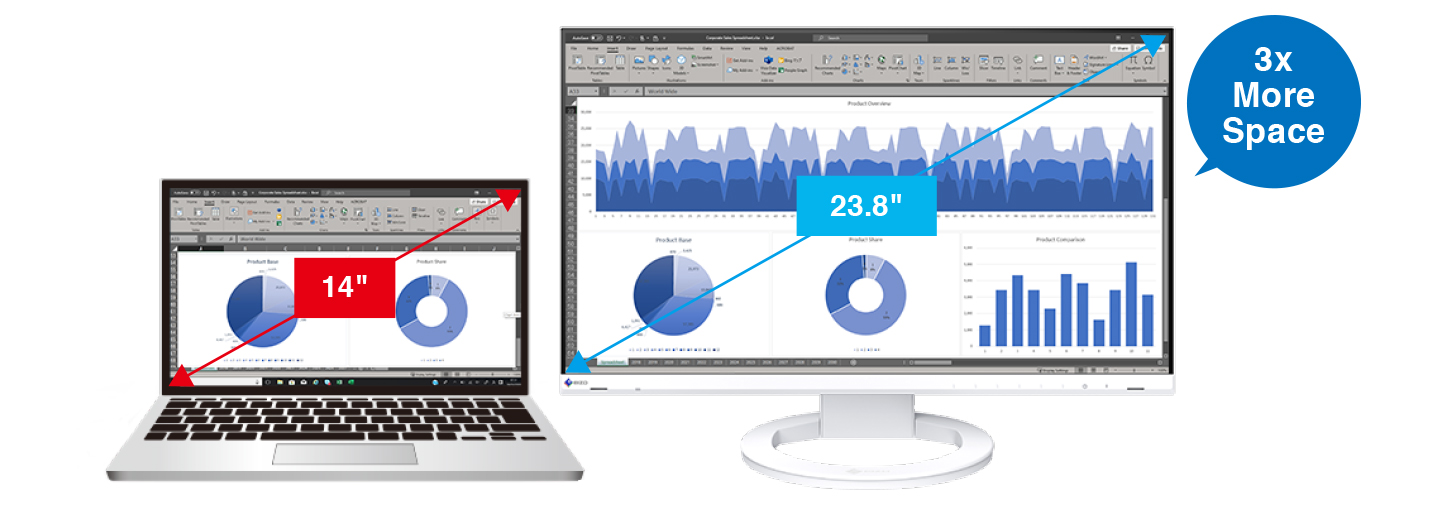
Improve Work Efficiency
The monitor is equipped with a 23.8-inch IPS panel with Full HD (1920 x 1080 pixels) resolution. When connected to a laptop, for example, the total available screen area is about three times that of a 14-inch laptop. This improves efficiency by allowing you to display more information at once instead of needing to frequently switch windows.
Comfortably Fits in Modest Workspaces
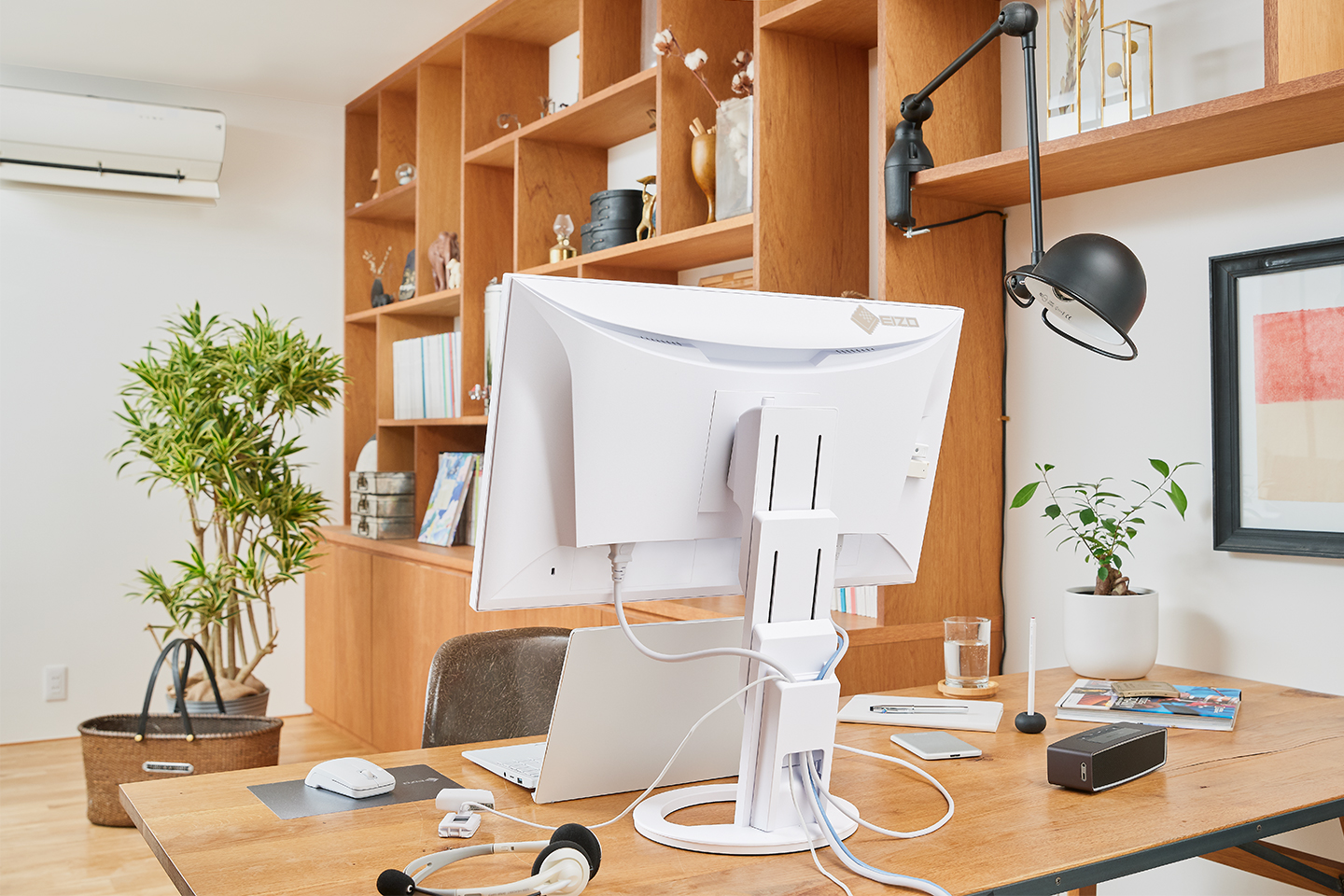
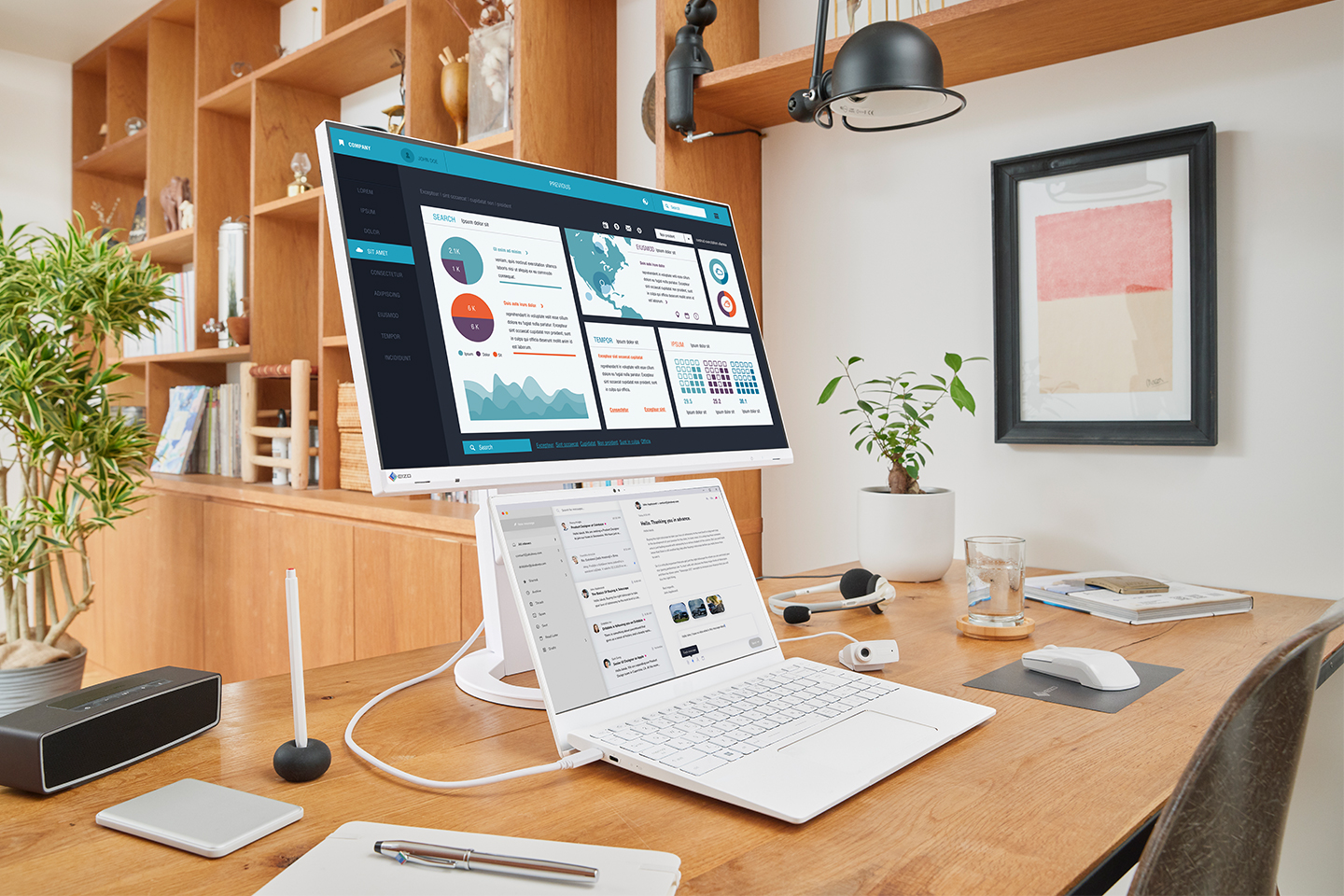
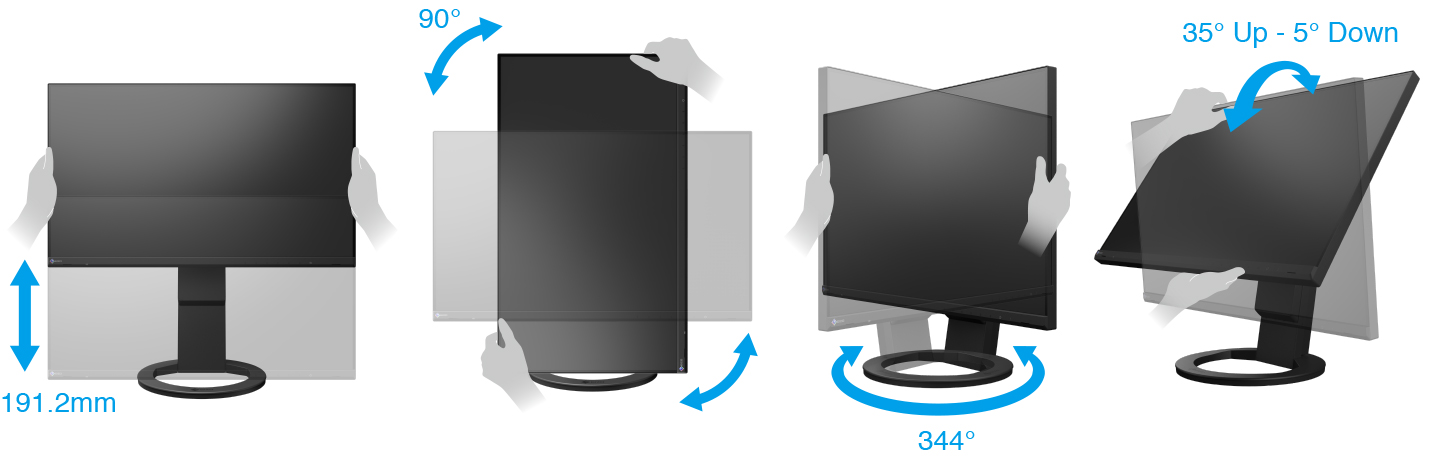
The monitor features a space-saving design with a width of 537.8 mm and a depth of 230 mm. With its small footprint, it fits neatly into even the most modest workspaces or home offices to save more desk space. In addition, the stand has a wide adjustable range of 191.2 mm, allowing you to comfortably place a laptop under the monitor for a quick and compact multi-screen configuration.
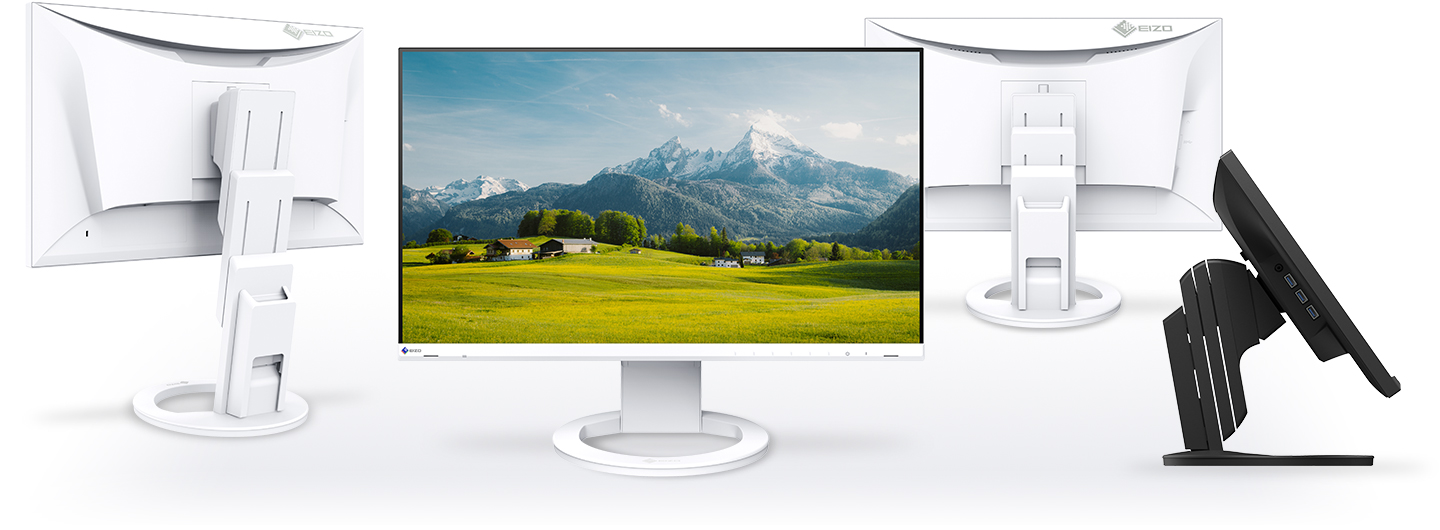
Versatile Stand for Optimal Positioning
The stand has a wide adjustment range, featuring height adjustment, tilt and swivel. This allows you to set the monitor to the perfect position, whether sitting or standing at your desk.
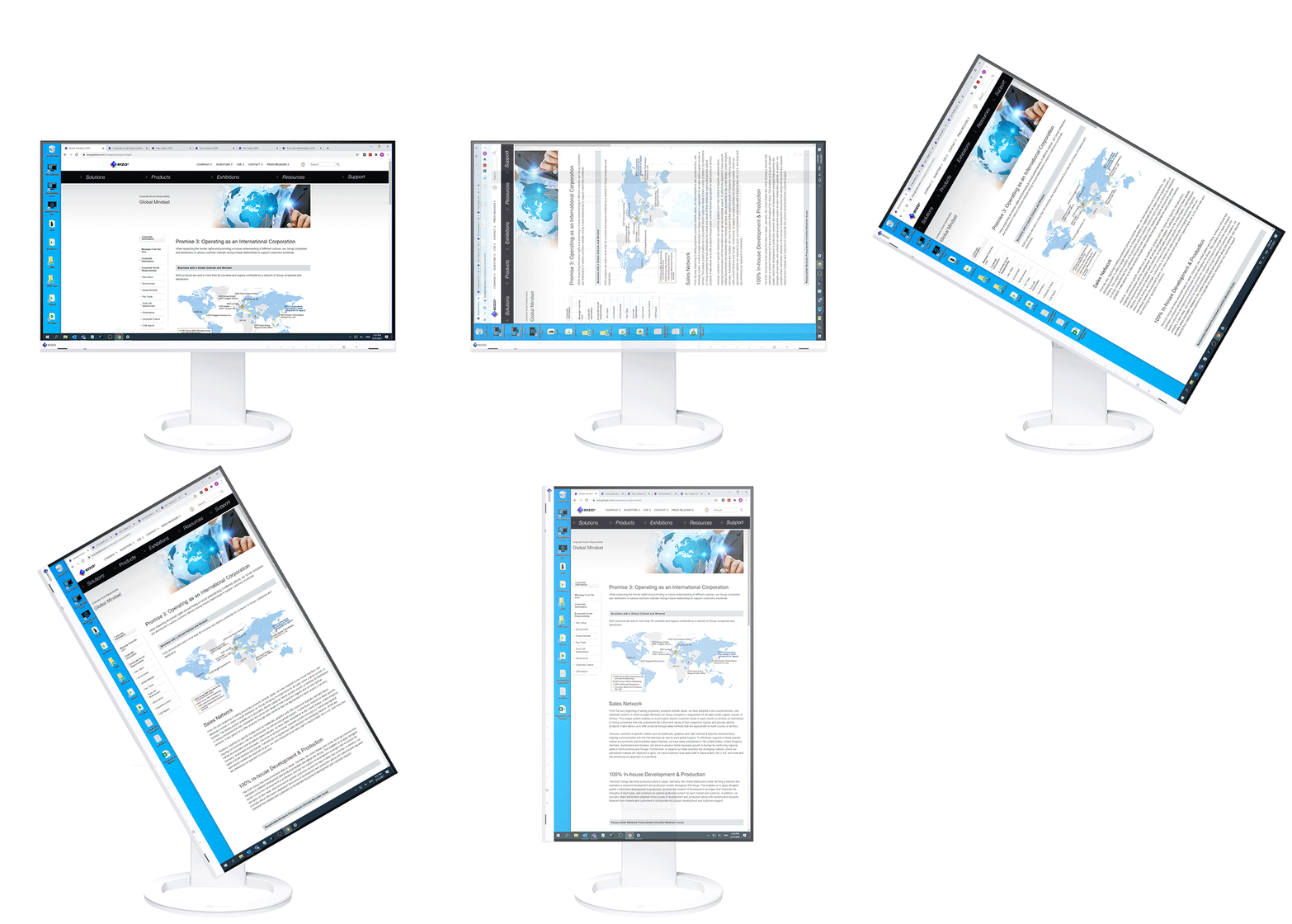
Portrait Mode for Vertical Viewing
The versatile stand allows you to rotate the monitor to portrait mode for reading long text documents or vertically optimized webpages and applications.
 |  |
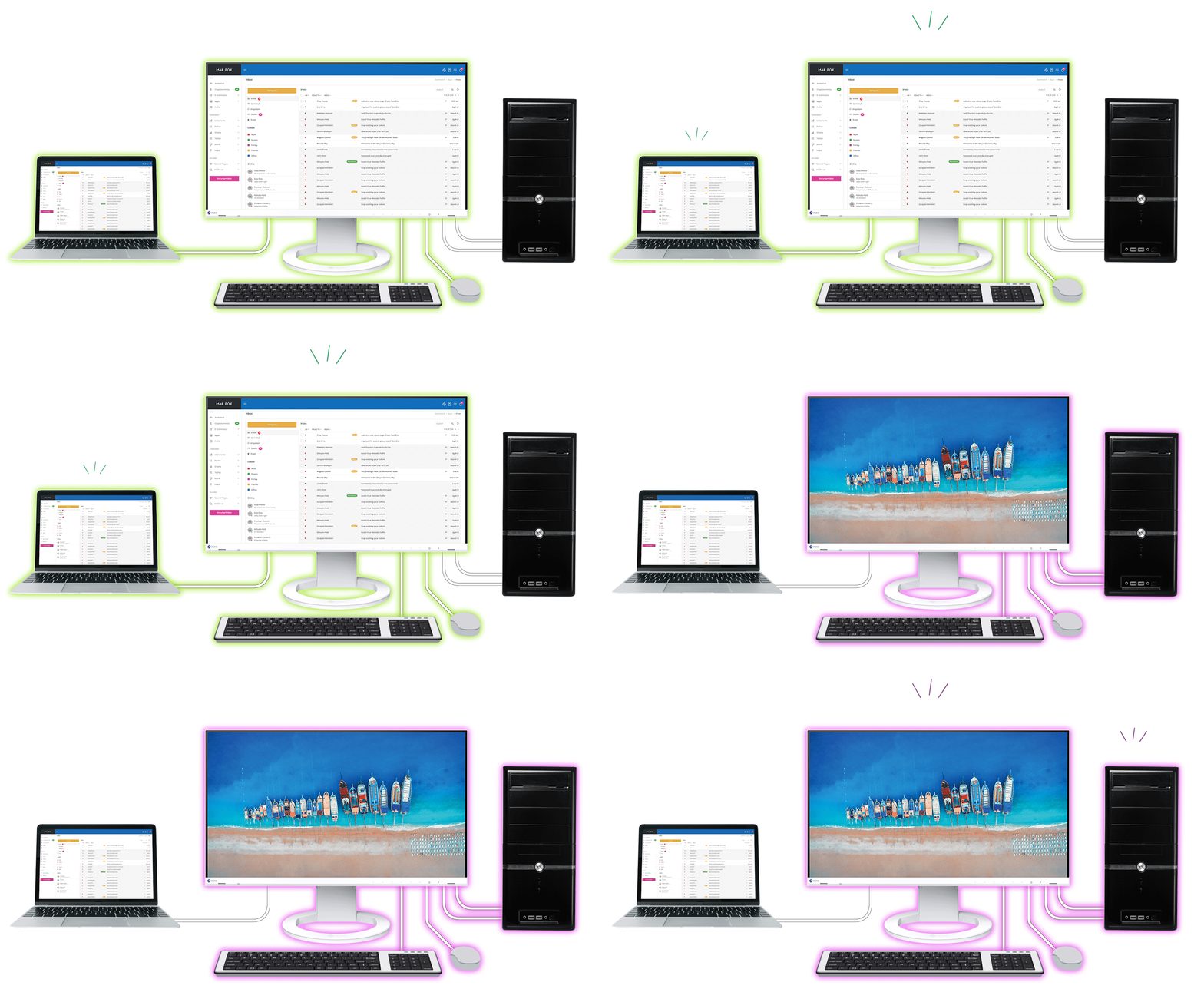
Built-In KVM Switch for Multiple PC Operation
The monitor's USB Type-B and Type-C upstream ports have a built-in KVM function, allowing users to use a single mouse and keyboard for up to two connected PCs for an even cleaner workspace. Furthermore, the peripherals connected to the monitor's USB hub and its network connection switch to the selected PC for a smooth operation on the selected computer.
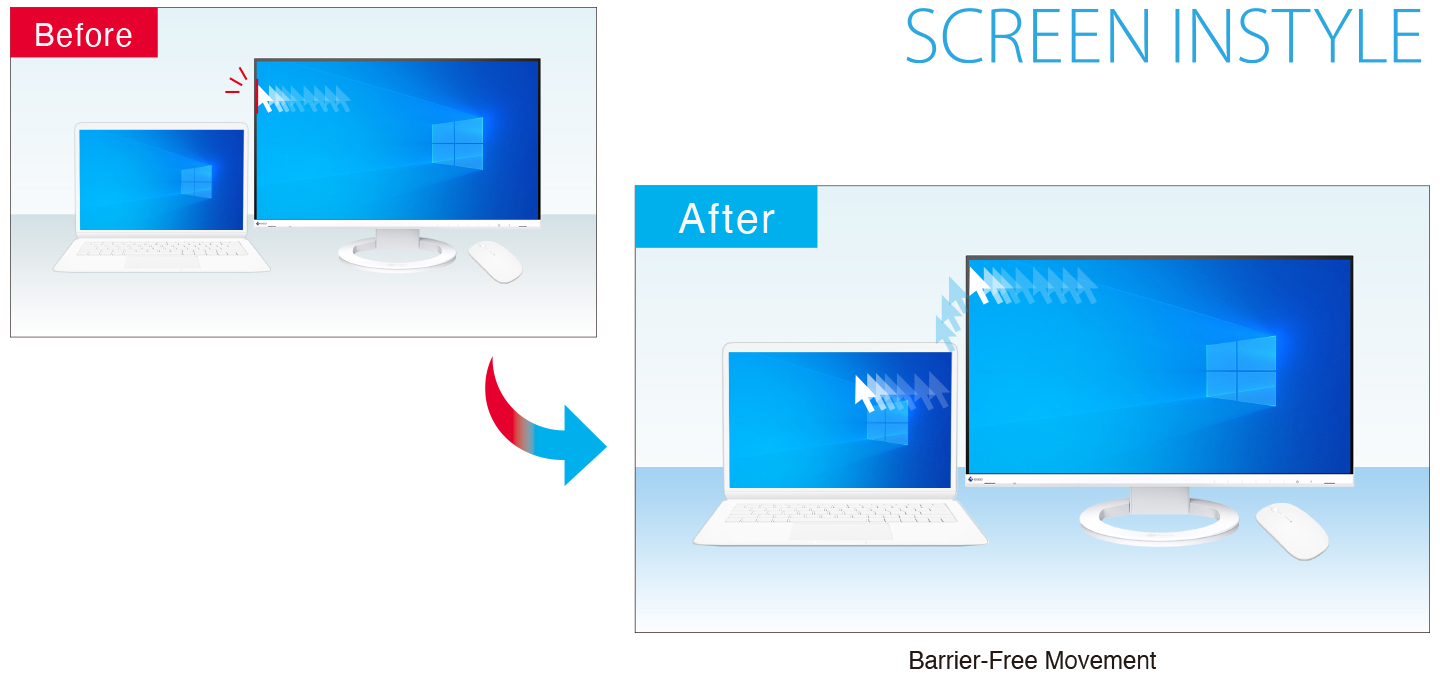
Streamlined Mouse Operation
The Mouse Point Utility function of EIZO's free Screen InStyle software provides an easy-to-see visual indicator that helps you quickly locate the cursor. It also allows you to move the cursor freely between monitors without the barrier typical of conventional multi-monitor setups.
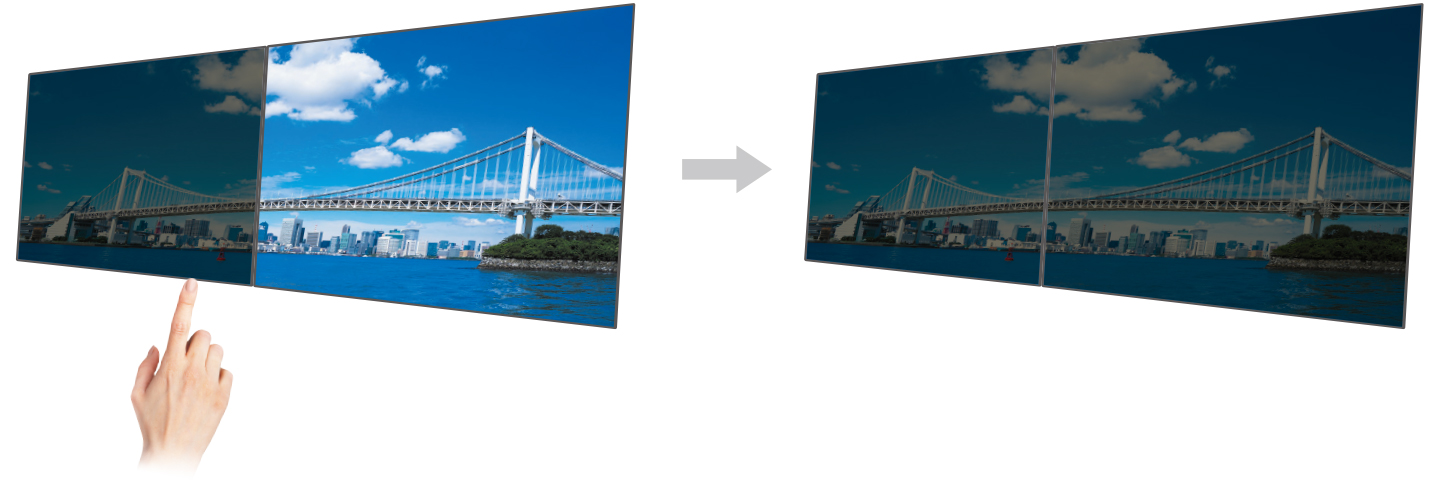
Synchronize Screen Adjustments
| Screen InStyle will apply any color adjustments you make to one monitor to the others on your desktop for consistent color across all screens. In addition, any changes detected by the brightness sensor of one monitor you assign will be applied uniformly to your other monitors. Furthermore, when daisy chaining multiple monitor monitors with USB Type-C, changes are conveniently reflected on all connected monitors automatically. |  Monitor Control Utility Monitor Control Utility |
Screen InStyle also has convenient functions for switching to your preferred display mode by active application and functions for managing multiple monitors from one location.
Aesthetically Pleasing Design
A monitor's aesthetic can go a long way in creating a more comfortable atmosphere. The monitor's minimalistic design and its ergonomic functions allow it to fit naturally in your work environment, whether you are in the office or at home.
Bezels that are Barely There
The monitor implements a virtually frameless design for a minimalistic aesthetic. There is very little distance between the display area and the bezels, making the monitor easy to blend in with the environment.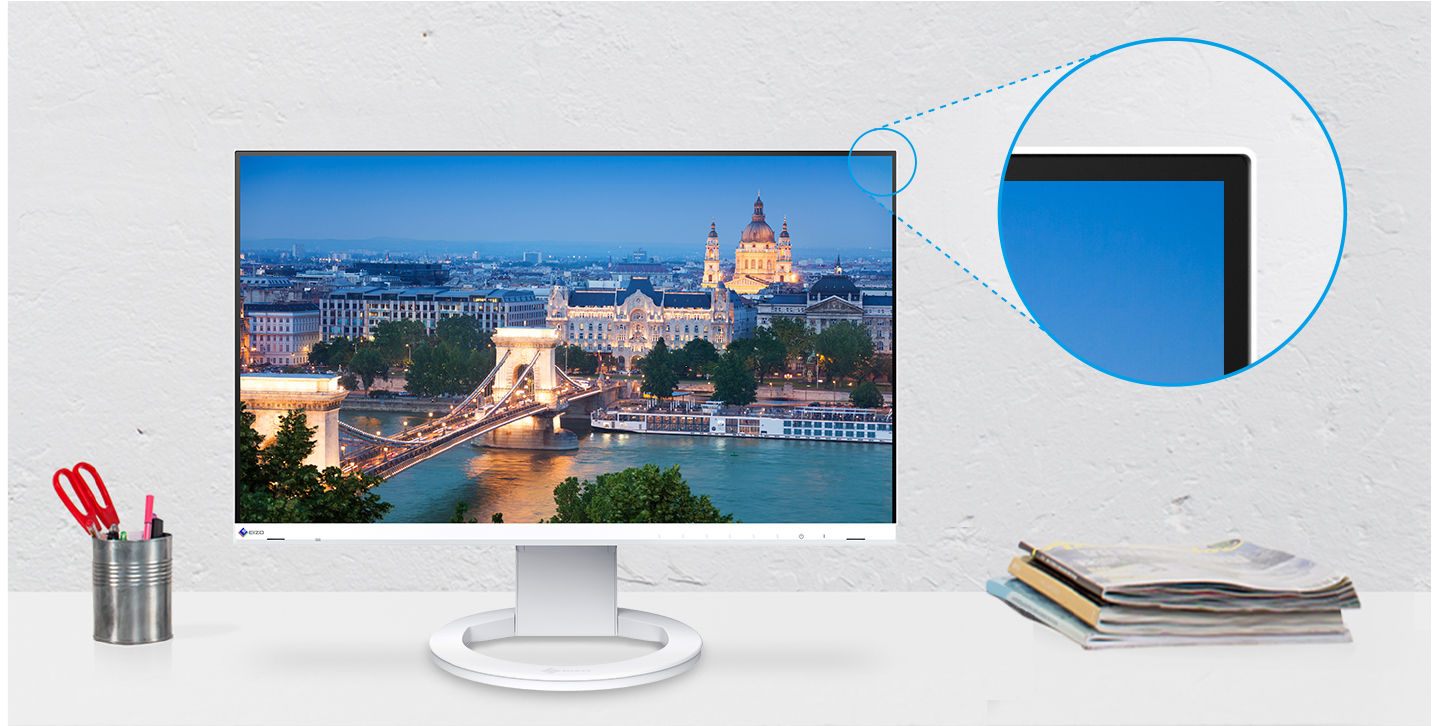
Color Coordination
Monitor cabinet is available in white or black and the aesthetically-pleasing design of the monitor extends to the stand and the cables. You can choose white for offices with a bright and gentle atmosphere, and black for offices with a chic and relaxed atmosphere.
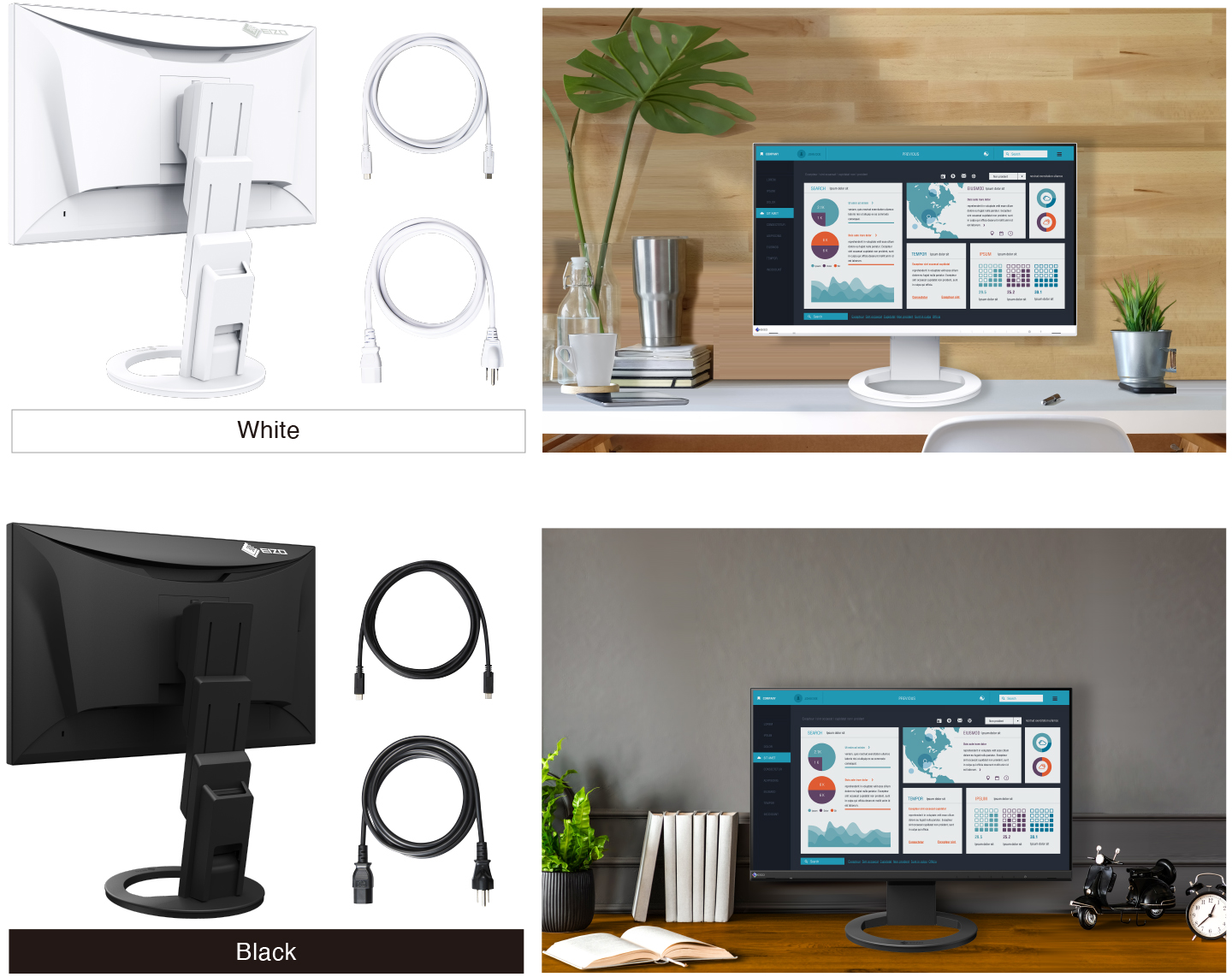

Scan the QR code using your smartphone or tablet
to see how EIZO fits into your environment with augmented reality.- Supported Models:
- iPhone 6s or later, iPad (5th generation or later)
ARCore supported Android devices - Supported Browsers:
- Safari, Chrome
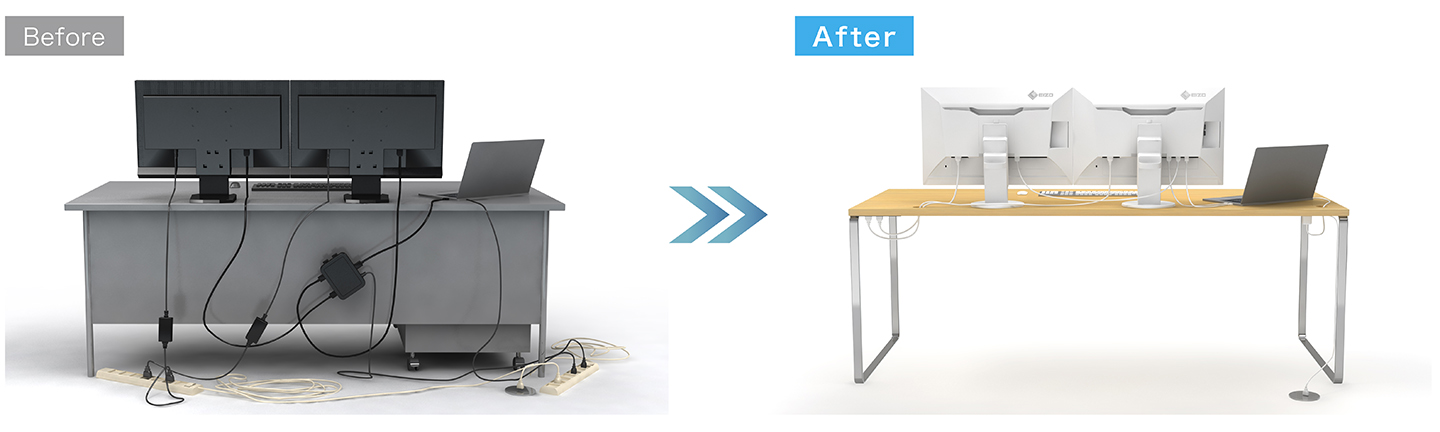
Reduce Cable Clutter with Daisy Chain
| Cable management becomes easier with USB Type-C. Multiple monitors can be connected in a daisy chain using the short 1 meter cable, CC100, tidying up the back of your desk for an even cleaner office aesthetic. | 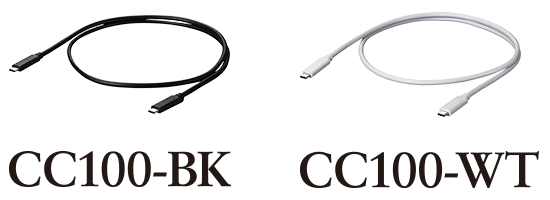 |
Free Up Your Workspace with a Stand Bracket
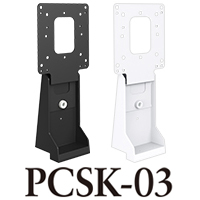
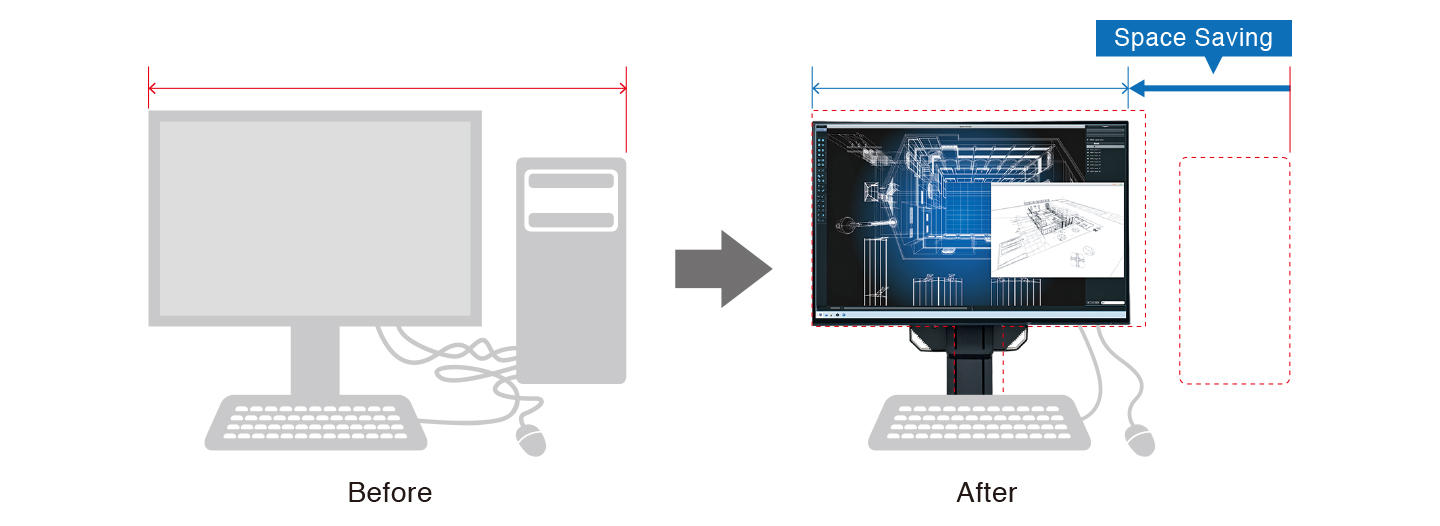
The PCSK-03 is a VESA-compliant bracket for easily mounting a client terminal such as a thin client or mini PC to the back of the monitor. The space the client terminal previously occupied is now freed up so you can make better use of your desktop. You can adjust the monitor's stand freely even with the client terminal attached.
Learn more about stand bracket for mini PC
Say Goodbye to Tired Eyes
The monitor is equipped with functions to help users concentrate on work by keeping their eyes comfortable throughout the day.

Auto Brightness Control
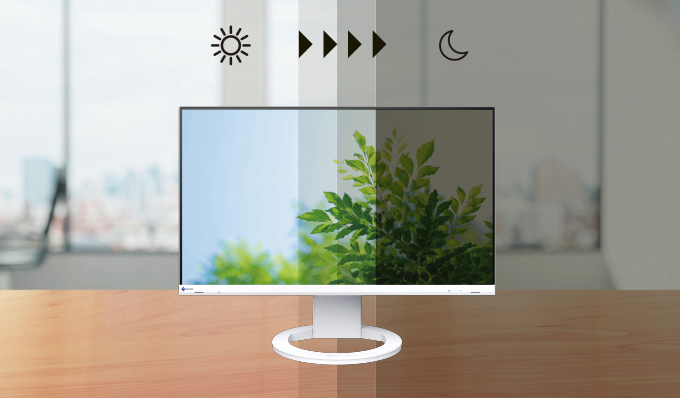
To prevent eye fatigue, a brightness sensor called Auto EcoView detects the changes in the ambient brightness that occurs throughout the day and automatically adjusts the screen to the ideal brightness level.
Clear View from All Angles
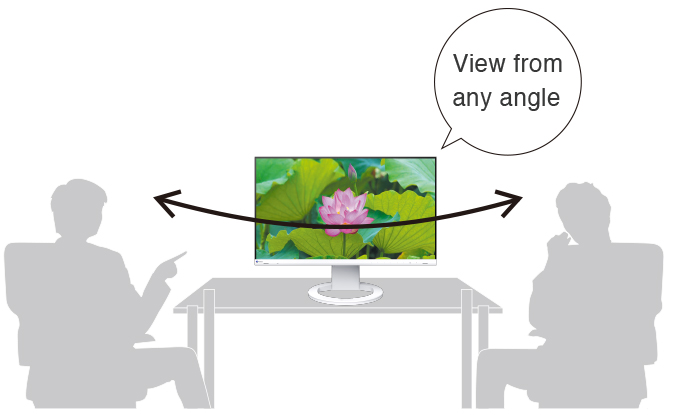
The monitor uses an LED-backlit IPS (in-plane switching) LCD panel with 178° viewing angle that minimizes color shift and contrast changes when viewing the screen at an angle. This means that two people sitting at the one computer can easily see the screen with high image quality.
Reduce Blue Light by 80%
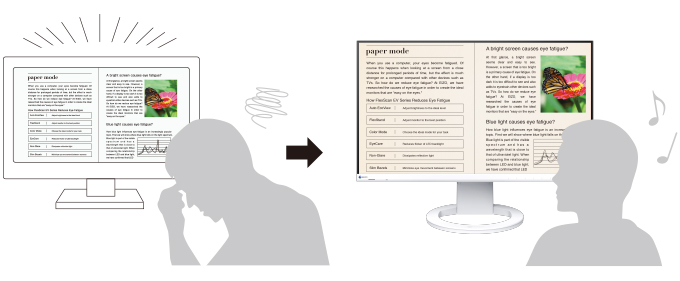
Printing work-related documents is becoming less common due to the increase in home offices, telecommuting, and stricter security measures. Paper Mode reduces the amount of blue light emitted by the monitor, helping to prevent eye fatigue when reading digital documents. When used in conjunction with the Auto EcoView dimming function, blue light is reduced by as much as 80%.
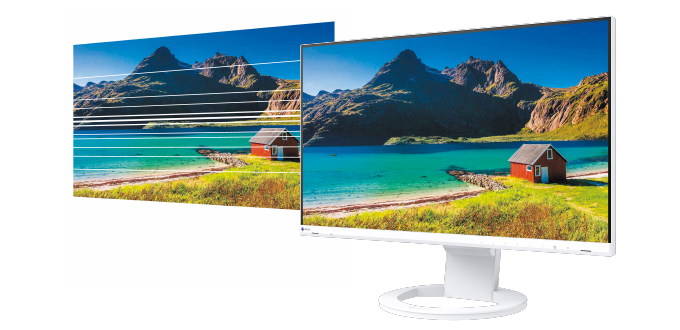
Flicker-Free Viewing
Due to the way brightness is controlled on LED backlights, a small number of people perceive flicker on their screen which causes eye fatigue. The monitor utilizes a hybrid solution to regulate brightness and make flicker unperceivable without any drawbacks like compromising color stability – even on low brightness settings.
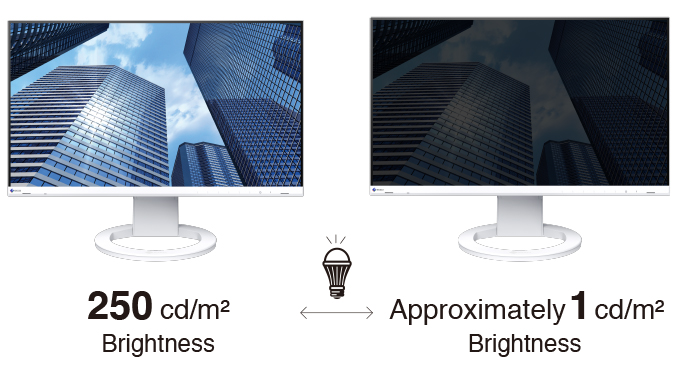
Minimum Brightness of 1 cd/m2
In a dimly-lit work environment, a monitor with low brightness settings is more comfortable to use. With its LED backlight, the monitor is adjustable to approximately 1 cd/m2 which is less than 1% of the maximum.
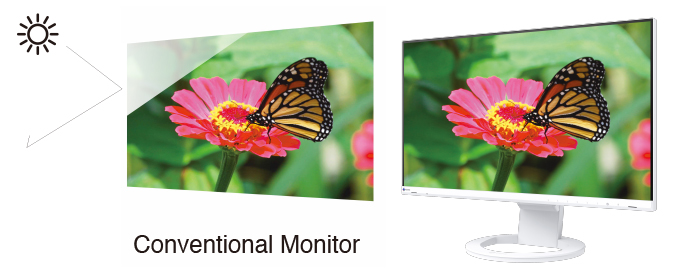
Non-Glare Panel
A non-glare panel reduces eye fatigue by dissipating reflective light that would otherwise make the screen difficult to view from different positions.
|  |
Commitment to Quality
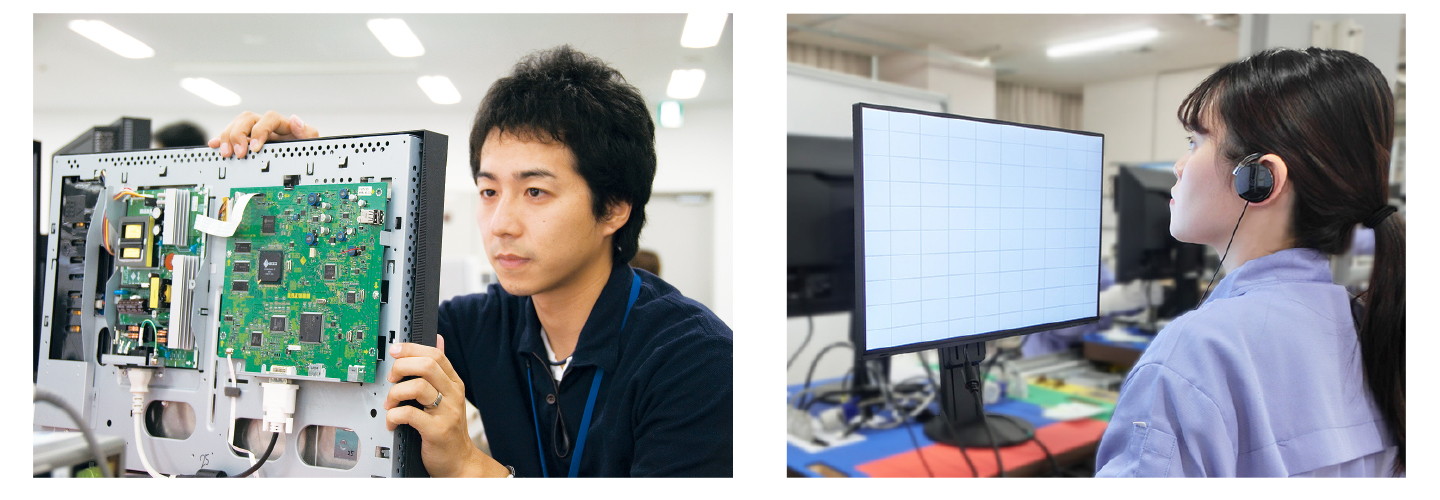
EIZO manufacturers its products at its own factories to allow close control over production quality and ensure each monitor is built to last.
Integrated Approach
Each FlexScan monitor is developed, manufactured, and quality-control tested in-house at EIZO's own factory to ensure every product is built to last.
Exceptional Image Reproduction
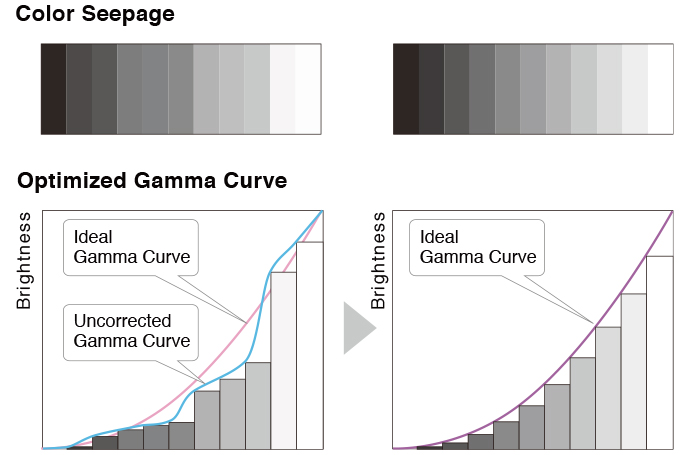
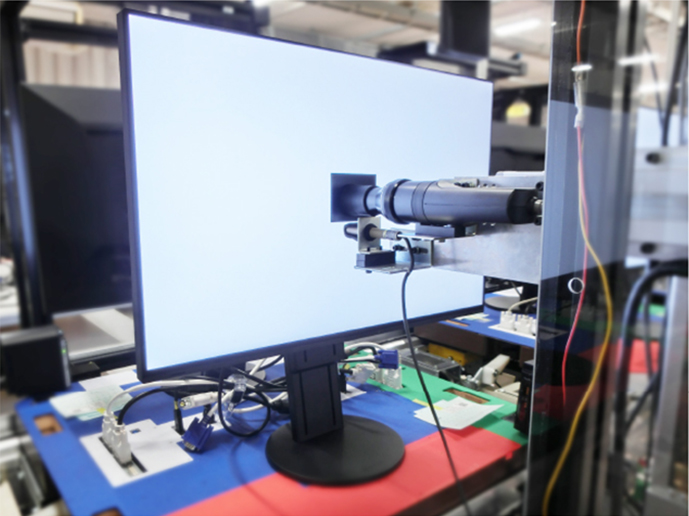
The monitor converts the data from an 8-bit input signal and selects the optimal gradations for smooth image display. Furthermore, each monitor is individually measured and adjusted at the factory prior to shipping for exceptional image quality out of the box.
 |  |
5-Year WarrantyFlexScan monitors are backed by a manufacturer's 5-year warranty that covers all components, including the LCD panel*. This is two years longer than the standard warranty of most conventional monitors, contributing to significantly lower product life cycle costs. |
| |
Zero Bright PixelsEIZO guarantees its FlexScan monitors will be free from bright sub-pixels for six months from the date of purchase.See our Bright Pixel Policy for details. |  |

More From Same Category
Asus 28" 4K UHD TN Gaming Monitor PB287Q

Asus 24" FHD TN 3D 144Hz Gaming Monitors VG248QE
Asus 21.5" FHD Gaming Monitors VP228H
Asus 21.5" FHD IPS Gaming Monitors VZ229H
Asus MB168B 15.6" HD Portable Gaming Monitor
Asus 25" FHD IPS Gaming Monitors MX259H
Asus 24" FHD IPS Gaming Monitors PA248Q
Asus 27" WQHD IPS Gaming Monitors PA27AC
Asus 32" UHD IPS Gaming Monitors PA329Q
Asus 29" UW-FHD IPS Gaming Monitors PB298Q
Asus 27" WQHD IPS Gaming Monitor ROG SWIFT PG279Q
Asus 27" WQHD TN Curved Nvidia Gaming Monitors PG27VQ
Asus ROG Swift 34" Curved Nvidia UWQHD IPS Gaming Monitors PG348Q
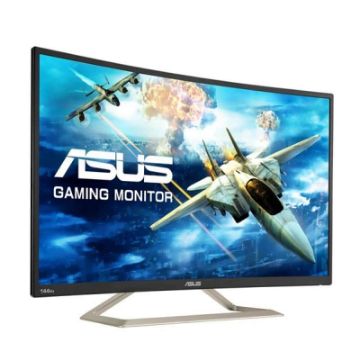
Asus 32" FHD VA Gaming Monitors VA326H
Asus 16" WXGA Gaming Monitors VT168H
Asus 24" FHD IPS Gaming Monitors VZ249H
Philips 21.5 inch Full HD Monitor - 223V7QHAB/94
Philips 21.5 inch Full HD IPS LCD Monitor - 223V7QHAW/94
Philips 21.5 inch FHD LCD Monitor - 226E9QHAB/94
Philips 24 inch Full HD IPS Ultra-Wide LCD Monitor - 246E9QJAB/94
Philips 27 inch LCD Monitor with Ultra Wide-Color - 276E9QJAB/94
ASUS ZenScreen GO 15.6" 16:9 Portable IPS Monitor - MB16AP

ASUS ROG Swift PG27UQ 27" 16:9 4K UHD IPS Gaming Monitor
ASUS XG27VQ 27" 16:9 Curved LCD Gaming Monitor
ASUS 27" 16:9 165 Hz Adaptive-Sync TN Gaming Monitor - VG278QR
ASUS 27" 16:9 IPS Monitor - VZ279HE
BenQ 24 inch IPS Monitor - GW2480T
BenQ 27 inch HDR FreeSync IPS Monitor - EW2780
Benq 27 inch LED Monitor - GW2780
BenQ 24 inch IPS Monitor - GW2480
ASUS 23.8" ROG Strix 16:9 240Hz FreeSync Gaming Monitor - XG248Q
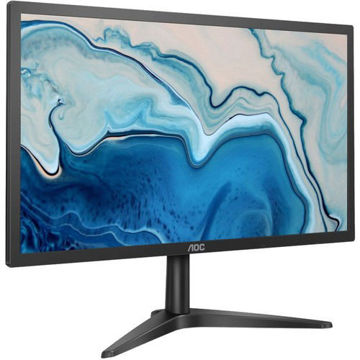
AOC 22B1HS 21.5" 16:9 IPS Monitor
AOC LCD Gaming monitor E970Swn5 - 18.5" Wide
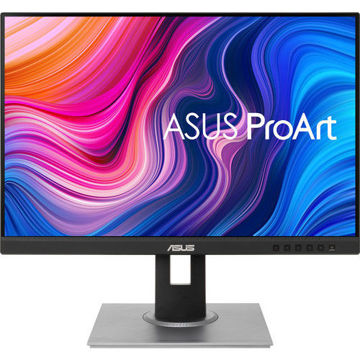
ASUS ProArt Display PA278QV 27" 16:9 Adaptive-Sync IPS Monitor
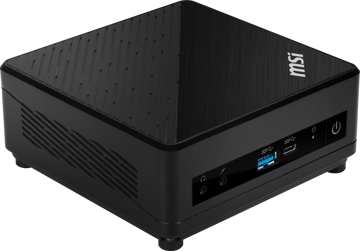
MSI Cubi 5 10M-238IN Mini Desktop Computer

MSI Cubi 5 10M-235IN Mini Desktop Computer
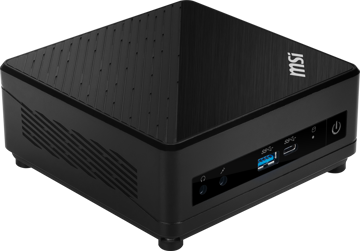
MSI Cubi 5 10M-236IN Mini Desktop Computer
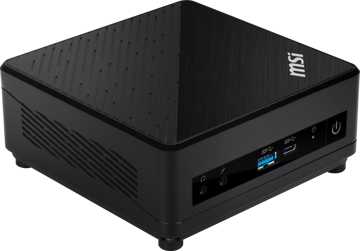
MSI Cubi 5 10M-237IN Mini Desktop Computer
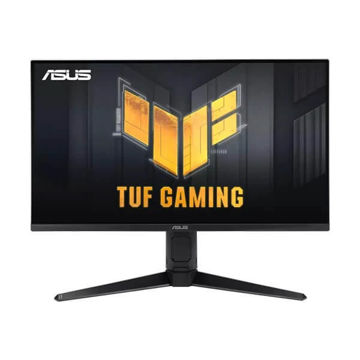
ASUS TUF Gaming VG28UQL1A Gaming Monitor
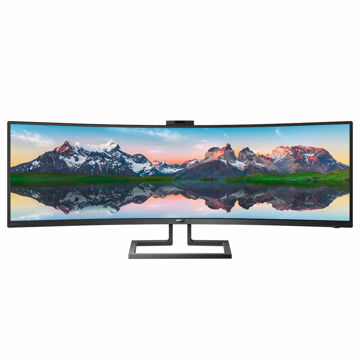
PHILIPS 49 inch Curved SuperWide Dual QHD LCD Display - 499P9H1/75
PHILIPS 32 inches QHD LCD Monitor - 325E8/94
PHILIPS 27 inch 4K UHD IPS Computer Monitor - 276E8VJSB/94
PHILIPS 18.5 inch Smart Control LCD Monitor - 193V5LSB2/94
PHILIPS 21.5 inch FHD LED Monitor - 221S8LHSB/94
Philips 22 inch FHD LCD Monitor - 222V8LA/94
PHILIPS 27 inch FHD LCD Monitor - 271V8/94
ASUS ROG Strix GL10 (6 Core 10th Gen Intel Core i5) - G10CE-51040F004T
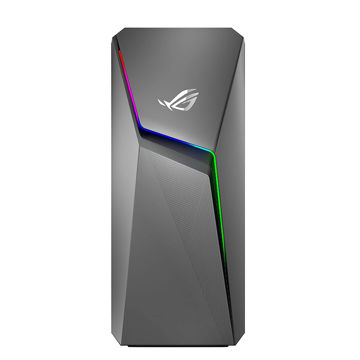
ASUS ROG Strix GL10 (6 Core AMD Ryzen 5-3600X) - G10DK-53600X016T
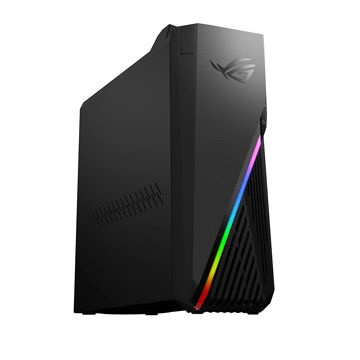
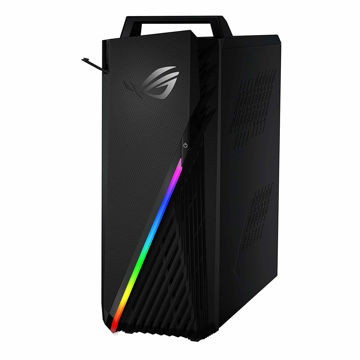
ASUS ROG Strix Desktop AMD RYZEN 7 - G15DH-IN050T
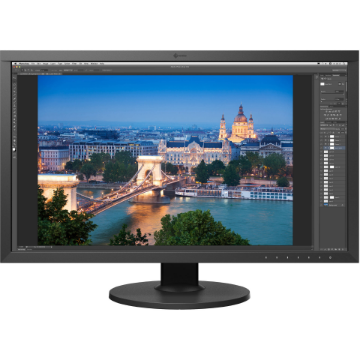
EIZO ColorEdge CS2731 27" 16:9 Wide Gamut IPS Monitor
EIZO ColorEdge CS2740 27" 16:9 Wide Gamut 4K IPS Monitor

EIZO ColorEdge CG2420 24" 16:10 Hardware Calibration IPS Monitor
EIZO ColorEdge CG2700S 27" HDR Monitor
EIZO ColorEdge CG2700X 27" 4K HDR Monitor
EIZO ColorEdge CG319X 4K 31.1" Hardware Calibration IPS Monitor
EIZO ColorEdge PROMINENCE CG3146 31.1" HDR Reference Monitor
EIZO ColorEdge Hood for CG2730 & CS2730 Widescreen Monitors (Black)
EIZO ColorEdge CH2400 Monitor Hood
EIZO ColorEdge EX4 Calibration Sensor
EIZO FlexScan EV2456 24.1" 16:10 IPS Monitor
EIZO FlexScan EV2495FX-BK 24.1" IPS Monitor with FlexStand
EIZO FlexScan EV2760 27" IPS Monitor with FlexStand
EIZO FlexScan EV2785 27" 4K IPS Monitor
EIZO FlexScan EV2795FX-BK 27" IPS Monitor with FlexStand
EIZO FlexScan EV3285 31.5" 4K IPS Monitor
EIZO FlexScan EV3895FX-BK 37.5" Ultrawide Curved IPS Monitor
EIZO FlexScan EV2360 22.5" Color LCD Monitor
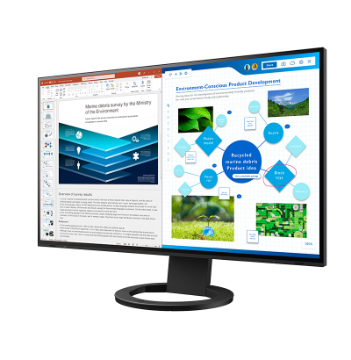
EIZO FlexScan EV2781 27" Color LCD Monitor
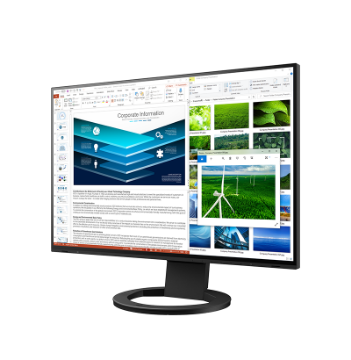
EIZO FlexScan EV2485 24.1" Color LCD Monitor
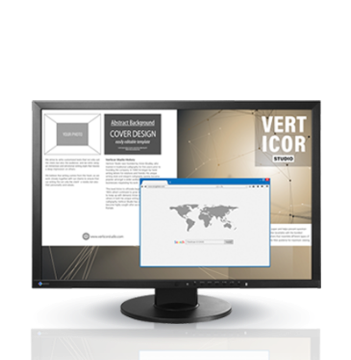
EIZO FlexScan EV2430 24.1" Color LCD Monitor
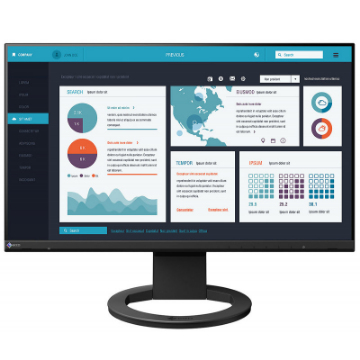
EIZO FlexScan EV2490 23.8" Color LCD Monitor
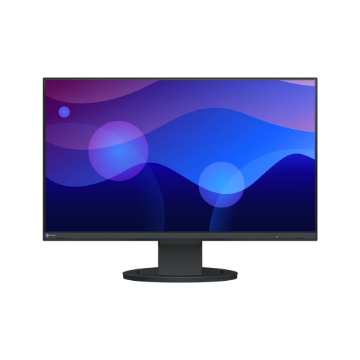
EIZO FlexScan EV2480 23.8" Color LCD Monitor
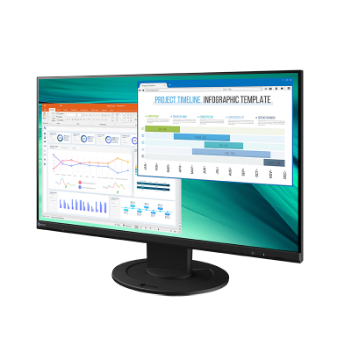
EIZO FlexScan EV2460 23.8" Color LCD Monitor
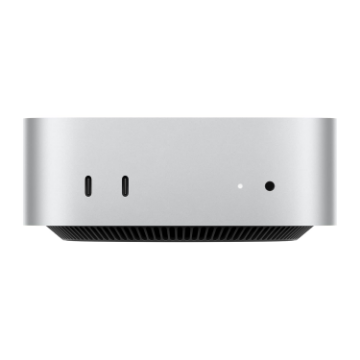
Apple Mac mini with M4 Chip (24GB RAM, 512GB SSD)
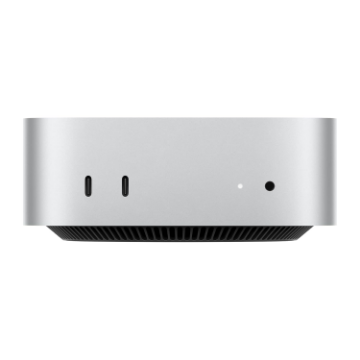
Apple Mac mini with M4 Chip (16GB RAM, 256GB SSD)
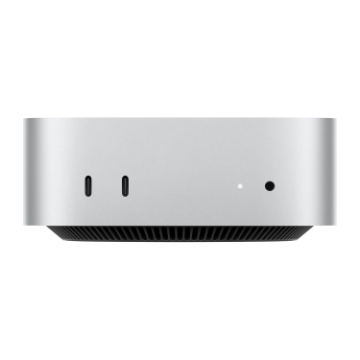
Apple Mac mini with M4 Chip (16GB RAM, 512GB SSD)
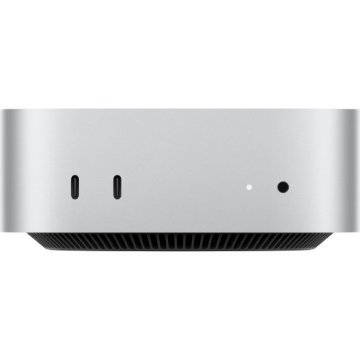
Apple Mac mini with M4 Pro Chip
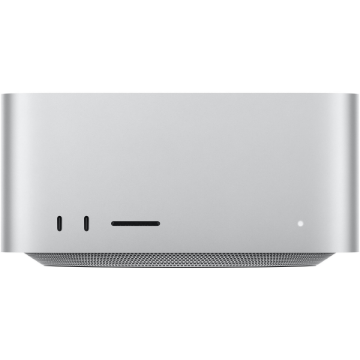
Apple Mac Studio with M3 Ultra
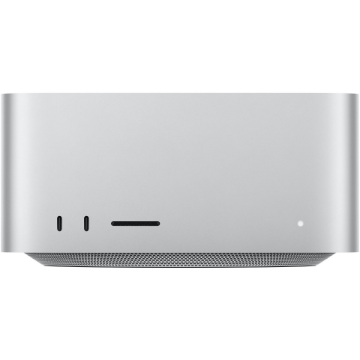
Apple Mac Studio with M4 Max
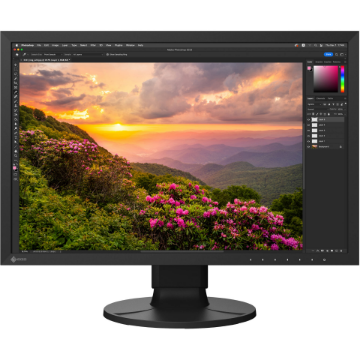
EIZO ColorEdge CS2400S 24.1" Monitor
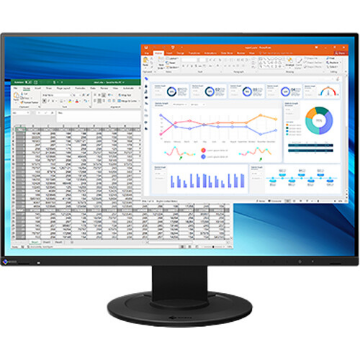
EIZO FlexScan EV2410R 24.1" Monitor
EIZO FlexScan EV2490 23.8" Color LCD Monitor

ZEISS Cleaning Fluid
EIZO FlexScan EV2430 24.1" Color LCD Monitor
EIZO FlexScan EV2485 24.1" Color LCD Monitor
EIZO FlexScan EV2781 27" Color LCD Monitor
EIZO FlexScan EV2360 22.5" Color LCD Monitor