
















































































































































































EIZO EV3285 Overview
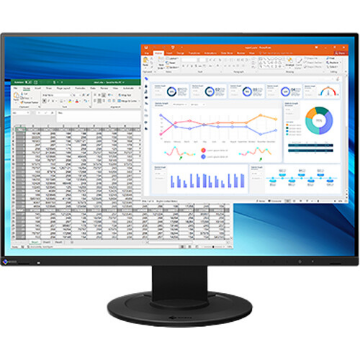
The black FlexScan EV3285 31.5" 16:9 IPS Monitor from EIZO will let you simultaneously display a great amount of applications on screen and thus increase your productivity, thanks to its large 31.5" display area. It features a native resolution of 3840 x 2160 with a 60 Hz refresh rate, In-Plane Switching (IPS) technology, 8-bit color support for 16.77 million colors, a 16:9 aspect ratio, a static contrast ratio of 1300:1, a brightness level of 350 nits, and a 5 ms (GtG) response time. Using the 178° horizontal and vertical viewing angles, it is possible to watch content from virtually any position. This display has one DisplayPort 1.2 port and two HDMI ports. If you'd like to take advantage of this display's USB capabilities, there is one USB 3.1 Gen 1 Type-C port that supports data transfers, DP Alt mode, and device charging up to 60W. Other peripherals can be connected using the two USB 3.1 Gen 1 Type-A ports, one of which supports device charging at 2.1A, while the other delivers 1.5A. Audio can be output using the dual integrated 1W stereo speakers or 3.5mm headphone jack.
EIZO has engineered the FlexScan EV3285 with features such as auto brightness control, flicker-free viewing, blue light reduction, an anti-glare panel, a minimum brightness of 1 nits for dim environments, and more. To further help improve viewing and accessibility, this display features a vertical tilt of -5 to 35°, a swivel of 344°, and a height adjustment of 7.7" when tilted at 35° and 5.9" with no tilt.
General Features
Quadruple the Size of Your Work Space
Because various applications are used at work, a high-resolution monitor with a large amount of work space is ideal for improving productivity. The EV3285 supports 4K resolution, displaying four times the amount of standard Full HD monitors. With 4K, you can display all applications on the one screen, without needing to switch windows or scroll through screens, allowing work to progress faster.
Fully Flat and Frameless Design
Conventional 4K monitors are large and bulky, making them difficult to install on small desks. The EV3285 solves this by adopting a fully flat and frameless design that keeps the monitor slim and lightweight. Compared to the previous model, the EV3285 has been reduced in volume by 17% and the stand base has decreased by 12%. With these reductions, the EV3285 can comfortably fit on most desks.
USB Type-C - One Cable Connection
When working on the go, a notebook system is essential. But when work needs to be done in the office, connecting a notebook to an external monitor is beneficial. With USB Type-C, the EV3285 helps simplify this style of working.
With a single USB Type-C cable you can transmit both video and audio signals, transfer data, and supply up to 60W of power to attached devices such as smartphones and notebooks. What's more, it has an internal power unit so no external AC adapter is required.
Without worrying about your notebook's battery level, you can simply plug it in and begin working immediately on a large external screen. Furthermore, a keyboard and mouse can be connected to the monitor and used once the notebook is plugged in via USB Type-C.
60W Power Supply via USB Type-C
The USB Type-C port supplies up to 60W of power, making it ideal for use with Dell's XPS, Apple's MacBook Pro, and other high-end notebooks.
Auto Brightness Control
To prevent eye fatigue, a brightness sensor called Auto EcoView detects the changes in the ambient brightness that occurs throughout the day and automatically adjusts the screen to the ideal brightness level.
Clear View from All Angles
The monitor uses an LED-backlit IPS (In-Plane Switching) LCD panel with 178° viewing angle and a 10-bit LUT that minimizes color shift and contrast changes when viewing the screen at an angle. This means that two people sitting at the one computer can see the screen with high image quality.
Reduce Blue Light
In the visible light spectrum, blue light has wavelengths adjacent to ultraviolet light. Compared to the factory preset setting of 6500K of typical LCD monitors, Paper Mode is closer to the spectral distribution with long reddish wavelengths, so it reduces the amount of blue light, a cause of eye fatigue, and helps prevent eyestrain when reading documents. When used in conjunction with Auto EcoView dimming function, blue light can be reduced by as much as 80%.
Flicker-Free Viewing
Due to the way brightness is controlled on LED backlights, a small number of people perceive flicker on their screen which causes eye fatigue. The FlexScan EV3285 utilizes a hybrid solution to regulate brightness and make flicker unperceivable without compromising color stability, even on low brightness settings.
Minimum Brightness of 1 cd/m<sup>2</sup>
In a dimly-lit work environment, a monitor with low brightness settings is more comfortable to use. With its LED backlight, this monitor is adjustable to approximately 1 nits, which is less than 1% of the maximum.
Anti-Glare Panel
An anti-glare panel reduces eye fatigue by dissipating reflective light that would otherwise make the screen difficult to view from different positions.
Versatile Stand
The stand features height adjustment, tilt, and swivel, while saving space and remaining stylish. Quickly and smoothly adjust your monitor to a suitable position.
Front-Facing Speakers
The EV3285 has speakers incorporated into the minimalist front bezel, ensuring that sound is focused on the user and not on people behind the monitor.
Auto Color Mode
Use the Auto Color Mode to assign a color mode to turn on when using specific applications such as those for writing documents, photo viewing, creating illustrations, or watching movies. When an application is opened, the screen will automatically switch to the assigned color mode, making manual switching unnecessary.
Hotkey Assignment
When you have two systems connected to your monitor, switch between them with just your keyboard. Even when using picture-by-picture, signals can be switched quickly and easily. Other functions allow you to control blue light over time and control multiple monitors at once.
Effectively Monitor Asset Management
With Screen InStyle Server, receive information such as the model name and serial number of any monitor connected to your network. Additionally, see information from the computer that each monitor is connected to, such as the OS, IP address, and computer name.
Manage Multiple Monitors from One Location
Control multiple monitors' settings, such as color mode, brightness, and eco functions from a remote location. Furthermore, prevent unintended setting changes by locking the operation switch.
USB Type-C, DisplayPort, and Dual HDMI Ports
One USB Type-C port, one DisplayPort input, and two HDMI inputs compatible with 4K / 60p are installed. The USB Type-C port is convenient for connecting a notebook computer because it is easy to attach and detach the cable and can also supply power. All input terminals support 4K / 60p and animation is displayed smoothly.
Display Multiple Inputs with Picture-by-Picture and Picture-in-Picture
With Picture-by-Picture and Picture-in-Picture, you can view data from two input sources at once, such as a Windows and a Mac computer with no distracting bezel in between. This is useful for meetings where two different people's meeting materials can be shown together on the one screen.
Free Up Your Workspace with a Stand Bracket
The PCSK-03 is a VESA-compliant bracket for easily mounting a client terminal such as a thin client or mini PC to the back of the monitor's stand. The space the client terminal previously occupied is now freed up so you can make better use of your desktop. Even with the client terminal attached, you can adjust the monitor's stand freely.
More From Same Category
Asus 28" 4K UHD TN Gaming Monitor PB287Q

Asus 24" FHD TN 3D 144Hz Gaming Monitors VG248QE
Asus 21.5" FHD Gaming Monitors VP228H
Asus 21.5" FHD IPS Gaming Monitors VZ229H

Asus MB168B 15.6" HD Portable Gaming Monitor
Asus 25" FHD IPS Gaming Monitors MX259H
Asus 24" FHD IPS Gaming Monitors PA248Q
Asus 27" WQHD IPS Gaming Monitors PA27AC
Asus 32" UHD IPS Gaming Monitors PA329Q
Asus 29" UW-FHD IPS Gaming Monitors PB298Q
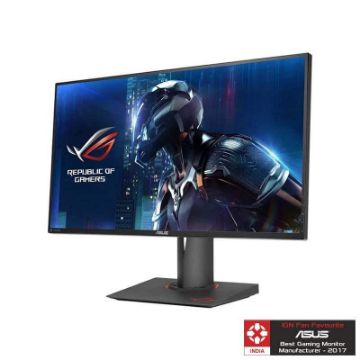
Asus 27" WQHD IPS Gaming Monitor ROG SWIFT PG279Q
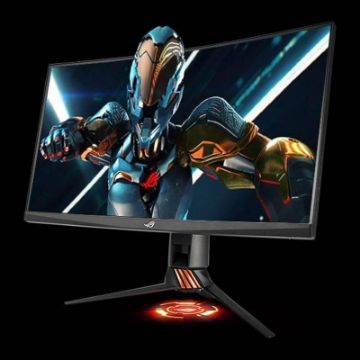
Asus 27" WQHD TN Curved Nvidia Gaming Monitors PG27VQ
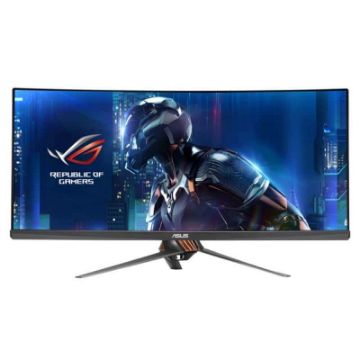
Asus ROG Swift 34" Curved Nvidia UWQHD IPS Gaming Monitors PG348Q
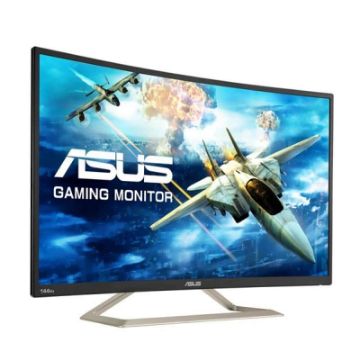
Asus 32" FHD VA Gaming Monitors VA326H
Asus 16" WXGA Gaming Monitors VT168H
Asus 24" FHD IPS Gaming Monitors VZ249H
Philips 21.5 inch Full HD Monitor - 223V7QHAB/94
Philips 21.5 inch Full HD IPS LCD Monitor - 223V7QHAW/94
Philips 21.5 inch FHD LCD Monitor - 226E9QHAB/94
Philips 24 inch Full HD IPS Ultra-Wide LCD Monitor - 246E9QJAB/94
Philips 27 inch LCD Monitor with Ultra Wide-Color - 276E9QJAB/94
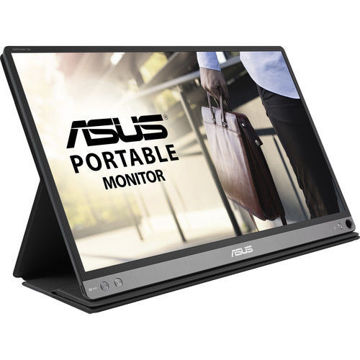
ASUS ZenScreen GO 15.6" 16:9 Portable IPS Monitor - MB16AP

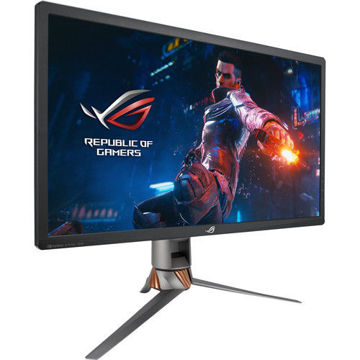
ASUS ROG Swift PG27UQ 27" 16:9 4K UHD IPS Gaming Monitor
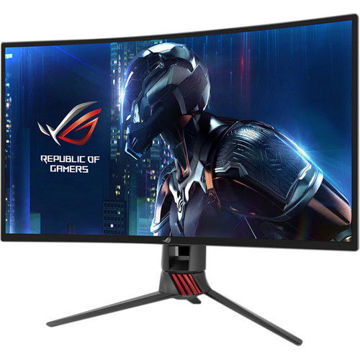
ASUS XG27VQ 27" 16:9 Curved LCD Gaming Monitor
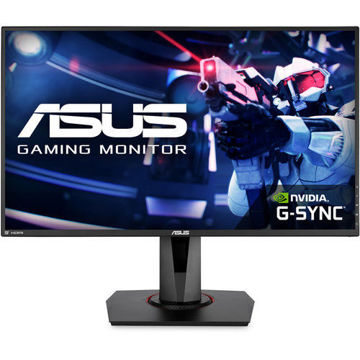
ASUS 27" 16:9 165 Hz Adaptive-Sync TN Gaming Monitor - VG278QR
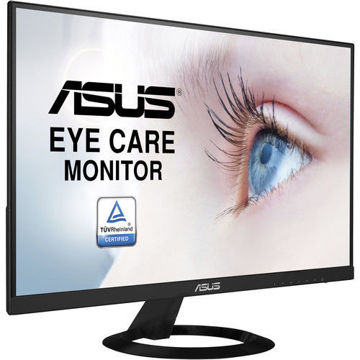
ASUS 27" 16:9 IPS Monitor - VZ279HE
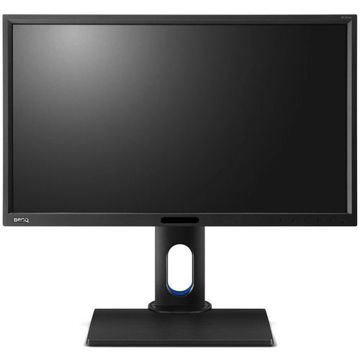
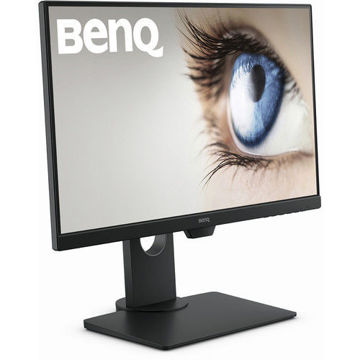
BenQ 24 inch IPS Monitor - GW2480T
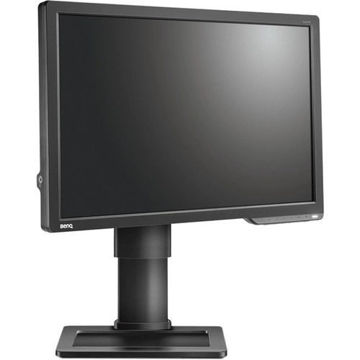
BenQ 27 inch HDR FreeSync IPS Monitor - EW2780
Benq 27 inch LED Monitor - GW2780
BenQ 24 inch IPS Monitor - GW2480
ASUS 23.8" ROG Strix 16:9 240Hz FreeSync Gaming Monitor - XG248Q
AOC 22B1HS 21.5" 16:9 IPS Monitor
AOC LCD Gaming monitor E970Swn5 - 18.5" Wide
ASUS ProArt Display PA278QV 27" 16:9 Adaptive-Sync IPS Monitor
MSI Cubi 5 10M-238IN Mini Desktop Computer

MSI Cubi 5 10M-235IN Mini Desktop Computer
MSI Cubi 5 10M-236IN Mini Desktop Computer
MSI Cubi 5 10M-237IN Mini Desktop Computer
ASUS TUF Gaming VG28UQL1A Gaming Monitor
PHILIPS 49 inch Curved SuperWide Dual QHD LCD Display - 499P9H1/75
PHILIPS 32 inches QHD LCD Monitor - 325E8/94
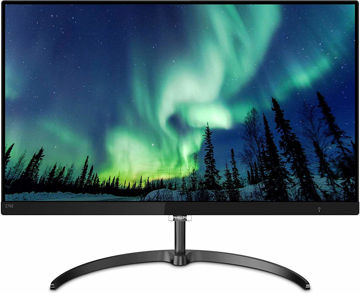
PHILIPS 27 inch 4K UHD IPS Computer Monitor - 276E8VJSB/94
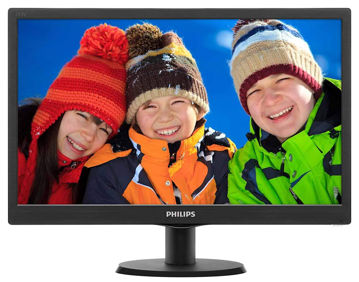
PHILIPS 18.5 inch Smart Control LCD Monitor - 193V5LSB2/94
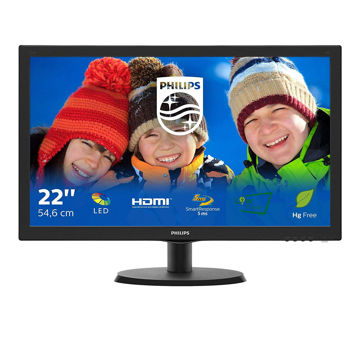
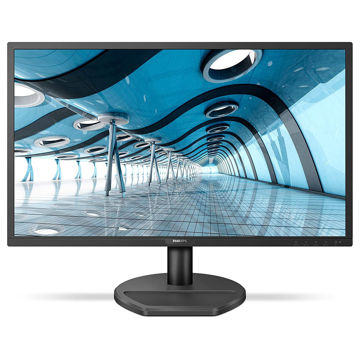
PHILIPS 21.5 inch FHD LED Monitor - 221S8LHSB/94
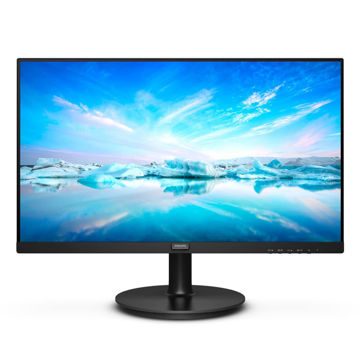
Philips 22 inch FHD LCD Monitor - 222V8LA/94
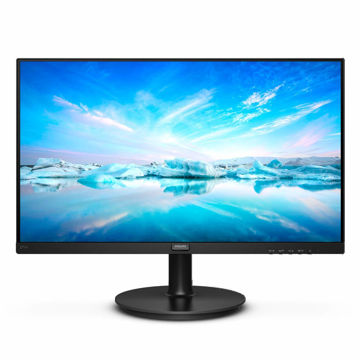
PHILIPS 27 inch FHD LCD Monitor - 271V8/94
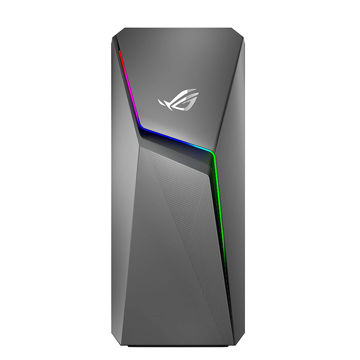
ASUS ROG Strix GL10 (6 Core 10th Gen Intel Core i5) - G10CE-51040F004T
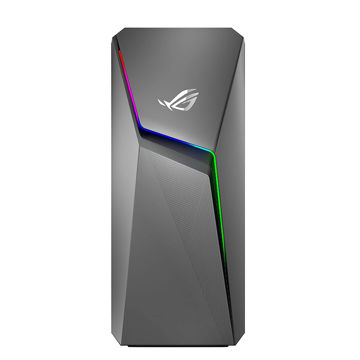
ASUS ROG Strix GL10 (6 Core AMD Ryzen 5-3600X) - G10DK-53600X016T
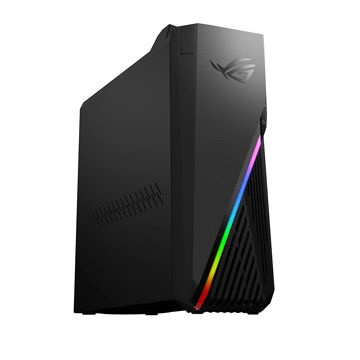
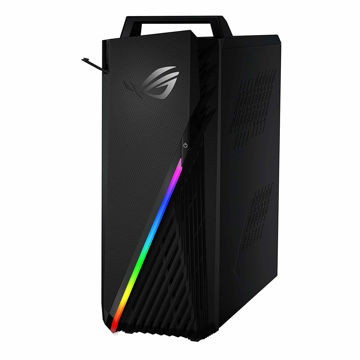
ASUS ROG Strix Desktop AMD RYZEN 7 - G15DH-IN050T
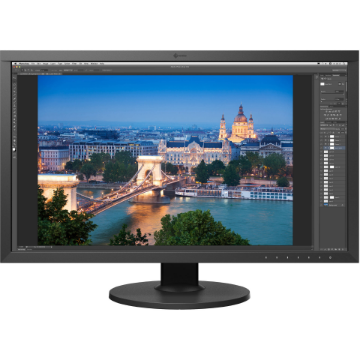
EIZO ColorEdge CS2731 27" 16:9 Wide Gamut IPS Monitor
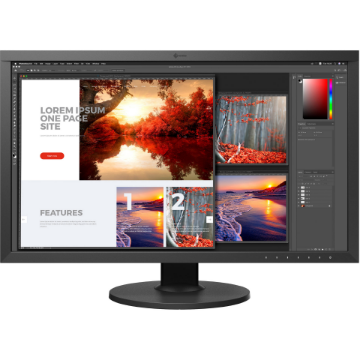
EIZO ColorEdge CS2740 27" 16:9 Wide Gamut 4K IPS Monitor

EIZO ColorEdge CG2420 24" 16:10 Hardware Calibration IPS Monitor
EIZO ColorEdge CG2700S 27" HDR Monitor
EIZO ColorEdge CG2700X 27" 4K HDR Monitor
EIZO ColorEdge CG319X 4K 31.1" Hardware Calibration IPS Monitor
EIZO ColorEdge PROMINENCE CG3146 31.1" HDR Reference Monitor
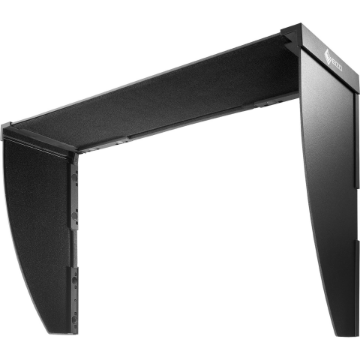
EIZO ColorEdge Hood for CG2730 & CS2730 Widescreen Monitors (Black)
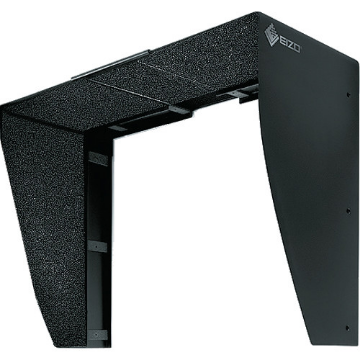
EIZO ColorEdge CH2400 Monitor Hood
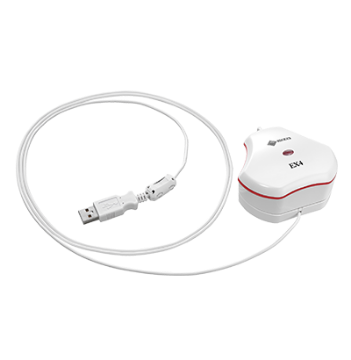
EIZO ColorEdge EX4 Calibration Sensor
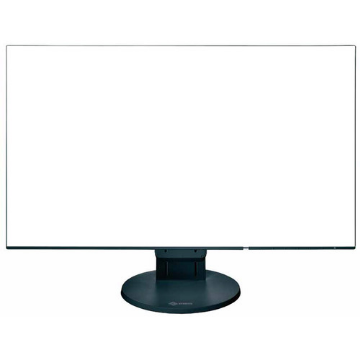
EIZO FlexScan EV2456 24.1" 16:10 IPS Monitor
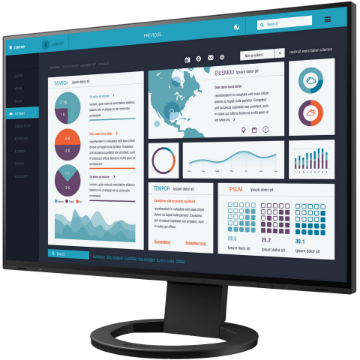
EIZO FlexScan EV2495FX-BK 24.1" IPS Monitor with FlexStand
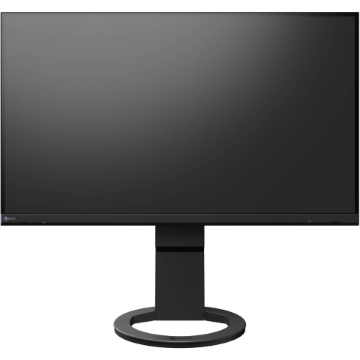
EIZO FlexScan EV2760 27" IPS Monitor with FlexStand
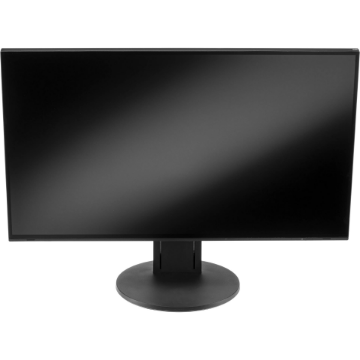
EIZO FlexScan EV2785 27" 4K IPS Monitor
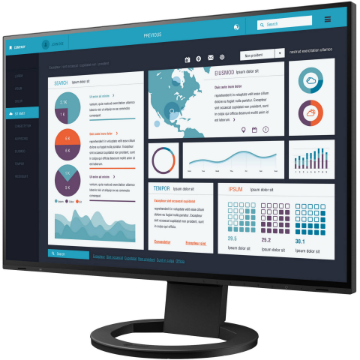
EIZO FlexScan EV2795FX-BK 27" IPS Monitor with FlexStand
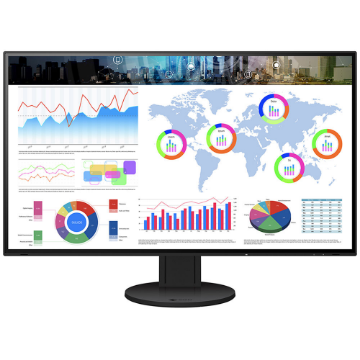
EIZO FlexScan EV3285 31.5" 4K IPS Monitor
EIZO FlexScan EV3895FX-BK 37.5" Ultrawide Curved IPS Monitor
EIZO FlexScan EV2360 22.5" Color LCD Monitor
EIZO FlexScan EV2781 27" Color LCD Monitor
EIZO FlexScan EV2485 24.1" Color LCD Monitor
EIZO FlexScan EV2430 24.1" Color LCD Monitor
EIZO FlexScan EV2490 23.8" Color LCD Monitor
EIZO FlexScan EV2480 23.8" Color LCD Monitor
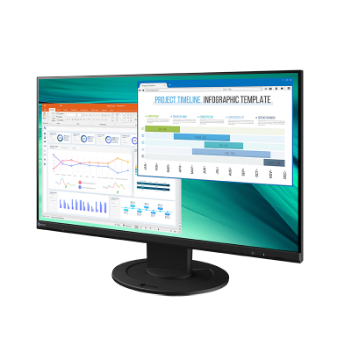
EIZO FlexScan EV2460 23.8" Color LCD Monitor
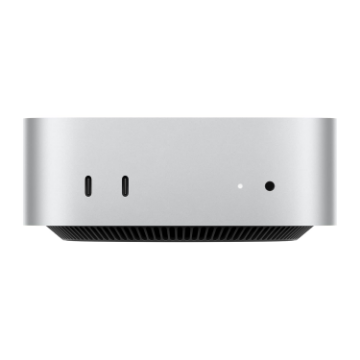
Apple Mac mini with M4 Chip (24GB RAM, 512GB SSD)
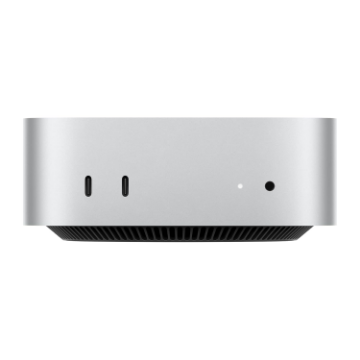
Apple Mac mini with M4 Chip (16GB RAM, 256GB SSD)
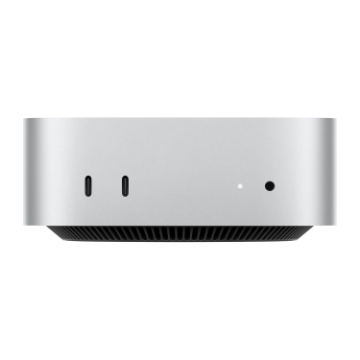
Apple Mac mini with M4 Chip (16GB RAM, 512GB SSD)
Apple Mac mini with M4 Pro Chip
Apple Mac Studio with M3 Ultra
Apple Mac Studio with M4 Max
EIZO ColorEdge CS2400S 24.1" Monitor
EIZO FlexScan EV2410R 24.1" Monitor
EIZO FlexScan EV3285 31.5" 4K IPS Monitor
EIZO FlexScan EV2795FX-BK 27" IPS Monitor with FlexStand
EIZO FlexScan EV2785 27" 4K IPS Monitor
EIZO FlexScan EV2760 27" IPS Monitor with FlexStand
EIZO ColorEdge PROMINENCE CG3146 31.1" HDR Reference Monitor
Payment may not go through because of the value of the Monitor, contact us to split the payment into multiple parts.